

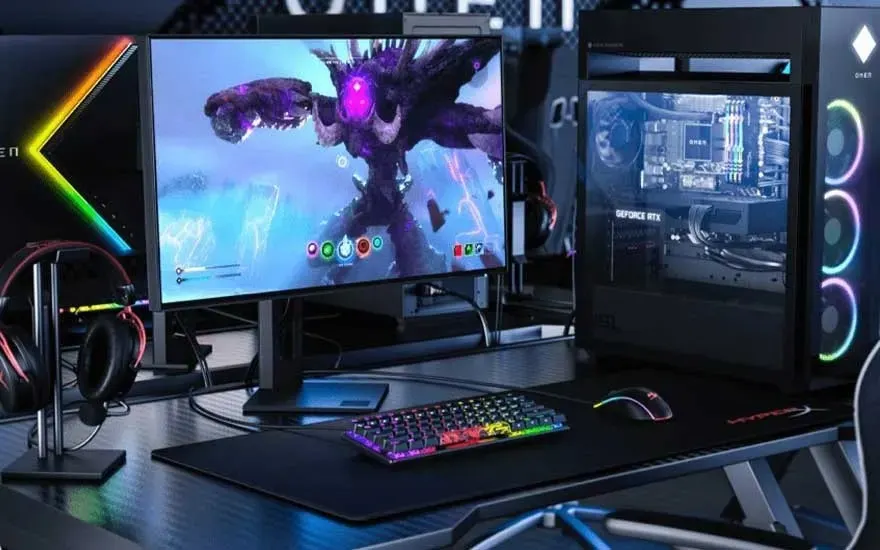
Below you’ll find a selection of the best monitors for gaming:
- Samsung Odyssey G7 LS27DG702EUXEN
- MSI MAG 27CQ6F
- Samsung LC34G55TWWPXEN
- ASUS TUF Gaming VG34VQ3B
- MSI MAG 271QPX QD-OLED E2
Discover all gaming monitors


A high-quality gaming monitor is essential for an immersive and responsive gaming experience. With a good monitor, you can enjoy smooth visuals, sharp details and low input lag. Below are the best models, so you can find the gaming monitor that helps you get more out of your gameplay.
Below you’ll find a selection of the best monitors for gaming:
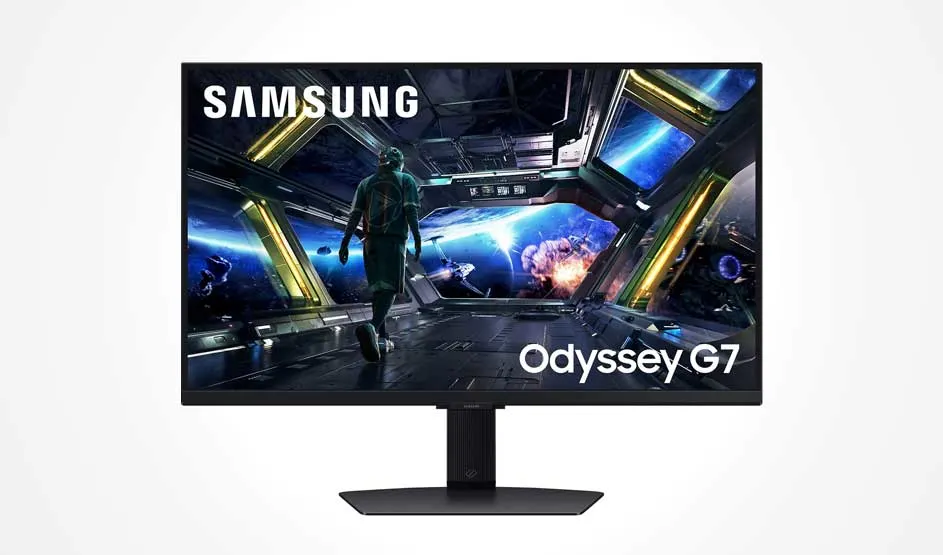
The Samsung Odyssey G7 LS27DG702EUXEN is a 4K monitor designed for fast-paced and demanding games. With a refresh rate of 144 hertz and a response time of 1 millisecond, this 27‑inch monitor delivers smooth visuals, so you won’t miss a single detail – something you’ll notice especially in fast action games. The curved design provides an immersive viewing experience, while HDR10 offers vibrant colours and deep contrast. Thanks to AMD FreeSync Premium and NVIDIA G-Sync, the image remains stable without screen tearing or stuttering. The adjustable stand and connections such as HDMI and DisplayPort make this Samsung gaming monitor ergonomic and flexible to use.
Pros and cons:
+ 4K resolution for a sharp image while gaming.
+ 144 hertz refresh rate and 1 millisecond response time.
+ Support for AMD FreeSync Premium and NVIDIA G-Sync.
– Less suitable if you’re looking for a budget option.
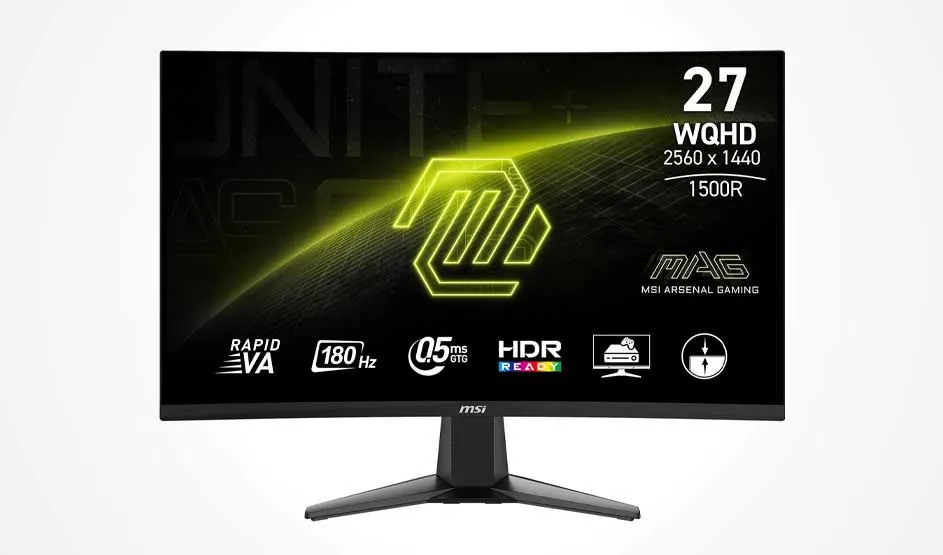
The MSI MAG 27CQ6F is a 27‑inch monitor with a Wide Quad HD resolution of 2560 x 1440 pixels. With a refresh rate of 180 hertz and a response time of 0.5 milliseconds, this monitor delivers smooth gameplay and low input lag. The slight 1500R curve and FreeSync provide an intense gaming experience without screen tearing. This MSI gaming monitor also features multiple HDMI ports and a DisplayPort, allowing you to connect a PlayStation or Xbox. In addition, the integrated software enhances eye comfort by reducing blue light.
Pros and cons:
+ Wide Quad HD resolution for sharp images.
+ 180 hertz refresh rate and 0.5 millisecond response time.
+ FreeSync prevents screen tearing and stuttering.
– Not height-adjustable.
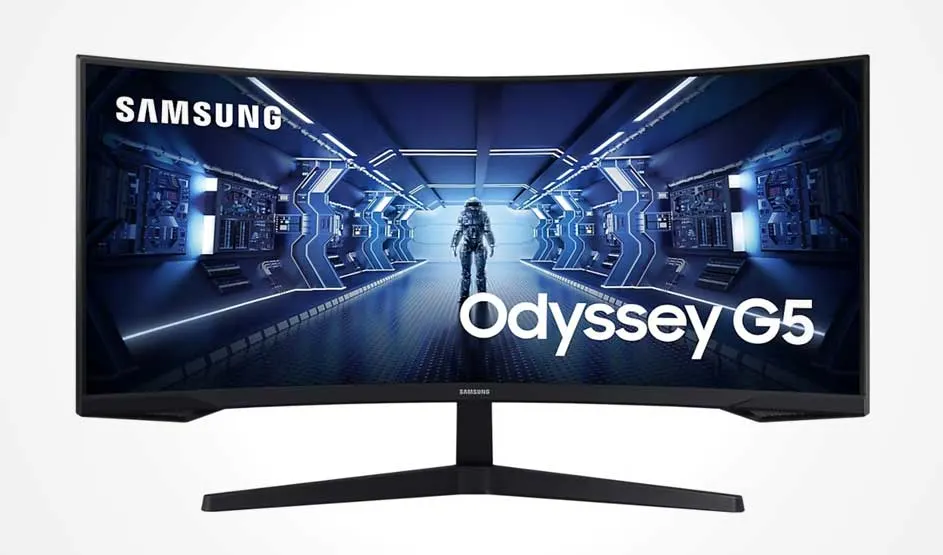
The Samsung LC34G55TWWPXEN is an ultrawide monitor with a resolution of 3440 x 1440 pixels. With a refresh rate of 165 hertz and a response time of 1 millisecond, this 34‑inch monitor delivers smooth and responsive gaming sessions. Thanks to FreeSync Premium, screen tearing and stuttering are minimised. The curved design provides a panoramic viewing experience, making it suitable not only for gaming but also for watching films, series and YouTube. The Samsung monitor can be tilted and features 2 HDMI ports and a DisplayPort connection.
Pros and cons:
+ Ultrawide UWQHD for extra overview and detail while gaming.
+ 165 hertz refresh rate and 1 millisecond response time for smooth gameplay.
+ FreeSync Premium for a stable image without screen tearing.
– VA panel can show less accurate colours than an IPS panel.
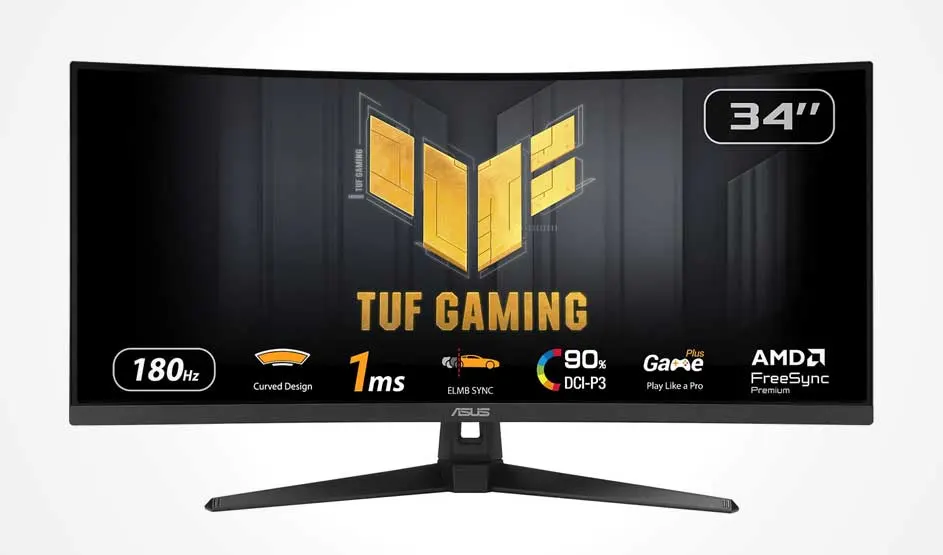
The ASUS TUF Gaming VG34VQ3B is a widescreen gaming monitor with a WQHD resolution of 3440 x 1440 pixels. With a refresh rate of 180 hertz and a response time of 1 millisecond, this ASUS TUF monitor delivers smooth and responsive visuals. In addition, HDR provides bright images with realistic contrast. You can enjoy stable gaming without screen tearing thanks to the curved design and support for AMD FreeSync Premium. The ASUS gaming monitor features 3 HDMI ports and 2 DisplayPort connections, so you can connect multiple devices and consoles at the same time. Flicker Free and Low Blue Light technologies reduce flickering and blue light, which improves eye comfort.
Pros and cons:
+ Ultrawide WQHD resolution for immersive action while gaming.
+ 180 hertz refresh rate and 1 millisecond response time for smooth gameplay.
+ FreeSync Premium for a stable image without screen tearing.
– VA panel may display less accurate colours than an IPS panel.
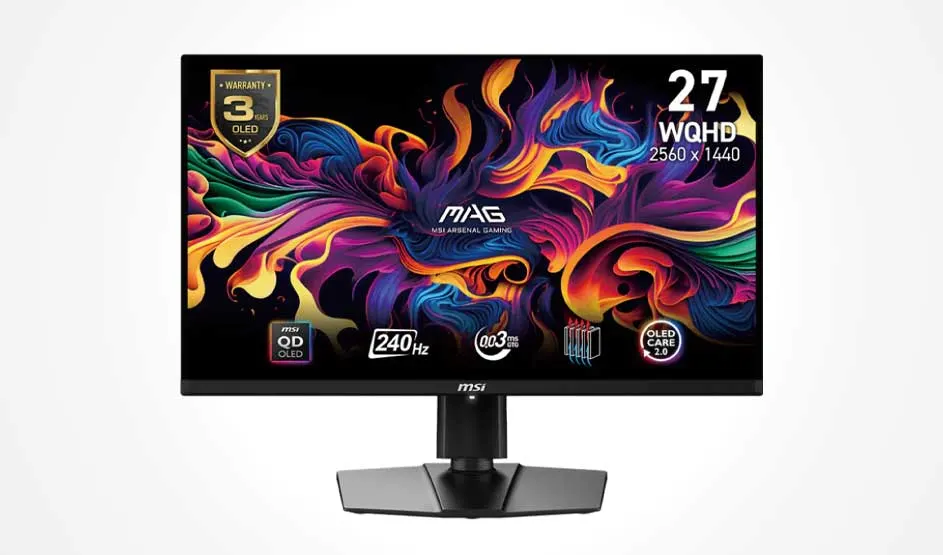
The MSI MAG 271QPX QD-OLED E2 is an OLED monitor specifically designed for gaming. As a result, the 27‑inch display offers deep blacks and vibrant colours. With a refresh rate of 360 hertz and a response time of 0.03 milliseconds, you can enjoy smooth visuals and extremely low input lag in Quad HD resolution. Screen tearing and stuttering are tackled by AMD FreeSync Premium. The MSI MAG monitor features multiple HDMI and DisplayPort connections and includes eye‑comfort technologies, making it suitable for work as well as gaming.
Pros and cons:
+ OLED panel for deep blacks and strong colour contrast.
+ Exceptional 360 hertz refresh rate and 0.03 millisecond response time for smooth gameplay.
+ FreeSync Premium Pro prevents screen tearing and stuttering.
– Less suitable if you don’t need a high-end gaming monitor.
The best gaming monitor combines a high refresh rate, low response time and good image quality. A refresh rate of at least 120 hertz ensures smooth motion, while a response time of 1 millisecond or less helps to minimise input lag. A resolution of at least Full HD (1,920 x 1,080) delivers sharp images, and extra features such as FreeSync or G-Sync help to prevent screen tearing. Choosing the right monitor therefore depends on your personal preferences, the types of games you play and your budget.
