MM logo white 1
MM logo red

Best printers of 2026

Luca7 OCTOBER 2026
A black printer with an open lid has a hand pressing a button on its control panel. Curtains are visible in the background.

Which printer suits you best depends on what you want to use it for. Do you regularly print large quantities of documents? Then a fast laser printer may better suit your needs. If you mainly print photos, opt for a printer with a high resolution. Also look for useful features such as wireless printing via Wi-Fi and an automatic document feeder. On this page, you’ll discover the best printers.

What is the best printer?

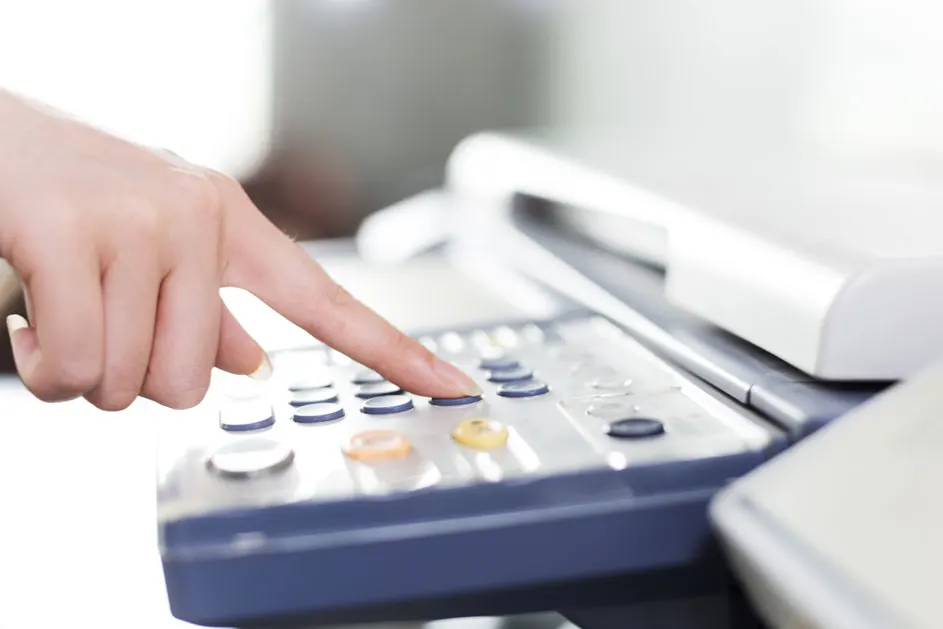
A finger presses a button on a gray and blue control panel with round and oblong buttons. A white printer is in the background.

These are the best printers right now:

  • Epson EcoTank ET-2915: sharp photo prints.
  • Brother MFCL2800DW: fast all-in-one printer.
  • HP Envy 6132e: compact and easy to use.
  • Canon MAXIFY GX1051: the best printer for your home office.
  • HP Smart Tank 7308: powerful printer with useful extra features.

View all printers
The best printers: our top 5

Epson EcoTank ET-2915

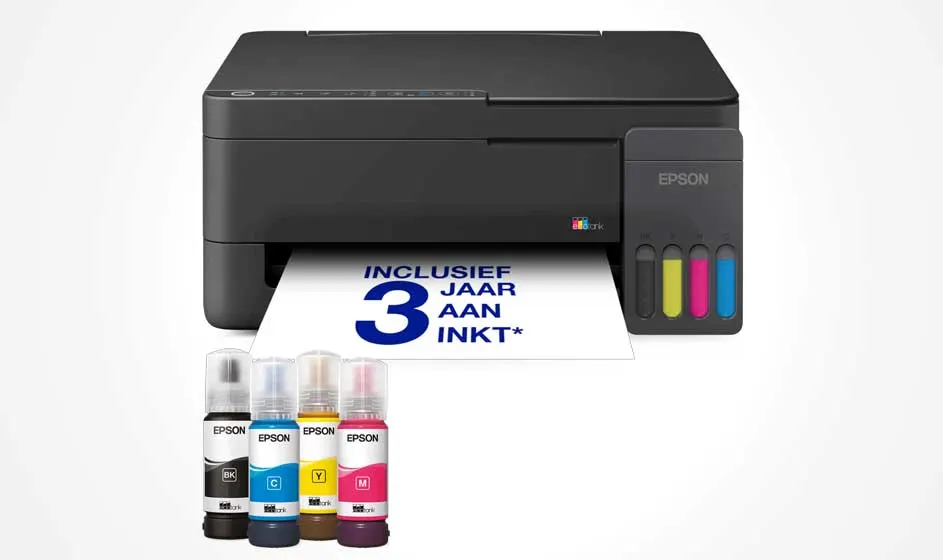
A black Epson printer is printing a page marked “3 years of ink”. Four colorful ink bottles stand in front of the compact device.

The Epson EcoTank ET-2915 is a wireless inkjet printer with refillable ink tanks. With the included ink, you can print for up to 3 years, so you need to refill the ink less often. You can print documents and photos at a resolution of up to 5,760 x 1,440 dpi. The print speed is up to 11 pages per minute in black and white and 6 pages per minute in colour. The flatbed scanner lets you scan documents and photos at 1,200 x 2,400 dpi. This allows you to capture small text and fine details clearly. Via Wi-Fi and the Epson Smart Panel app, you can set up the inkjet printer and print directly from your smartphone.

Pros and cons:
+ Compact size.
+ High resolution for sharp photos.
- Double-sided printing is only possible manually.

View the Epson EcoTank ET-2915

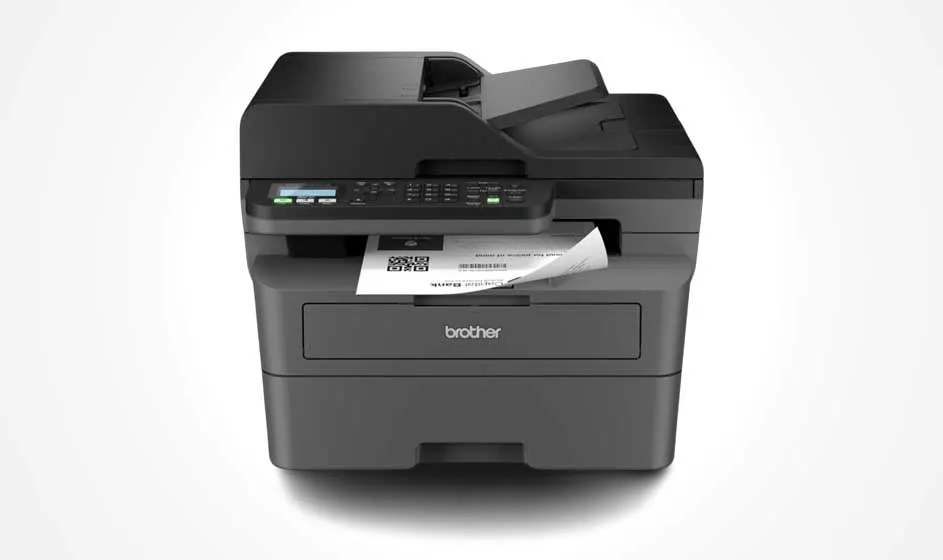
Brother all-in-one A4 laser printer (MFCL2800DW)

A compact black Brother printer stands against a white background. It features a scanner, control panel, paper tray, and a sheet emerging from the front.

The Brother MFCL2800DW is a compact 4-in-1 laser printer for home or office use. You can easily manage printing, copying, scanning and faxing via the convenient touchscreen. Connect the printer to your computer, tablet or smartphone via Wi-Fi, Ethernet or USB. This Brother printer has a 250-sheet paper tray and an automatic document feeder. With a speed of 32 pages per minute and sharp 1,200-dpi prints, you can work quickly and accurately. The standard toner lasts for 700 pages, while an XL toner is available that can print up to 3,000 pages.

Pros and cons:
+ High print speed.
+ Sharp text prints.
- Only prints in black and white.

View the Brother All-in-One MFCL2800DW

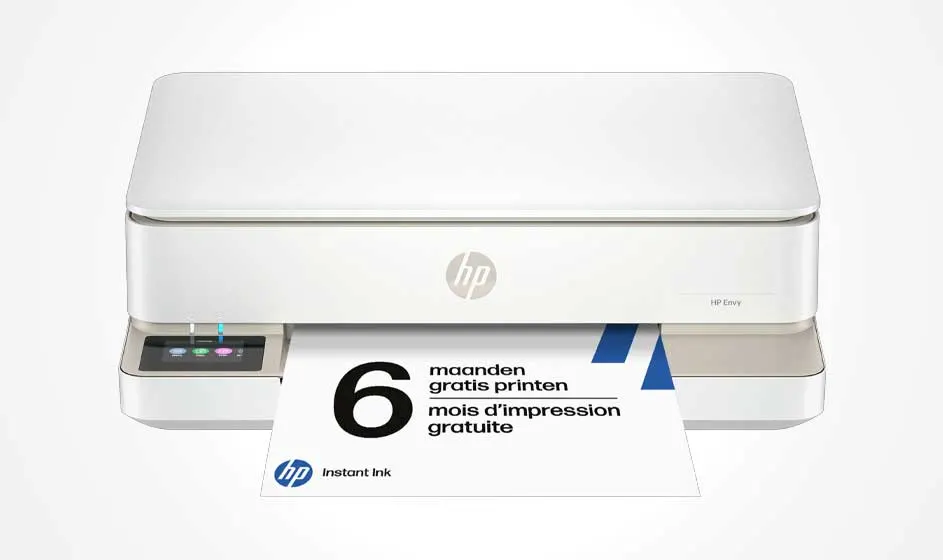
HP Envy 6132e all-in-one printer

A compact white HP printer stands against a bright background while printing a sheet. The page advertises several months of free printing.

The HP Envy 6132e is a stylish all-in-one HP printer for home use that also lets you scan, copy and fax. Thanks to its compact design, it fits easily on your desk. You can print up to 10 pages per minute in black and white and 7 pages per minute in colour. You can also print documents automatically on both sides. With the flatbed scanner and HP's true-to-screen technology, you can accurately scan and print documents and photos. You can operate the printer via the colour display or the HP Smart app on your smartphone. Thanks to Wi-Fi, you can also print wirelessly with this HP Envy printer.

Pros and cons:
+ Automatic double-sided printing.
+ Convenient wireless printing.
- The paper tray has a lower capacity than more powerful printers.

View the HP Envy 6132e

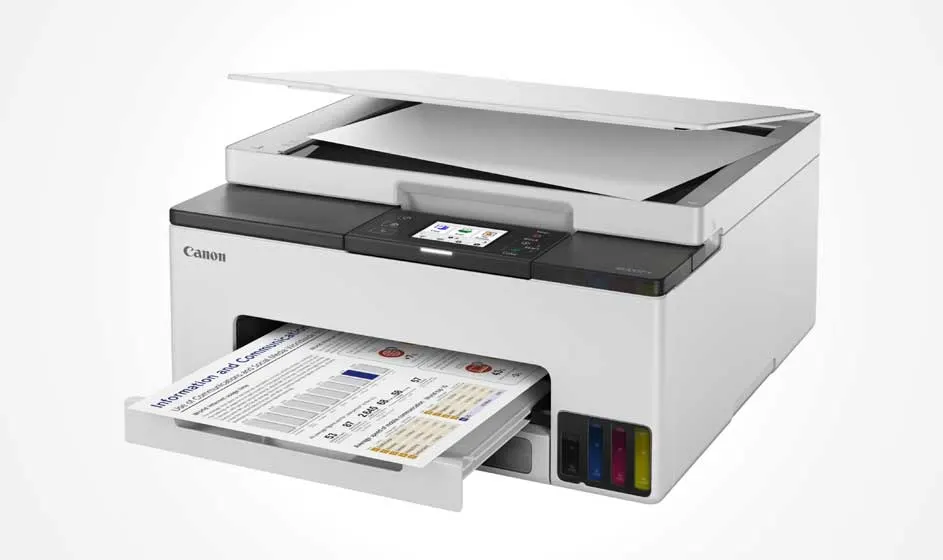
Canon MAXIFY GX1051

A white Canon printer with an open scanner is printing a colorful document. Four visible ink tanks appear below, set against a clean white background.

The Canon MAXIFY GX1051 is an inkjet printer that uses the MegaTank system with refillable ink tanks. This lets you refill the ink directly without replacing cartridges. The Canon printer has a resolution of up to 600 x 1,200 dpi and prints 15 pages per minute in black and white and 10 in colour. The LCD touchscreen makes it easy to operate the scanning and copying functions. The scanner lets you scan documents and photos at a resolution of 1,200 x 2,400 dpi, so even small text remains clearly legible. Thanks to Wi-Fi, you can print wirelessly from your laptop, while Ethernet or USB also lets you use a wired connection.

Pros and cons:
+ Convenient refillable ink system.
+ Easy to operate via the touchscreen.
- The Canon MAXIFY takes up more space than the average printer.

View the Canon MAXIFY

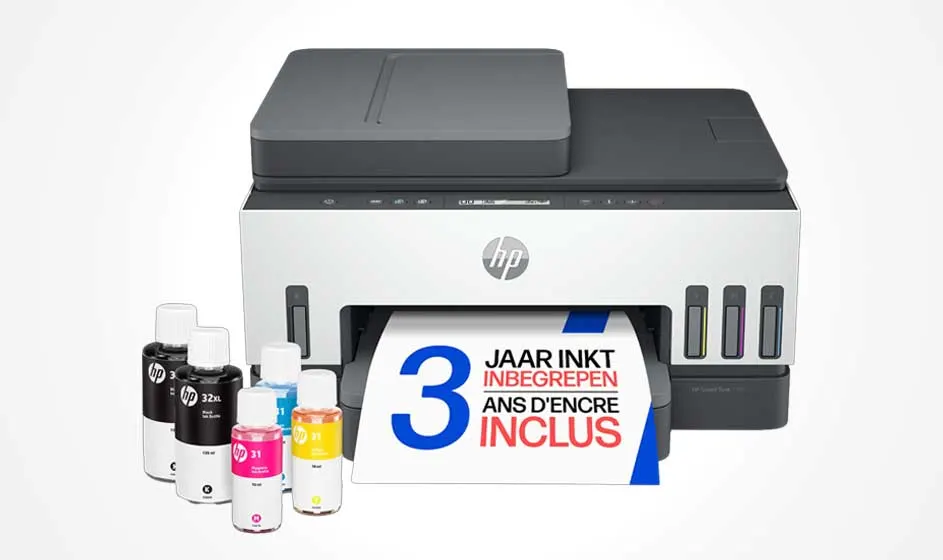
HP Smart Tank 7308

An HP printer with a scanner stands against a white background, displaying a sheet advertising three years of included ink. Bottles sit beside it.

With the HP Smart Tank 7308, you can print, scan and copy large quantities of documents. With the included ink, you can print up to 12,000 pages in black and white or 8,000 in colour. Thanks to the automatic document feeder, you can scan or copy up to 35 pages in a row without feeding them in one by one. This is useful if you often print larger quantities. The Smart Tank also prints automatically on both sides, and thanks to the 250-sheet paper tray, you need to refill the paper less often.

Pros and cons:
+ Automatic document feeder for up to 35 pages in a row.
+ Large paper tray: capacity for 250 sheets of paper.
- Large size: takes up relatively more space on your desk.

View the HP Smart Tank 7308

The best printers at MediaMarkt

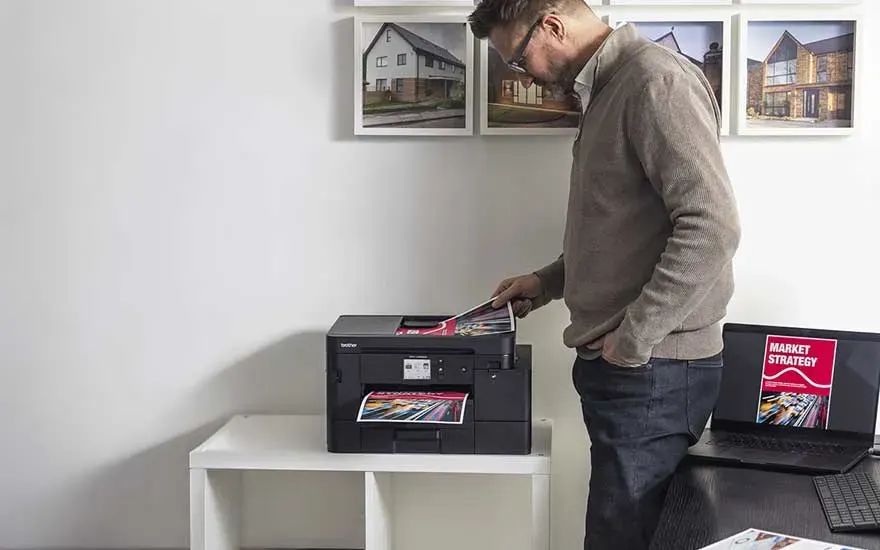
A man stands beside a black printer on a white cabinet. He examines a printout, while framed photographs hang on the wall and magazines lie nearby.

Which printer suits you best depends on how you print. Do you regularly print large quantities? Then a large paper tray is useful, as you need to refill the paper less often. Refillable ink tanks are also useful: you can refill the ink directly with bottles without having to replace the cartridges each time. With an automatic document feeder, you can scan and copy multiple pages in a row without feeding them in one by one. Wi-Fi is useful for printing wirelessly from your laptop or smartphone, while Ethernet provides a stable wired network connection.

Which printer should you choose?

Also check out these printers

Frequently asked questions