MM logo white 1
MM logo red
Image description is not available

Top 5 drawing tablets

Luca9 NOVEMBER 2025
Tablet shows a drawing of chairs and plants. A white stylus rests on the tablet screen.

Nowadays, you don't need a special drawing screen to create digital art. On many regular tablets, you can draw with a stylus such as the Apple Pencil or the Samsung S Pen. But how do you choose the tablet that suits you best? This list of the 5 best drawing tablets right now will help you make the right choice.

What is the best drawing tablet?

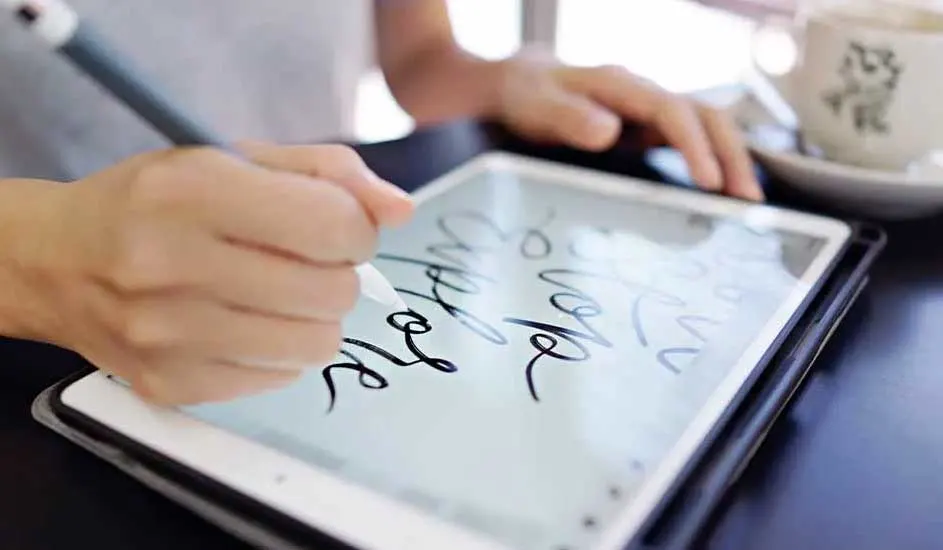
Hands use a stylus on a tablet displaying script. A white mug sits on a saucer in the background.

The best drawing tablet for you depends on your level and the type of art you want to create. If you’re a beginner and you mainly want to make sketches or simple illustrations, then an entry-level model with basic functionalities will suffice. Do you work more professionally, or do you want to work on larger, complex projects? Then a tablet with high pressure sensitivity, an accurate stylus and a larger screen is a better choice. We'll help you get started:

  • Pressure sensitivity: the more pressure levels a stylus supports, the more natural your lines and brushstrokes. For creative or professional use, 8192 pressure levels are the standard.
  • Screen size: a larger screen gives more drawing space and feels more natural but is less portable. A more compact screen is useful if you're often on the go.
  • Screen quality: the higher the resolution and the better the colour reproduction, the sharper and more realistic your drawings look. For graphic work, it's best to choose a tablet that supports at least 100% sRGB.

Discover our drawing tablets
Best drawing tablet for beginners

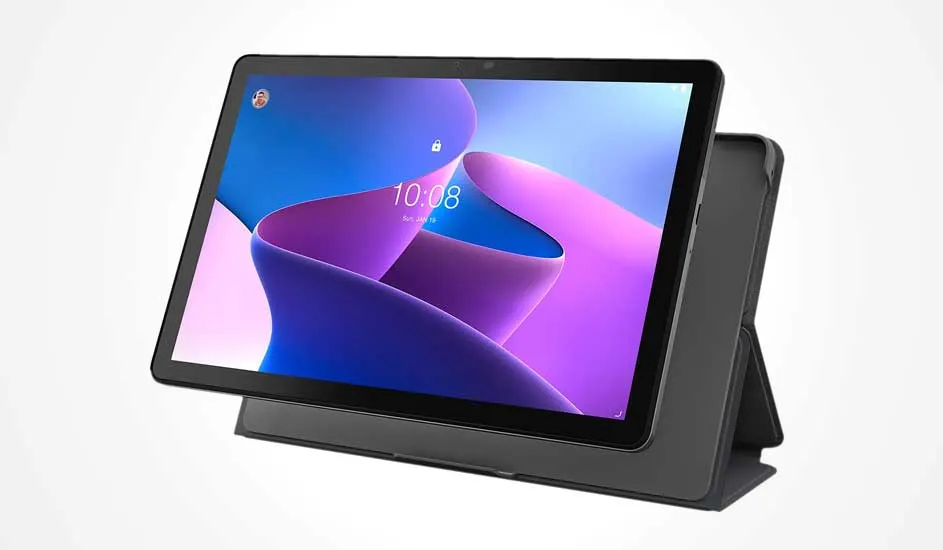
A black tablet in a protective case stands upright, showing a colourful lock screen with the time and a profile picture at the top left.

The Lenovo M10 (3rd Gen) is an excellent drawing tablet for beginners. This tablet has a large Full HD screen of 10.1 inches that displays colours faithfully. In addition, this tablet also has a blue light filter, so you can draw comfortably for hours without your eyes getting tired. The device is equipped with a powerful octa-core processor and 4 GB RAM, so you can quickly switch between apps and drawing without slowing down. The included folio case allows you to stand the tablet upright and your device is also better protected.

ProsCons

Large and sharp Full HD screen with blue light filter.

Limited storage of 64 GB can fill up quickly without additional memory.

Fast performance thanks to octa-core processor and 4 GB RAM.

Not water or dust resistant.

Includes folio case that provides protection and a convenient stand.

Best drawing tablet for Photoshop

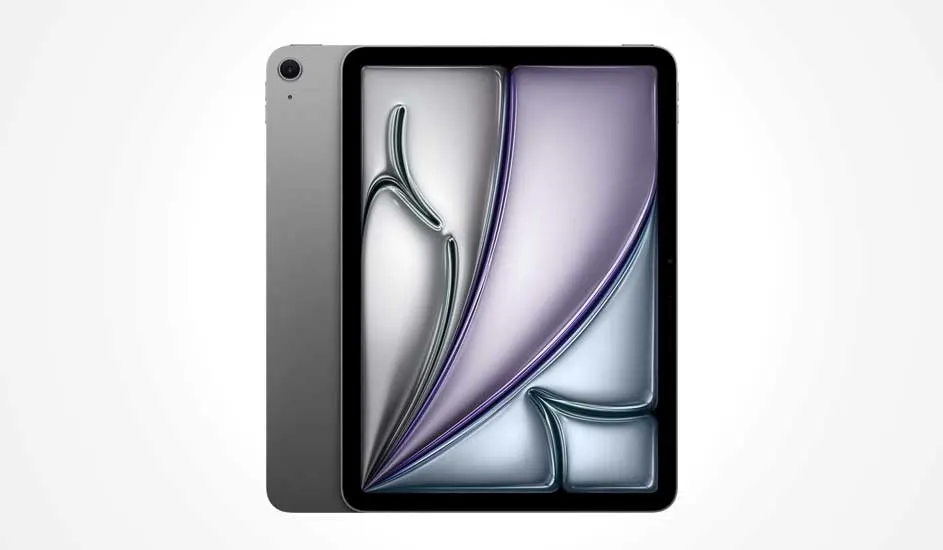
A grey tablet with a large display shows an abstract, colourful background. The camera is positioned at the top left on the back.

The Apple iPad Air (2025) with an 11-inch Liquid Retina display is the best drawing tablet if you like to use Photoshop. The powerful M3 chip with an 8-core CPU and 9-core GPU makes drawing and working with heavy Photoshop files a breeze. The screen supports the P3 wide colour gamut and True Tone technology, ensuring that colours are displayed realistically and consistently. This is especially important if you're editing photos, as you'll see the colours accurately. In combination with the Apple Pencil Pro or the Apple Pencil USB-C, you can draw accurately and pressure-sensitive, just like on paper.

To the Apple iPad Air (2025)
ProsCons

Powerful M3 chip for smooth performance in Photoshop.

Less suitable for those who prefer a larger screen.

True-to-life 11-inch Liquid Retina display with wide colour gamut.

No physical keyboard included, to be purchased separately.

Apple Pencil Pro support for precise drawing.

Best drawing tablet for kids

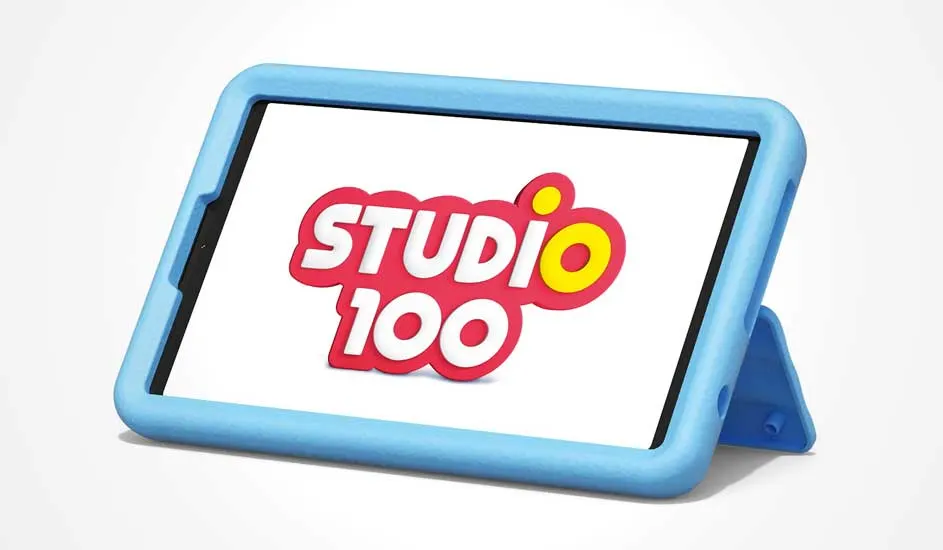
A tablet in a thick blue case stands upright. The colourful Studio 100 logo is shown clearly in the centre of the screen.

The Samsung Galaxy Tab A9 Studio 100 Edition is a suitable drawing tablet for children. The bright, compact 8.7-inch display is highly responsive, making it easy to draw on with a stylus or finger. Samsung Kids also makes the tablet a safe digital environment where children can be creative without worry. The sturdy Studio 100 Kids cover protects the tablet from bumps and has a handy stand, allowing children to draw comfortably.

To the Samsung Galaxy Tab A9 Studio 100 Edition
ProsCons

Bright and responsive 8.7-inch display suitable for stylus or finger drawing.

Screen size may be too small for older children.

Safe, child-friendly environment with Samsung Kids and parental controls.

Studio 100 content is limited in variety for all ages.

Sturdy Studio 100 cover with stand for protection and comfortable use.

Drawing tablet with the best value for money

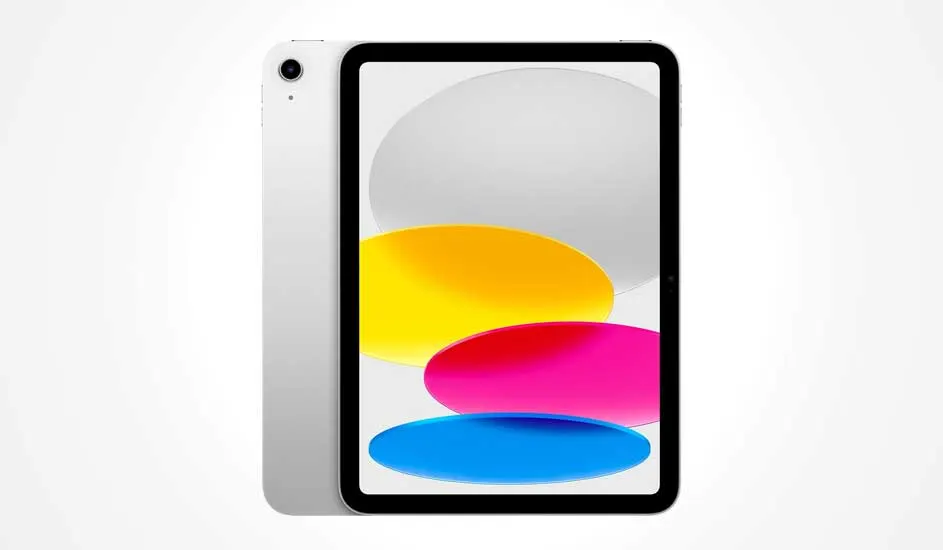
A silver tablet with a black border displays ovals in grey, yellow, pink, and blue on the screen, with a sleek and modern design.

The Apple iPad (2025) 11-inch A16 is currently the drawing tablet with the best value for money. This iPad has an 11-inch Liquid Retina display with True Tone. This allows you to enjoy razor-sharp images. With the powerful A16 Bionic chip and 6 GB of RAM, you can effortlessly switch between files and demanding apps. The 128 GB storage certainly provides enough space for apps, files, and media. The tablet is also compatible with Apple Pencil and the Magic Keyboard Folio, which increases your ease of use and productivity.

To the Apple iPad (2025) 11-inch A16
ProsCons

Powerful A16 chip with smooth multitasking and smooth performance.

No support for the advanced Apple Pencil Pro.

Bright 11-inch Liquid Retina display with True Tone for accurate colour.

Refresh rate of 60Hz is less smooth than high-end models.

Ample 128 GB storage capacity and support for Apple Pencil and Magic Keyboard.

Best budget-friendly drawing tablet

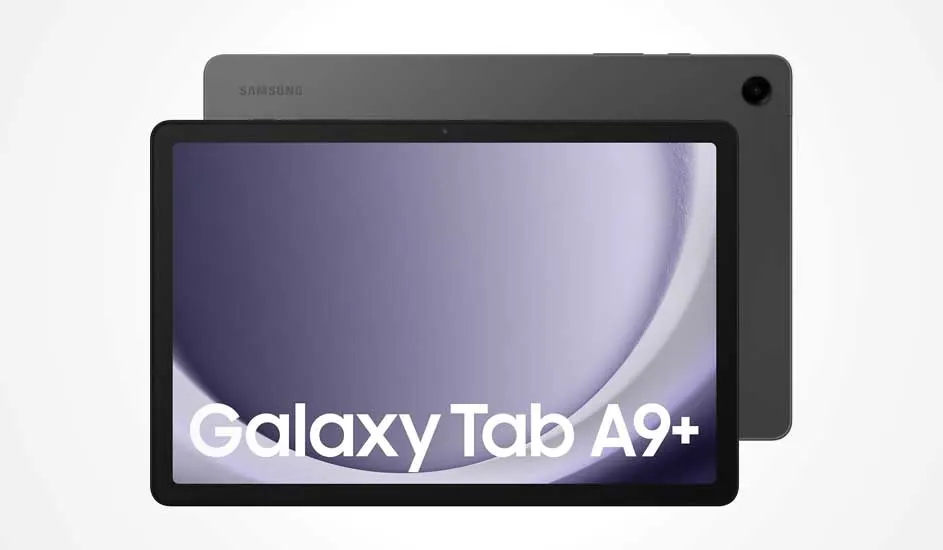
A grey Samsung Galaxy Tab A9+ with a large screen and thin bezels displays its name clearly on a purple and white background.

The Samsung Galaxy Tab A9+ is the best budget-friendly drawing tablet. The 11-inch screen with a resolution of 1920 x 1200 pixels guarantees sharp images. This Samsung tablet also has a refresh rate of 90 hertz, so lines appear smoothly on the screen when drawing. The device is also equipped with an octa-core processor and 4 GB of RAM, so you can enjoy a fast tablet. Thanks to 64 GB of storage, expandable to 1 TB with a microSD card, you have more than enough space for all your drawings, photos and files.

To the Samsung Galaxy Tab A9+
ProsCons

Large and sharp 11-inch display with 90 hertz refresh rate for a smooth drawing experience.

Less RAM than more expensive models, so demanding apps sometimes run less quickly.

Smooth performance thanks to octa-core processor and 4 GB RAM.

No support for advanced pen technologies like high-end tablets.

Expandable storage up to 1 TB for many drawing files.

Charger is delivered without a charging block.

The best tablets for drawing at MediaMarkt

A high-quality drawing tablet makes a world of difference. Think carefully about your favourite creative apps and whether you value flexibility on the go. In this top 5, you'll find the best drawing tablets of the moment, both entry-level models for children and professional devices on which you can effortlessly edit photos. This way you always make the right choice.

These articles may also be interesting for you