

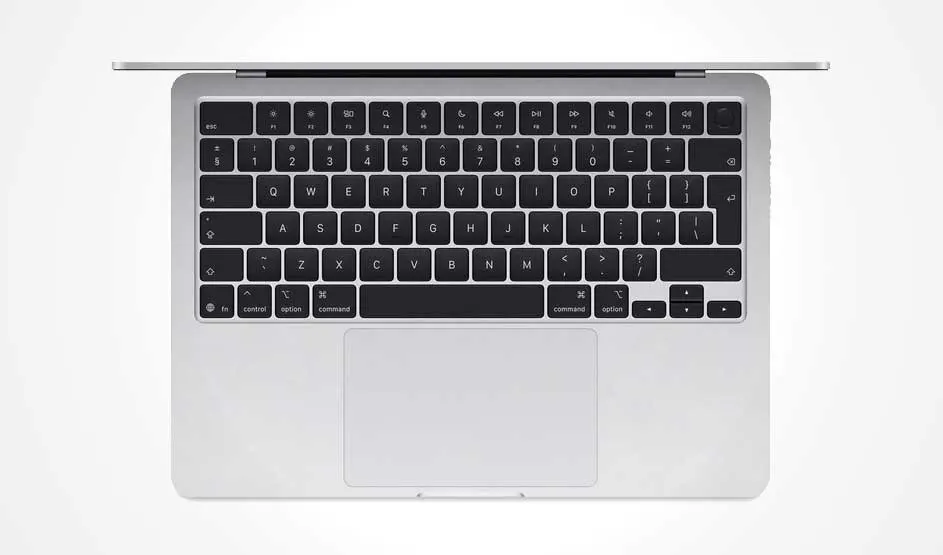
Use the following combinations:
- AZERTY: Option (⌥) + $
- QWERTY: Option (⌥) + 2
Tip: On most keyboards, the dollar sign ($) is just to the left of the Enter key.


Do you often need the euro sign (€) for documents or invoices, but can’t find it on your MacBook keyboard? Depending on your layout (AZERTY or QWERTY), the € symbol might not be printed on the key. Here’s how to type it easily on any Mac.
Use the following combinations:
Tip: On most keyboards, the dollar sign ($) is just to the left of the Enter key.

If the shortcut doesn’t work, here are some alternative options:
The easiest way to type the euro sign is using the keyboard shortcut for your layout. But if it doesn’t work, Character Viewer or text replacement are quick and reliable alternatives. Handy for anyone who regularly deals with prices or financial content.