MM logo white 1
MM logo red
Image description is not available

What are the best laptops for photo editing?

Luca11 JANUARY 2026
A laptop displays photos next to a clear glass of coffee on a gray wood surface.

Are you a photographer, graphic designer or content creator? Then you know better than anyone that you need a powerful laptop for photo editing. It’s best to choose a device that can not only handle the heavier photo editing software but also offers enough memory to store files with a high resolution. Here we take a closer look at the specifications and possibilities.

What does a laptop need so that you can edit photos and videos well?

Are you going to work with photo editing software such as Adobe Lightroom, Photoshop, Affinity Photo or CaptureOne? Then you need a laptop with specific features. Think of a device with sufficient RAM, a strong graphics card and a razor-sharp screen. We go into more detail:

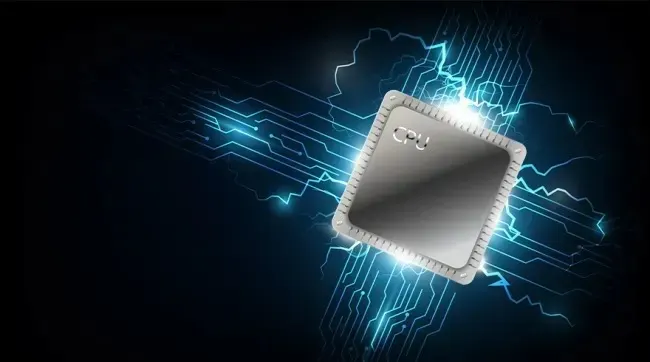
A shiny CPU chip floats in the dark, surrounded by glowing blue circuit lines like flowing digital energy.

A powerful processor

A laptop requires a powerful processor to edit photos and videos. The processor is the brain of your laptop: it retrieves information, makes calculations and controls all parts. The more powerful the processor, the faster and more efficient your laptop. That extra power is needed for editing high-resolution files and to keep demanding photo editing programs running smoothly. Preferably choose an AMD Ryzen 5 or 7 or an Intel Core i5, i7 or i9. Do you prefer a MacBook? These devices are also extremely suitable for photo editing. In that case, an Apple MacBook Pro with the powerful M2 Pro or M2 Max processor is a great choice.

How does a processor work?
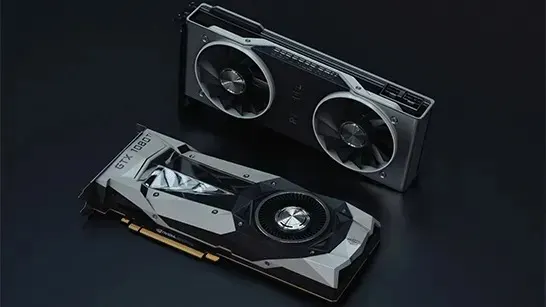
Two powerful graphics cards rest on a dark surface, sleek metal coolers and fans hinting at serious gaming performance.

A good graphics card

A graphics card ensures that images are displayed smoothly and in high quality, especially in graphics-heavy tasks such as gaming, video editing, and 3D design. The monitor determines the maximum resolution and sharpness of the image. A powerful graphics card can then drive those high resolutions, such as QHD or 4K, without stuttering and display them smoothly. Choose an AMD Radeon R for smooth visuals. If you want to take it a step further, the NVIDIA GeForce GTX and NVIDIA GeForce RTX are excellent choices.

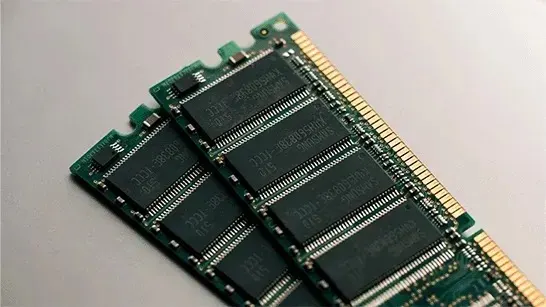
Two green RAM sticks rest at an angle on a pale surface, showing black memory chips and a row of gold contacts.

Enough RAM

The RAM of your laptop temporarily stores information that is needed to run your photo editing program. These programs usually require a lot of RAM. So, choose at least 8 GB of RAM. Are you also planning to edit videos? Go for at least 16 GB RAM. Storage memory is also essential. Photo files, and especially RAW files, quickly take up a lot of space. Therefore, it’s preferable to work with a laptop that has a fast SSD. This way, you can load and store files much faster than with a regular hard drive. For those who regularly edit large photo collections or videos, a storage space of at least 512 GB is recommended. 1 TB is even more practical. This way, you can be sure that you have enough space for all your projects and that your computer will continue to work quickly.


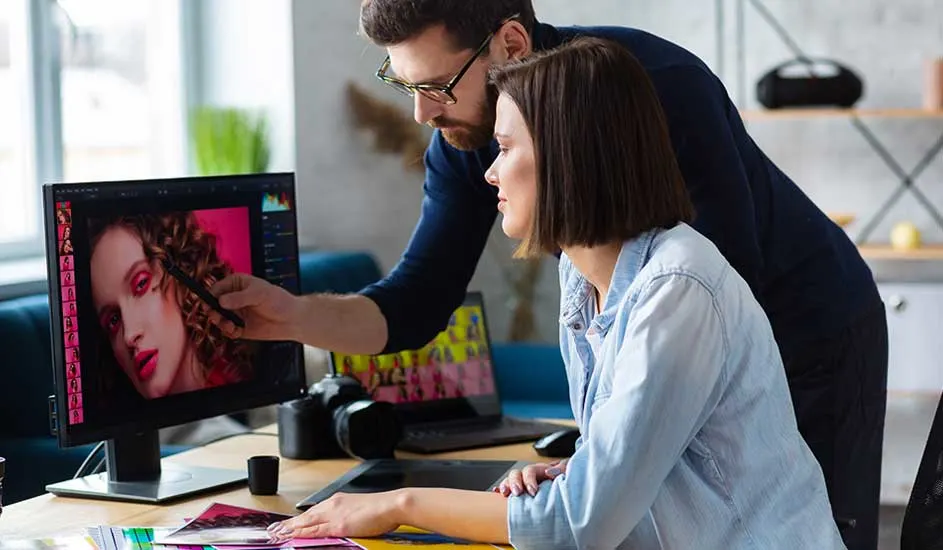
A man and a woman sit at a desk, closely editing a colorful portrait photo together on a large computer screen.

A large laptop screen

A large and bright screen works a lot better for photo editing. You see more details and can work more accurately. Ideally, you should choose a laptop with a screen of at least 15 inches, preferably with a high resolution such as Full HD or, even better, QHD or 4K. An IPS panel guarantees true-to-life colours and a wide viewing angle. Want even more workspace? Then consider connecting an external monitor for even more space and precision: with a 24- or 27-inch screen, for example, you can comfortably open several windows or large photos side by side.

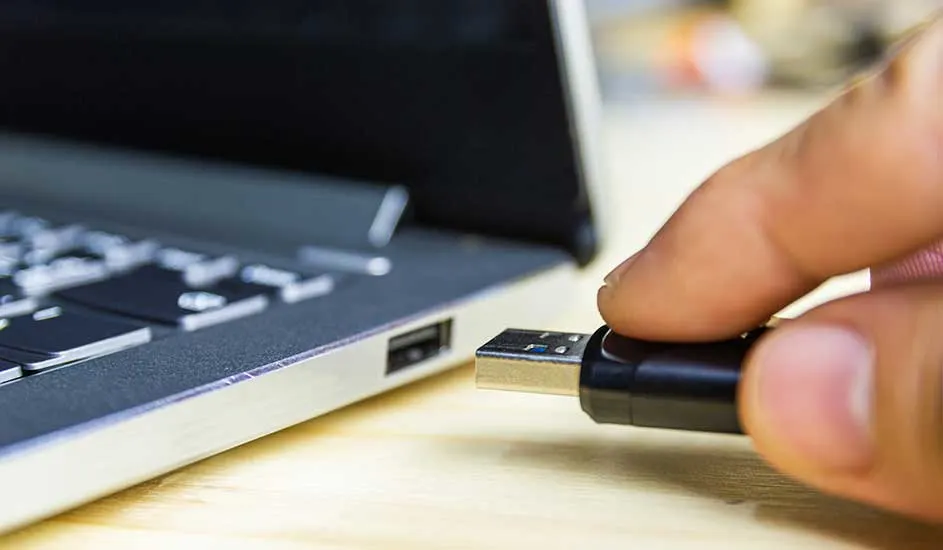
A hand carefully plugs a black USB flash drive into the side of an open laptop on a wooden desk.

Sufficient connections

Connections are important when working. Think of:

  • USB ports for connecting external hard drives or your camera.
  • An SD card reader for quickly transferring photos.
  • An HDMI or DisplayPort connection to easily connect an external display.
  • Thunderbolt or USB-C ports are practical for fast data transfer and for connecting modern equipment.

Our advice on the best laptops for photo and video editing

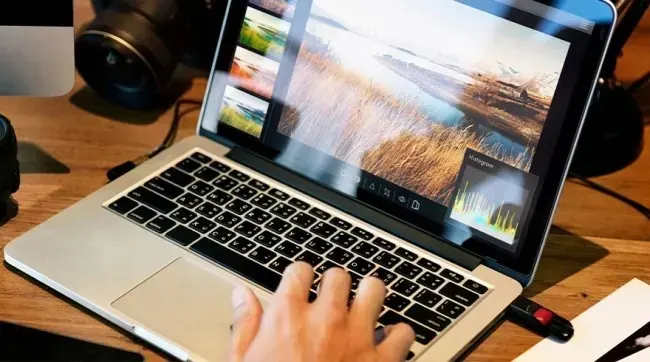
A hand uses a laptop where a landscape photo of reeds and water is being edited in photo software.

When choosing a laptop for photo and video editing, it's important to find a balance between performance, screen quality, and storage space. A powerful processor and graphics card ensure smooth operations, while plenty of RAM and a fast SSD speed up your workflow. Choose a high-resolution screen with true-to-life colour reproduction, so your work looks exactly as you envision. Also think about future projects: choose something more powerful than you need now, so that your laptop can last for years.

Discover our professional laptops

These articles may also be interesting for you