MM logo white 1
MM logo red
Image description is not available

How do you choose a photo printer?

Luca16 APRIL 2026
A tablet displays a castle image, mirroring the printout from a black printer on a white surface.

Photos are the ultimate way to preserve your favourite memories forever. Whether you want to create a beautiful photo album or make a collage, a good photo printer is indispensable. But with so many different types and sizes available, choosing the right one can be difficult. In this article, we’ll help you step by step to find the ideal photo printer.

What is a photo printer?

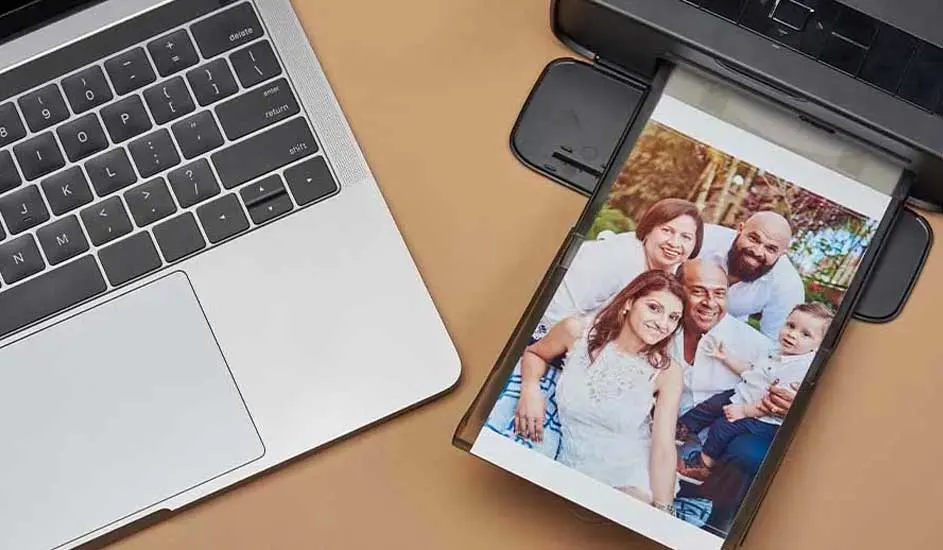
Silver laptop and black printer on a tan surface. A printed photo is exiting the printer.

A photo printer is a printer specially designed for printing photos in high quality. Unlike standard printers, such as laser printers, which are mainly suitable for documents, photo printers offer more advanced colour reproduction and higher resolutions. This results in vivid and detailed prints that last a long time. Photo printers often use multiple cartridges or special ink systems to produce subtle colour transitions and sharp details.

Discover all our photo printers

What types of photo printers are there?

On a black couch with a yellow pillow, a person holds a credit card and tablet. A printer sits on a glass table with photos.

When choosing a photo printer, it’s important to consider what you want to use it for. Are you looking for a simple solution for home use, or do you need a professional printer for your photography business? The size and portability of the printer also play a role. Below, we discuss the 3 main categories of photo printers.

View all our printers
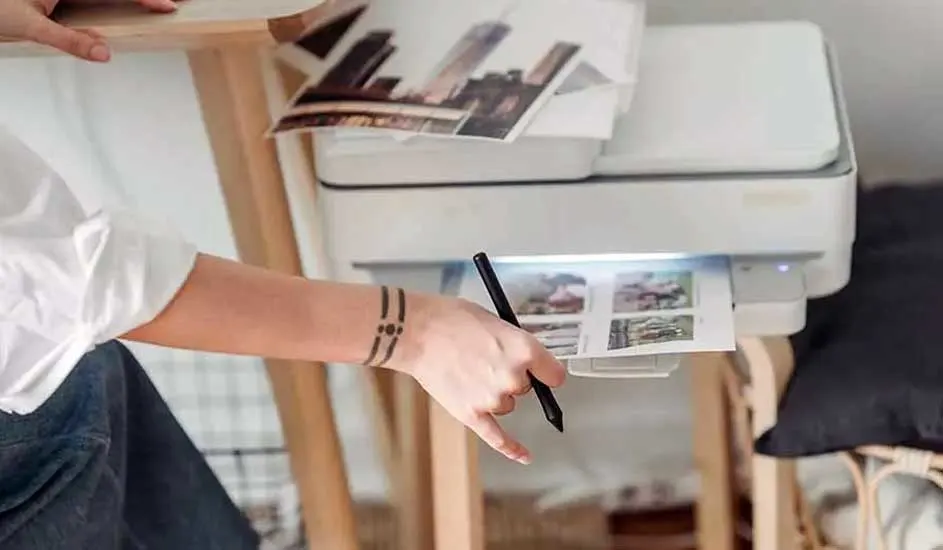
A white printer prints a photo. More photos sit on top. A hand holds a black pen.

Photo printers for home use

Photo printers for home use are ideal for hobby photographers and families who want to print their favourite memories. They offer a good balance between price and quality and often use inkjet technology, such as inkjet printers. Important features of a home photo printer include:

  • A resolution of at least 4800 x 1200 dpi.
  • The use of 4 to 6 cartridges for better colour accuracy.
  • Support for various paper sizes, such as 10 x 15 cm and A4.
  • Compatibility with Wi-Fi and mobile printing options.

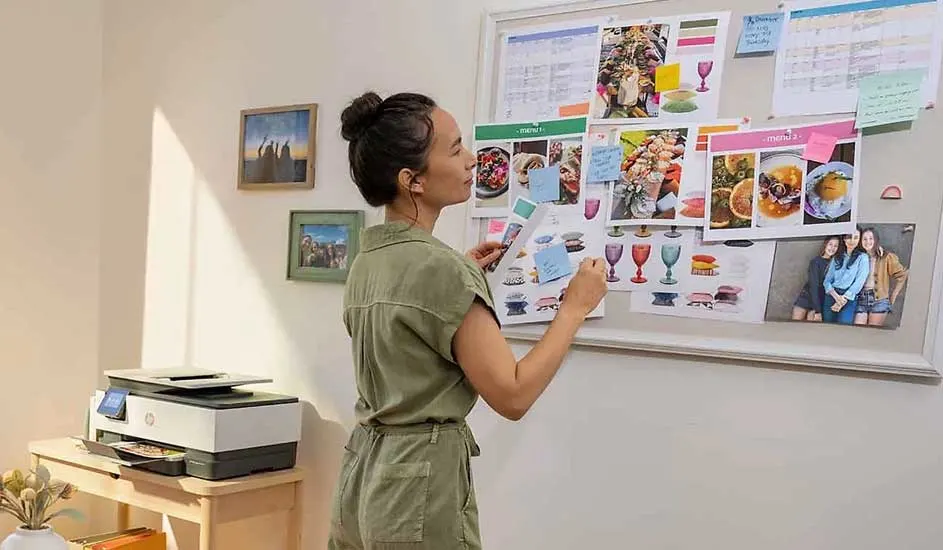
A printer sits on a wooden table. A whiteboard holds photos, calendars, and notes. Pictures hang on the wall.

Professional photo printers

For photographers and designers who need the highest print quality, professional photo printers are the best choice. These printers use advanced ink systems and higher resolutions to produce museum-quality prints. Features of professional photo printers include:

  • A resolution of 5760 x 1440 dpi or higher.
  • The use of 8 to 12 different ink cartridges for a wider colour range.
  • Support for large-format printing.
  • Compatibility with premium paper types and fine art paper.

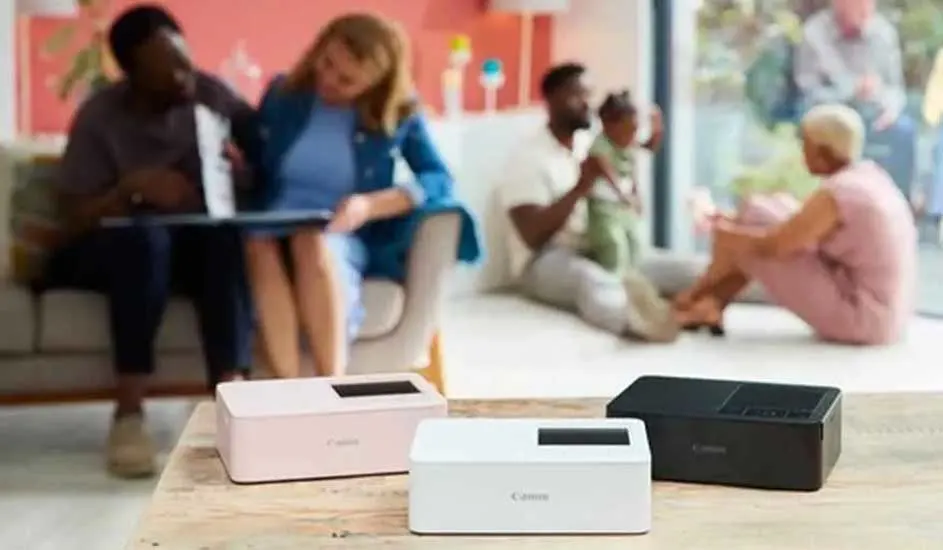
Three rectangular printers, pink, white, and black, sit on a wooden table. People sit in the background in a home setting.

Small photo printers

Small photo printers, also known as portable photo printers, are suitable for people who want to print photos while on the go. These printers are compact, often use thermal printing technology and don’t require separate ink. Think, for example, of pocket printers. Features of small photo printers include:

  • A compact and lightweight design.
  • Often works with smartphones via Bluetooth or Wi-Fi.
  • Prints small photo sizes, such as 5 x 7 cm or 10 x 15 cm.
  • No separate ink cartridges needed, thanks to ZINK or dye-sublimation technology.

What size photo paper do you need?

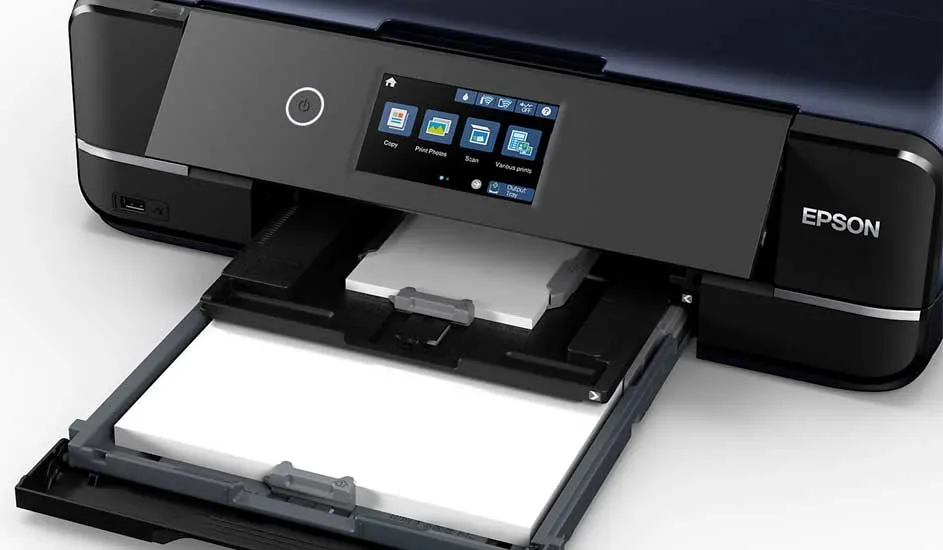
Close-up of a black Epson printer on a white surface. The paper tray is open, revealing white paper. The printer's LCD screen is illuminated.

The right photo paper size depends on the photo printer you choose and the desired end result. The most common sizes are:

  • 10 x 15 cm (standard photo size): suitable for photo frames and albums.
  • 13 x 18 cm: slightly larger, ideal for portraits.
  • A4 (21 x 29.7 cm): suitable for larger prints and posters.
  • A3 and larger: for professional prints and exhibitions.

Always check the specifications of your printer to see which paper sizes are supported.

Which ink cartridges do you need for a photo printer?

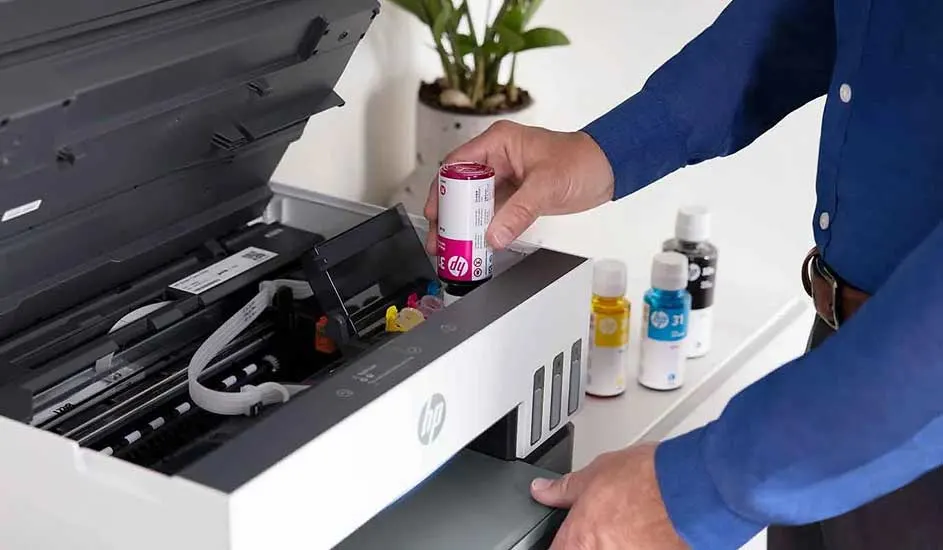
A printer stands on a table, its lid open, ready to be refilled with magenta ink from a bottle. Other color bottles are visible.

The right ink cartridges play a major role in the quality of your photo prints. Most photo printers use a combination of colour cartridges and special photo colours, such as light cyan and light magenta, to produce realistic tones. Options include:

  • 4-colour inkjet printers (CMYK): suitable for standard photo prints.
  • 6- to 12-colour ink systems: for professional colour management and deeper colour nuances.
  • Dye-sublimation printers: work without separate cartridges and are often used in small photo printers.

Discover which ink subscription suits you best

Our advice for choosing a photo printer

When choosing a photo printer, it’s important to think about how and where you’ll use it. For home use, an affordable inkjet printer with good colour reproduction is usually sufficient. If you want to create professional prints, choose a model with more ink cartridges and support for large-format printing. For quick and easy printing while on the go, compact photo printers are the best option. Don’t forget to use the right photo paper and suitable ink cartridges for the best results.

Frequently asked questions about photo printers

These articles might also be of interest to you