MM logo white 1
MM logo red

Which printer should you choose?

Luca7 SEPTEMBER 2026
A printer outputs a page with colorful charts. A laptop and mouse are on the white desk.

A reliable printer comes in handy whether you print documents for work or your studies, or like to print your own photos. There are different types of printers, including inkjet, laser and photo printers. In this article, we help you find the right printer based on your printing needs.

Which printer should you choose? A quick overview

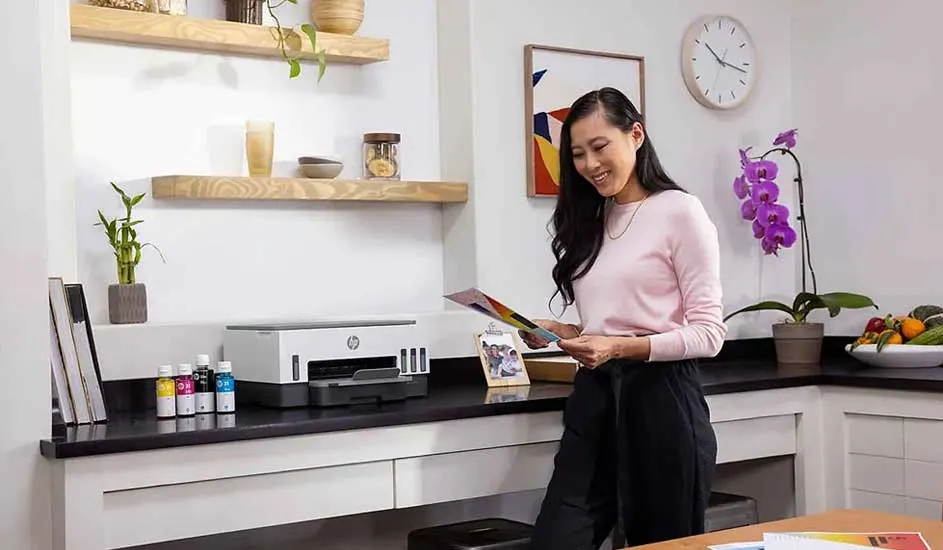
A printer sits on a black counter next to ink bottles. Wooden shelves are on the wall. An orchid and bowl of fruit sit on the counter.

Consider the following factors when choosing your printer:

  • Choose an inkjet printer if you want to print documents as well as images and photos.
  • If you often print large volumes of text, a laser printer is a suitable choice.
  • Choose an all-in-one printer if you also want to scan and copy.
  • If you regularly print your own photos, a photo printer is the best choice.
  • Look for extra features that are useful to you, such as a scanner, automatic document feeder or the option of an ink subscription.

View the best printers
What types of printers are there?

There are different types of printers, each with their own advantages. An inkjet printer is good at printing both images and text, while a laser printer is particularly useful for quickly printing larger volumes of text. An all-in-one printer also lets you scan and copy.

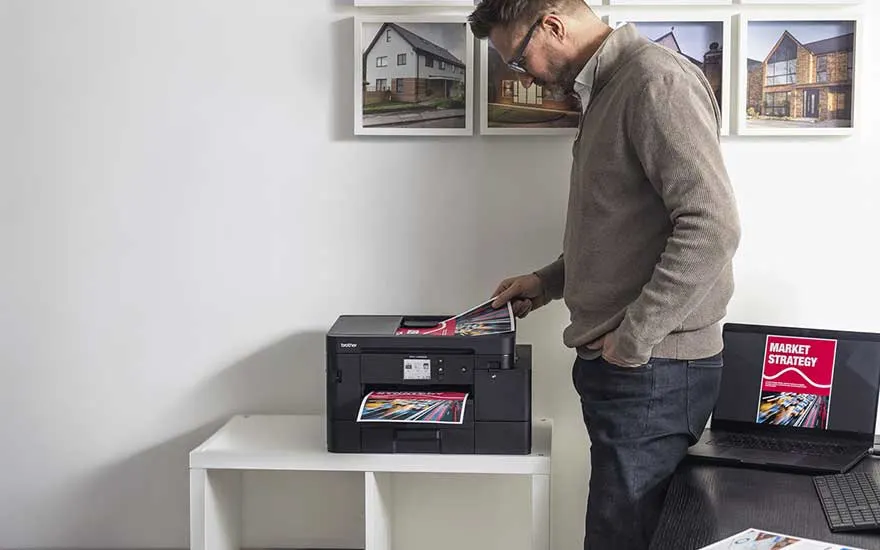
A man uses a printer while colourful documents are being printed. Pictures of modern homes hang on the wall behind him in the room.

Inkjet printers

An inkjet printer sprays tiny droplets of ink onto the paper to print text and images. This type of printer is particularly useful if you want versatility and print both text documents and images or photos. Inkjet printers work with different types of paper, including photo paper and thicker paper. If you often print large documents with many pages, keep in mind that an inkjet printer generally prints more slowly than a laser printer.

View all inkjet printers
A woman stands at her desk holding documents while using a computer screen. A printer loaded with paper is positioned beside her.

Laser printers

A laser printer uses toner cartridges instead of liquid ink and is particularly suitable if you print a lot of documents. It quickly prints large volumes of text with sharp lettering and fine lines. Laser printers are therefore a good option if you are looking for a printer for your home office. Toner cartridges also last longer than ink cartridges, which means a laser printer generally has lower printing costs than an inkjet printer. On the other hand, laser printers usually require a larger initial investment and often take up more space.

View all laser printers
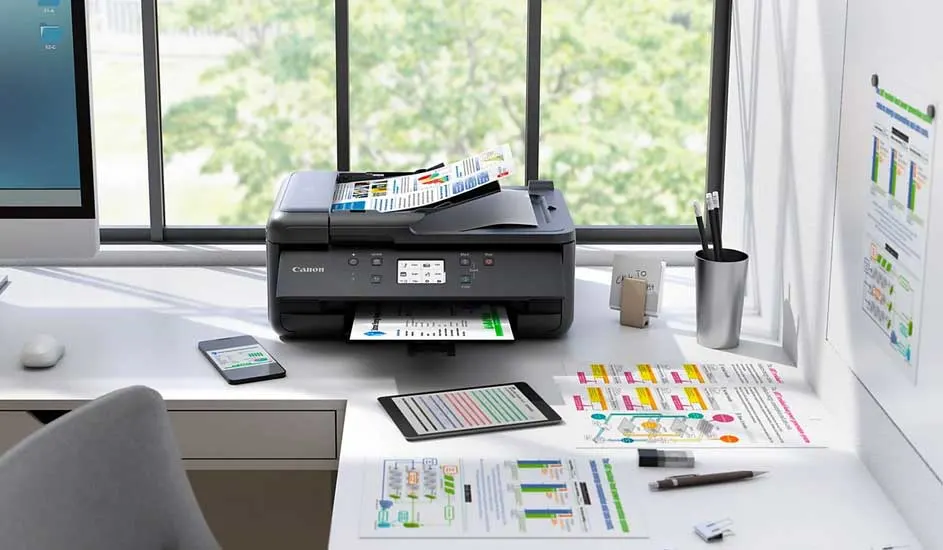
A desk featuring a printer, papers, and devices. A window is in the background, enhancing the workspace ambiance.

All-in-one printers

An all-in-one printer lets you print, scan and copy. Some models also have a fax function. This gives you several functions in a single device, so you don't need a separate scanner or copier. All-in-one printers are available as inkjet and laser printers, so you can select the type that matches how you print.

View all all-in-one printers
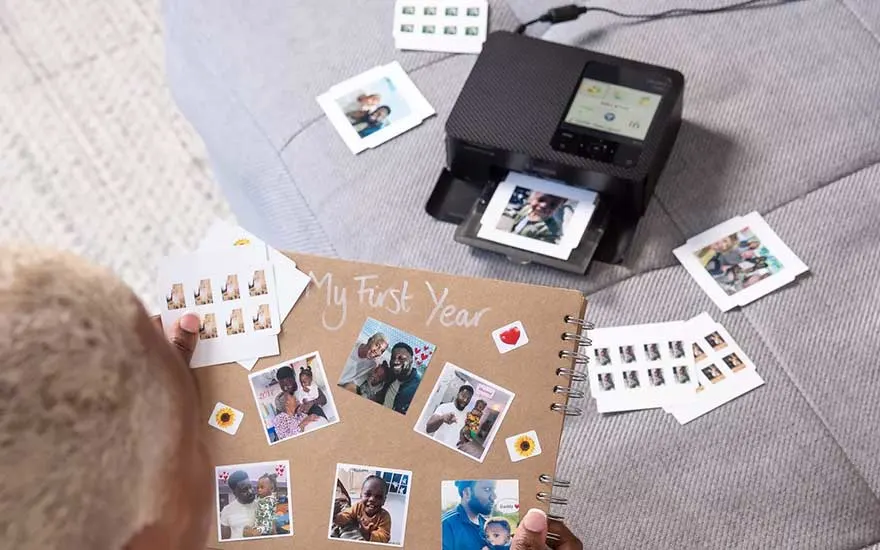
Someone creates a personal photo album with family pictures while a compact printer produces new colourful photos on the bed.

Photo printers

A photo printer is specifically designed to print high-quality photos. These printers use 4 to 12 different ink colours to accurately reproduce tones, contrasts and colour gradients. Photo printers support different types of photo paper, and many models offer borderless printing, so you can print photos without white borders. A photo printer is particularly suitable if you regularly print your own digital photos. If you also want to print photos on the go, there are pocket printers: compact photo printers that let you print anytime, anywhere.

View all photo printers

What else should you consider when choosing a printer?

Other aspects also play a role when choosing a printer. Consider the types of paper you want to use, how you want to connect the printer and extra features such as scanning and control via an app. Taking these factors into account helps you find a printer that better matches how you want to use it.

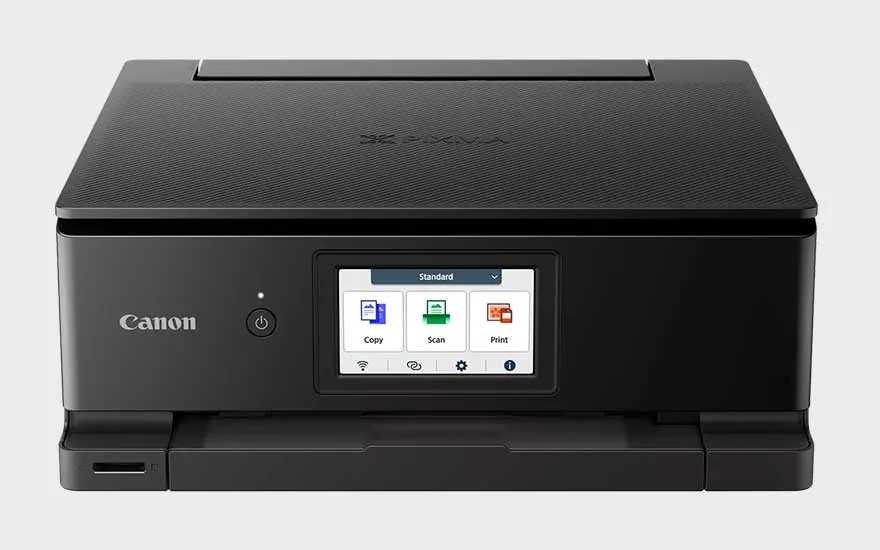
A black Canon printer is shown against a light background. Its touchscreen displays clear options for copying, scanning and printing.

Scan or fax function

If you want to digitise or copy documents, choose a printer with a built-in scanner. Some printers also have a fax function that lets you send documents directly from the device. These functions are mainly found on all-in-one printers.

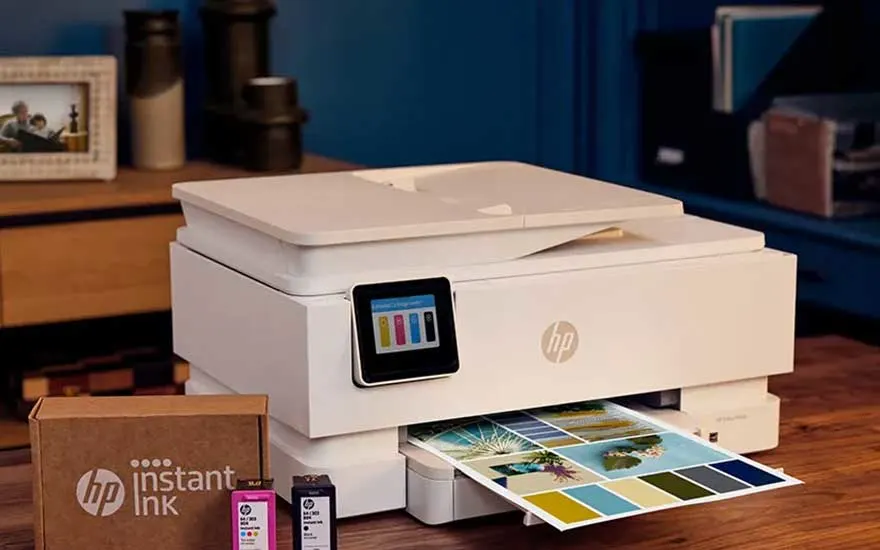
A white HP printer with Instant Ink produces colourful photographs. Ink cartridges and their packaging are displayed beside it on the table.

Ink subscription

With an ink subscription, such as HP Instant Ink, new ink is automatically delivered to your home when your printer indicates that the cartridges are running low. Depending on the subscription, you may pay based on the number of pages you print each month, for example. Choose an ink subscription if you print regularly and don't want to keep track of when you need new cartridges yourself.

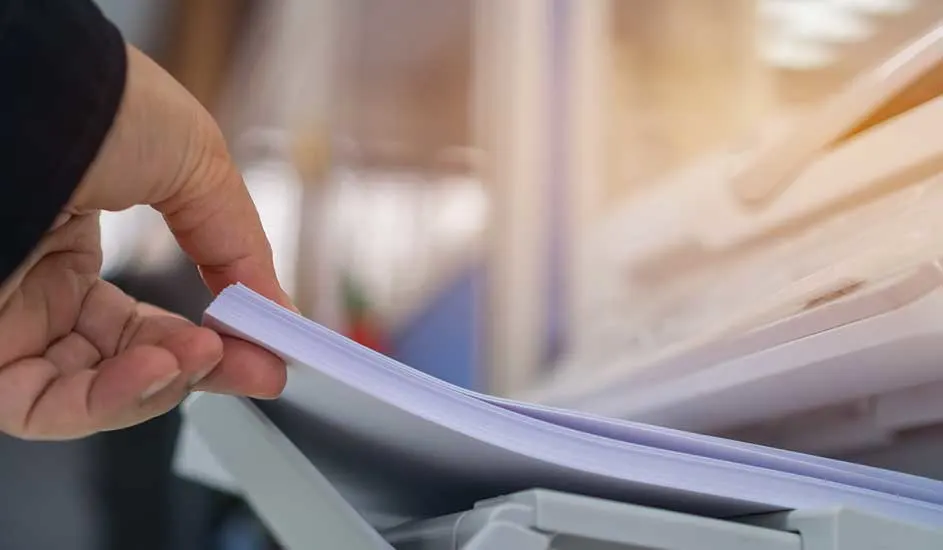
A hand holds a pile of white paper over a gray printer. The background is vague.

Paper type

Check which paper sizes and weights the printer supports. For standard documents, you will usually use A4 paper weighing 80 g/m². If you want to make larger prints, you need a printer that supports A3. For labels, envelopes, photo paper and thicker printing paper, check whether the printer supports the required size, paper type and paper weight.

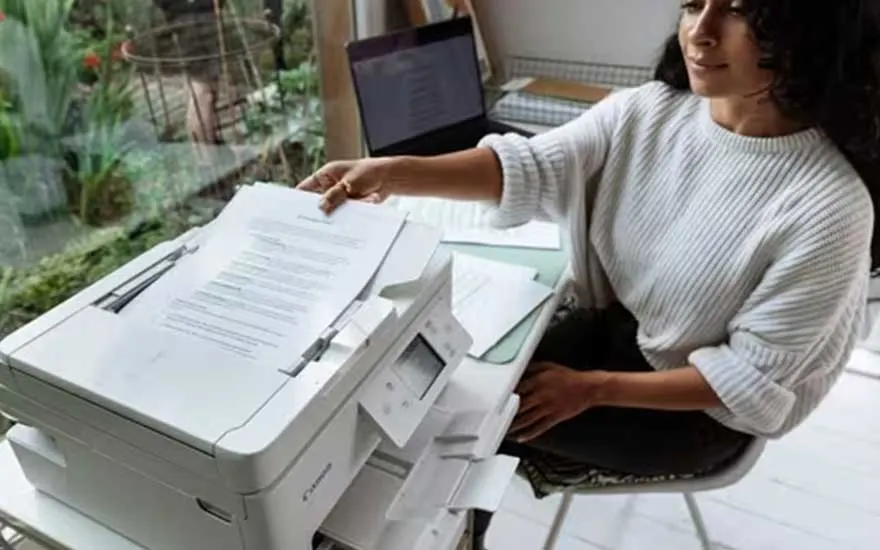
A woman removes a printed document from a white printer. She works at home beside a laptop, with additional papers spread across the table.

Automatic document feeder

An automatic document feeder, or ADF, feeds multiple pages through the scanner one after another. This means you don't have to place each page on the scanner glass individually. If you regularly digitise documents, an ADF is a useful feature.

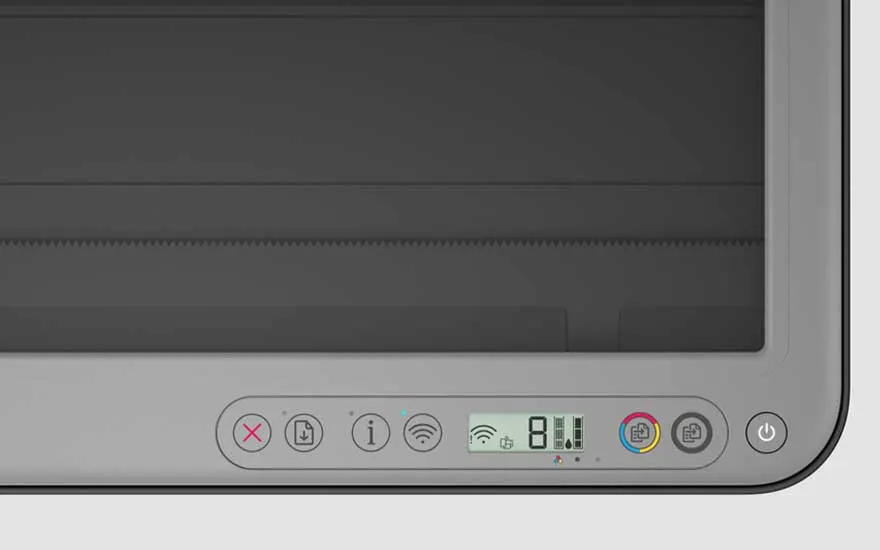
A close-up shows a printer’s control panel with buttons for cancelling, information, Wi-Fi, colour selection and powering the device.

Wired connection or Wi-Fi?

Wi-Fi lets you connect a printer wirelessly to your computer, smartphone or tablet and print from different devices. A wired USB connection provides a direct connection to a single device. The advantage of a wired connection is that you can still print if your internet connection goes down. There are also network printers with an Ethernet port, which let you connect the printer directly to your network and print from different devices.

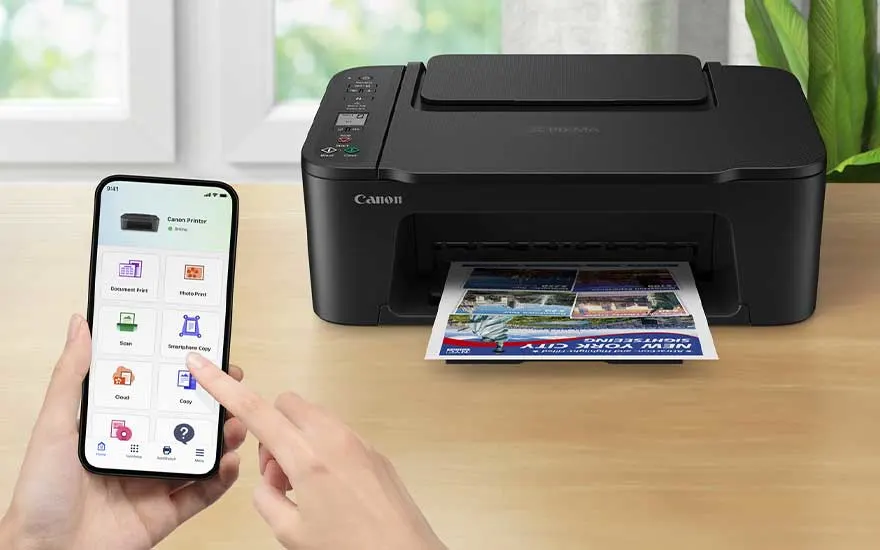
A Canon printer produces a colourful page while someone controls it with a smartphone. The printer is placed on a wooden table indoors.

App function

Printers with a companion app let you print directly from your smartphone or tablet. Depending on the model and app, you also get access to extra features, such as checking ink levels or adjusting printer settings.

View our selection of printers

Advice on choosing the right printer at MediaMarkt

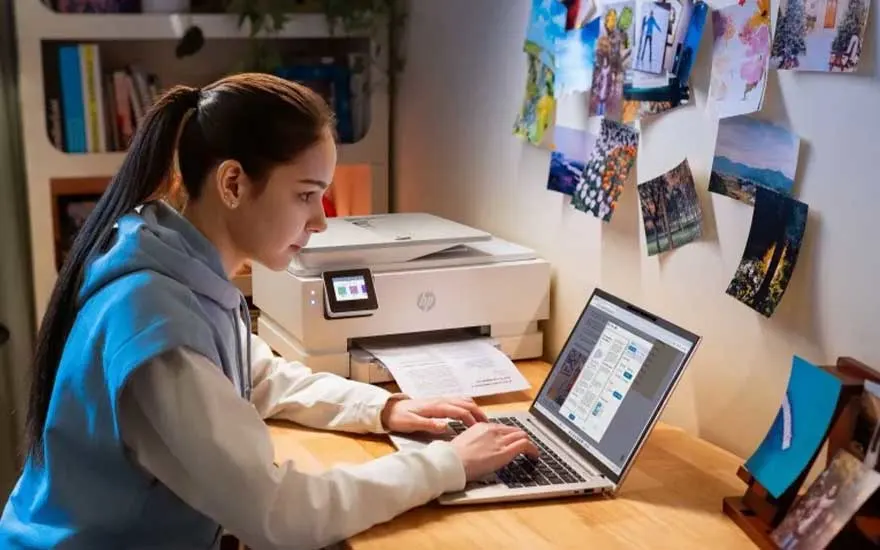
A young woman prints a document at her desk while using an open laptop. Photos and illustrations are displayed on the wall for inspiration.

The printer that suits you best depends on what and how much you want to print. An inkjet printer is suitable for varied printing. For large volumes of text documents, a fast printer such as a laser printer is more suitable, while a photo printer is specifically designed to print photos and does so more accurately than other types of printers. If you also want to scan and copy, an all-in-one printer is a good option. Also consider the supported paper sizes and types, connectivity options and features such as an automatic document feeder.

How do you install a printer?