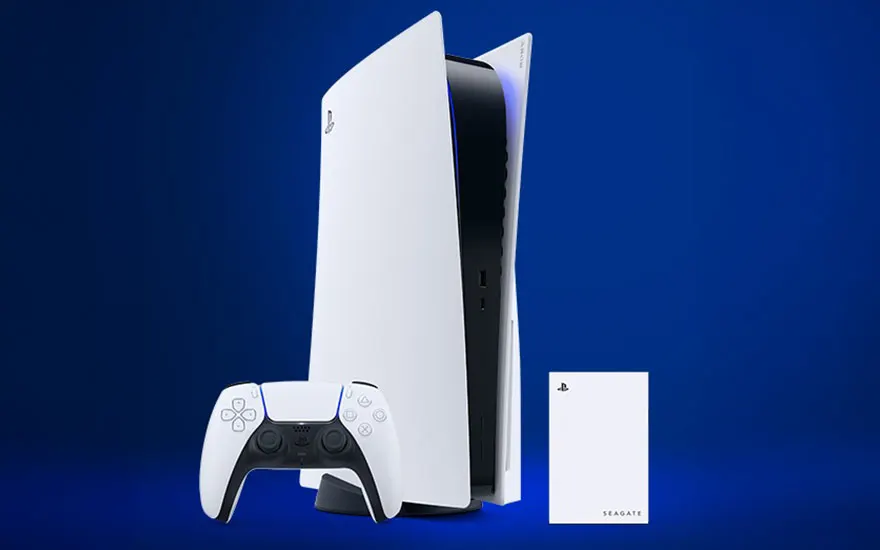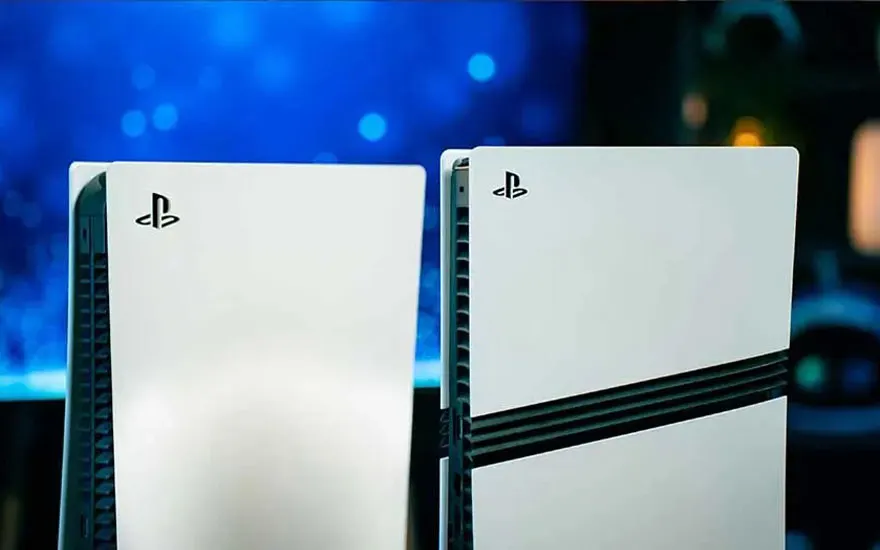
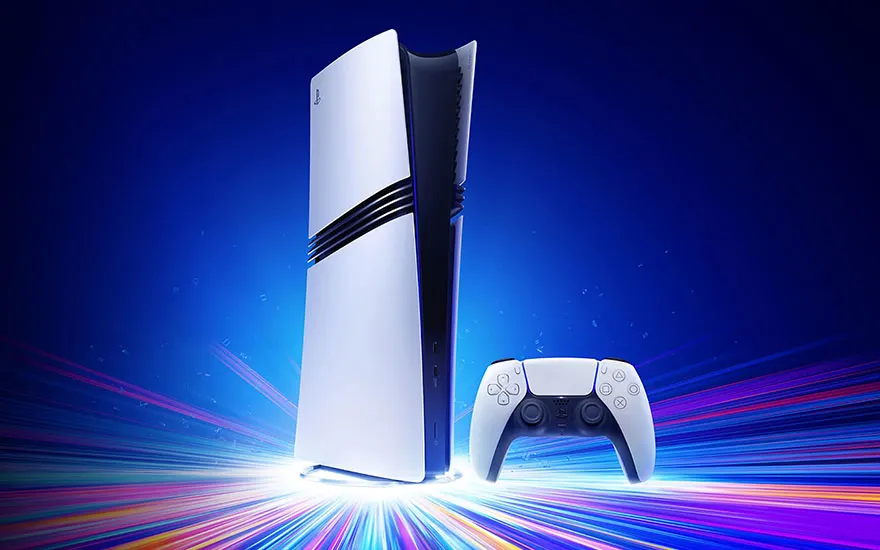
The PlayStation 5 comes with an internal SSD as standard, offering 1 terabyte of storage on the PS5 Slim and 2 TB on the PS5 Pro. That's fine for the average gamer, but if you play lots of games or download large updates and media, you'll quickly notice that you're reaching your storage limit. Fortunately, there are 2 ways to expand your PS5 storage: through internal storage, by adding an extra SSD, and external storage, by using an external hard drive or SSD through the USB port. Both options have their own pros and cons, and we'll help you make the best choice.
How do you expand your PS5 storage?
Content
If your PS5 regularly fills up with games and media, expanding the storage is a smart solution. Whether you choose internal SSD storage for fast performance or external storage for extra space, here you'll find everything you need to know about the options and the best ways to expand your PS5 storage.
What options do you have to expand PS5 storage?
Internal storage for the PS5
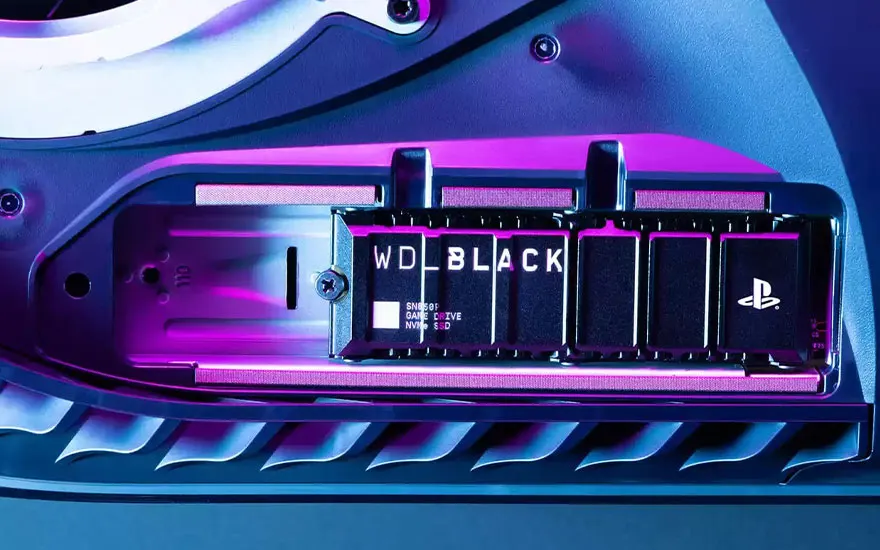
One of the best ways to expand your PS5 storage capacity is by adding an internal SSD. The major advantage of internal storage is that you can load games and other files directly from the SSD, giving you extremely fast access and quick game start-up times. You also don't need to transfer files as you do with external storage. But when choosing the right internal SSD, there are a few important factors to keep in mind, such as the protocol type, game storage capacity, game transfer speed and the playback speed of your favourite games.
Protocol type
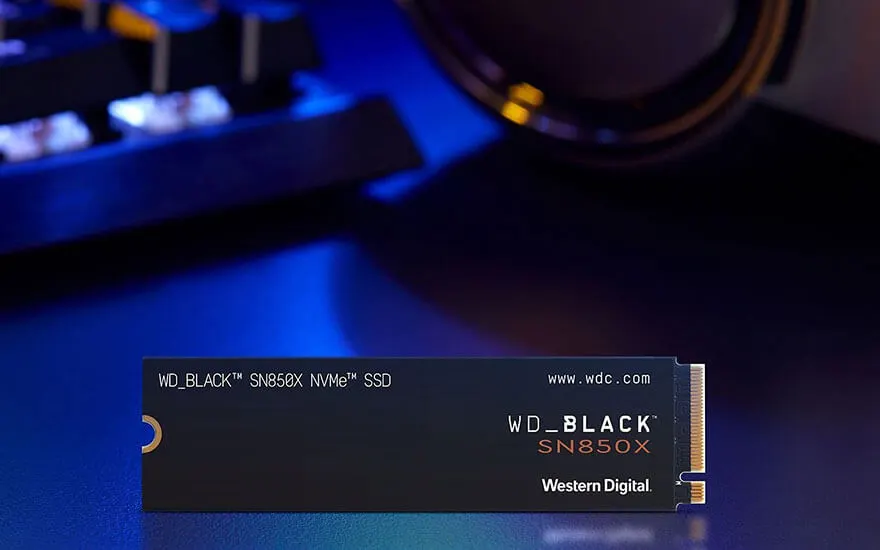
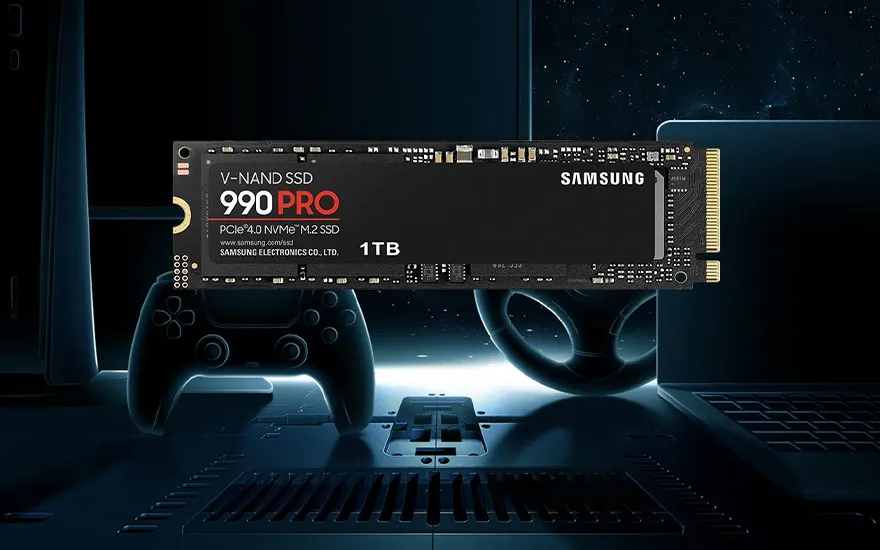
For an internal SSD, you need to make sure it supports the M.2 NVMe protocol, as this protocol is compatible with the PS5. This is the only type of SSD the PS5 supports for storage expansion. It's also important that the SSD has a read speed of at least 5,500 MB/s to function optimally. Also check carefully whether the SSD has a heatsink, or cooling system, as this keeps the SSD cool during intensive use. A good cooling system prevents overheating, which can extend the lifespan of the SSD and improve your PS5's performance.
Storage capacity for games
Internal SSDs for the PS5 come in different capacities, ranging from 250 GB to as much as 4 TB. How much extra storage you need depends on the number of games you want to install and how much space you think you'll need for updates and media. For the average gamer, 250 GB is often enough to store around 4 extra games. However, if you're a real gaming enthusiast and like to keep the latest titles on your console at the same time, a larger SSD of 2 or 4 TB can be more worthwhile. With 4 TB, for example, you'll have room for 60 extra games, which is ideal for people who want to play several games at once.
Game transfer speed
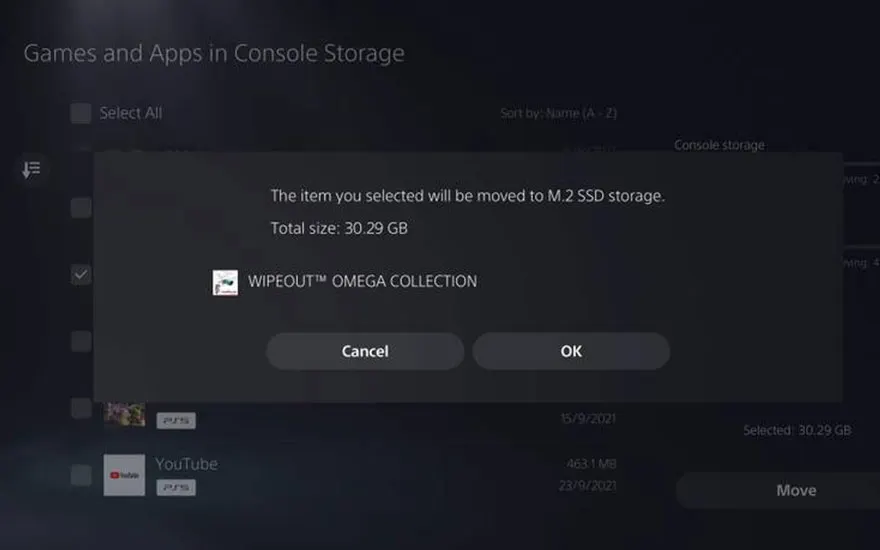
Another advantage of internal storage is transferring speed. SSDs for the PS5 can transfer data extremely quickly, which means you can move PlayStation 5 games from storage to your console in 2 minutes. This ensures you can quickly get back to gaming without unnecessary waiting times. With an internal SSD, you can download games quickly and start playing straight away, which you can't do with external storage.
Game playback speed
With internal storage, you can play games immediately without first transferring files, resulting in a smoother gaming experience. The speed of the internal SSD ensures that games start quickly, without delay or stuttering. This is one of the main advantages compared with external storage, where you first need to transfer the files to your PS5 before you can play. If speed and ease of use are important to you, an internal SSD is a great choice.
External storage for PS5
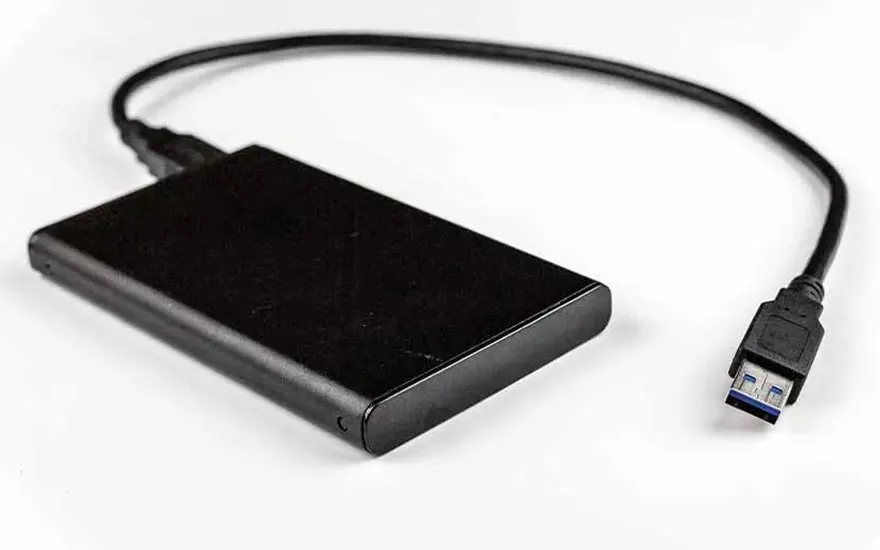
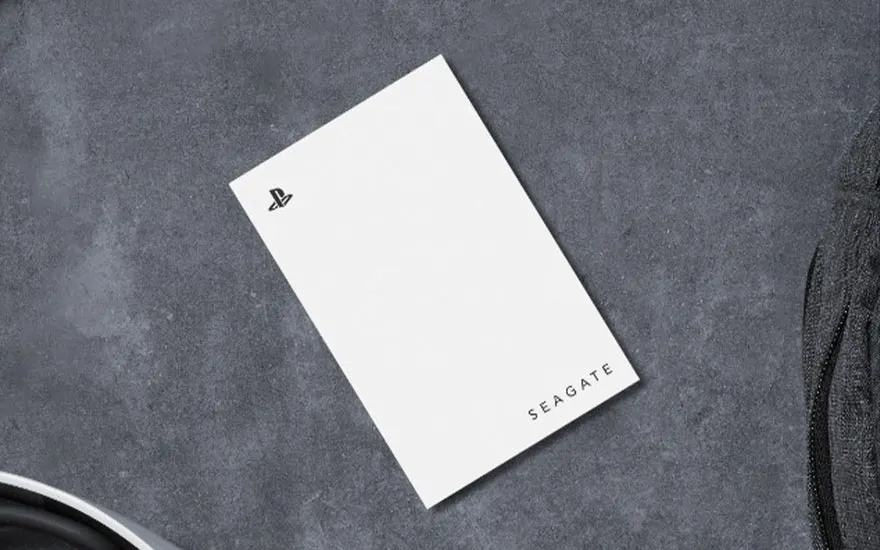
In addition to internal storage, you can use external storage to expand your PS5's storage capacity. This is a flexible option because you can use an external HDD or SSD that connects to your PS5 through the USB port. The advantage of external storage is that you can easily add extra space without having to open up the PS5. However, external storage does have a few disadvantages, especially when it comes to speed and the convenience of playing directly.
USB support
For external storage, you'll need a drive that supports at least USB 3.0, which is now the standard for most external SSDs and hard drives. Using a USB 3.2 connection is an even faster option, as it increases file transfer speed, which is useful if you need to move a lot of data. If you want to use external storage, make sure you choose the right connection so you can reach the maximum speed.
Opslagcapaciteit voor games
External storage offers more space than internal storage, especially if you choose a larger drive. You can add up to 8 TB of extra storage with an external hard drive or SSD. This gives you room for up to 120 extra games, depending on the size of the files. External storage is therefore ideal for gamers who want to manage a huge game library without worrying about the storage limits of their PS5. The minimum storage capacity of an external drive is usually 256 GB, which is enough for around 4 extra games.
Game transfer speed
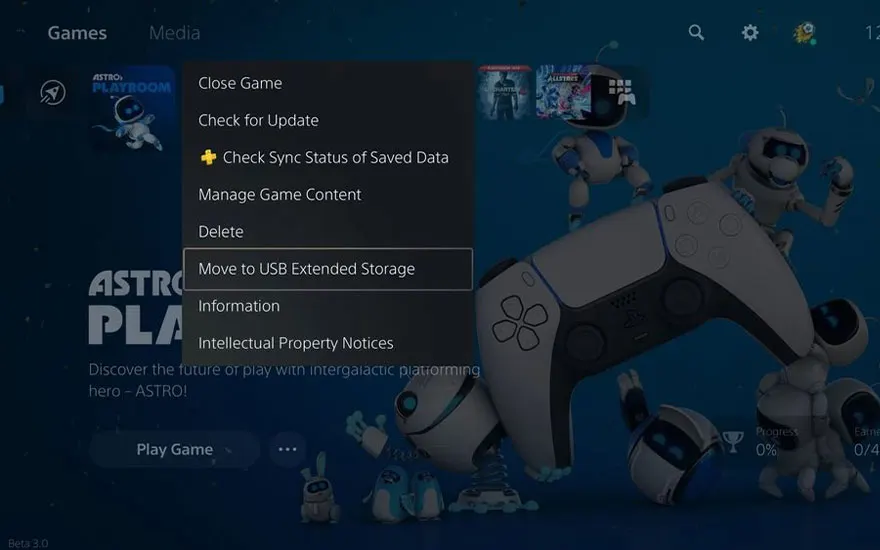
Although external storage offers a major advantage in terms of capacity, it also has some drawbacks when it comes to speed. Transferring files from an external drive to your PS5 takes longer than with an internal SSD. When using a USB 3.0 port, waiting times can rise to 25 minutes, while USB 3.2 is faster, with a transfer time of 7 to 10 minutes. This is an important point to consider if speed is a priority for you.
Game playback speed
Unlike with internal storage, when using an external drive you first need to transfer the files to your PS5 before you can play. This means you can't start gaming immediately, which makes the experience slightly less smooth. External storage is an excellent option for storing games you don't play regularly, but if you often want to play quickly, an internal SSD is a better choice.
Comparison of internal and external storage for PS5
Data table
| Internal storage | External storage | |
|---|---|---|
| Possible drive | Internal SSD | External SSD or external HDD |
| Protocol type or USB | M.2 NVMe protocol, 5,500 MB/s | At least USB 3.0 |
| Storage capacity for games | 250 GB to 4 TB | 250 GB to 8 TB |
| Game transfer speed | Max. 3 minutes | Max. 25 minutes |
| Game playback speed | Extremely fast, directly from the SSD | Needs to be transferred to the PS5 first |
Which PS5 consoles can you expand the memory on?
Expanding the storage capacity is possible on all PlayStation 5 models. That means the PS5 Pro, PS5 Slim, Digital Edition and regular PS5. Even older models, such as the first version of the PS5, can have their storage space expanded. Expanding storage is therefore an option for every PS5 user who needs more room for games, apps and media.
Our advice on expanding your PS5 storage
If you want the fastest performance and direct access to your games, choose an internal SSD. This doesn't just offer the best speed but also ensures a seamless gaming experience without extra waiting times. However, if you need a lot of storage space and don't mind waiting for file transfers, external storage is a great solution. Both options have their advantages, so it depends on your personal preferences and needs.