MM logo white 1
MM logo red
Image description is not available

What is Apple MagSafe?

Jasper21 JANUARY 2026
Four iPhones in cases, black, green, blue, and pink, with accessories on a white background.

Apple MagSafe is a magnetic technology that lets you wirelessly charge your iPhone and securely attach accessories to your device. Since the iPhone 12, MagSafe has been built in as standard and works with MagSafe chargers, batteries, cases and more. In this article, you’ll read how MagSafe works and what you can do with it.

How does an Apple MagSafe charger work?

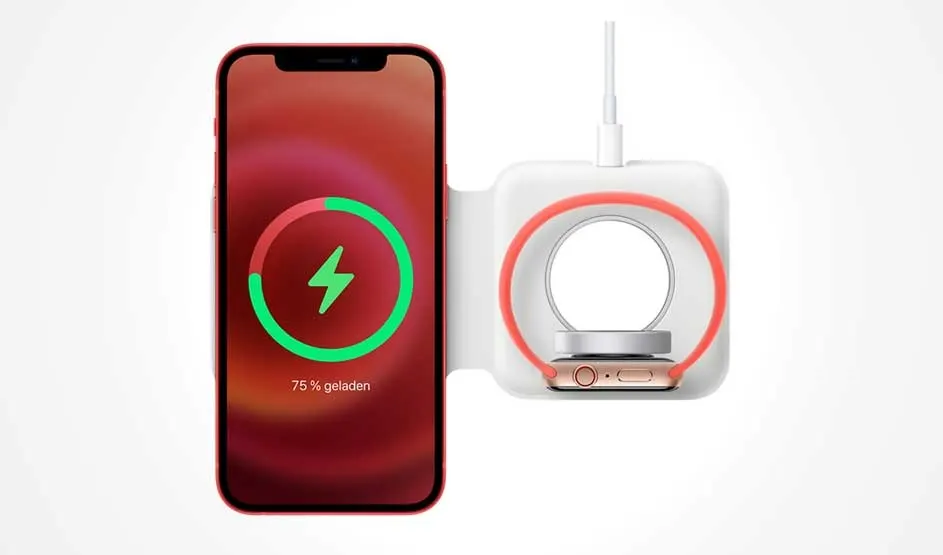
Two smartphones: left shows the back with a round magnetic charger and cable; right shows a green charging ring and “75% Charged” on dark screen.

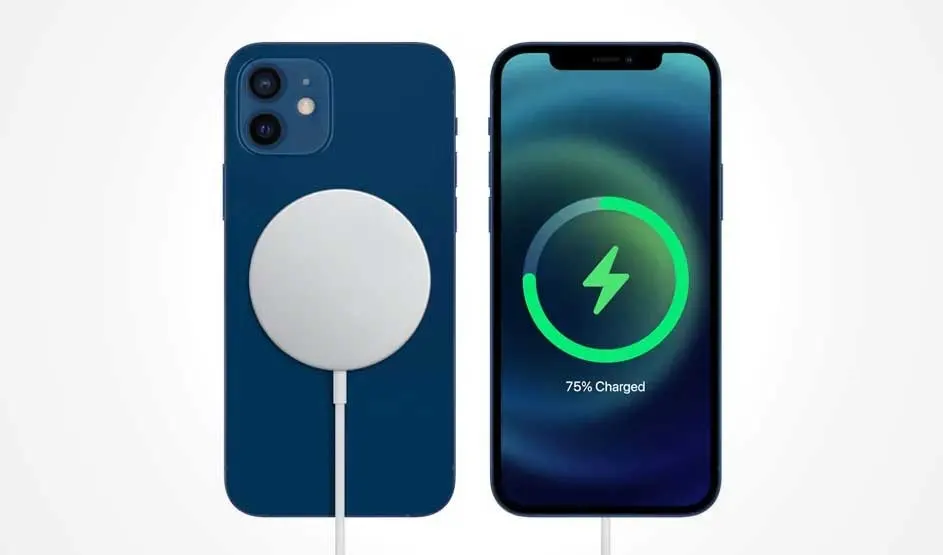
Apple MagSafe is a magnetic system that ensures special wireless MagSafe chargers (and accessories) automatically snap into the correct position and attach securely to your iPhone. You don’t need to set anything up: MagSafe is built into the iPhone and automatically recognises when you’re using a compatible charger.

What if your wireless charger stops working?
Pros of MagSafe charging: Cons of MagSafe charging:

Faster than standard wireless charging

Only works with iPhone 12 or newer

Magnets keep the iPhone and charger securely in place while charging

A case that’s too thick can interfere with MagSafe charging

Cable‑free charging and easy to detach when you’re done

Slower than fast charging with a cable

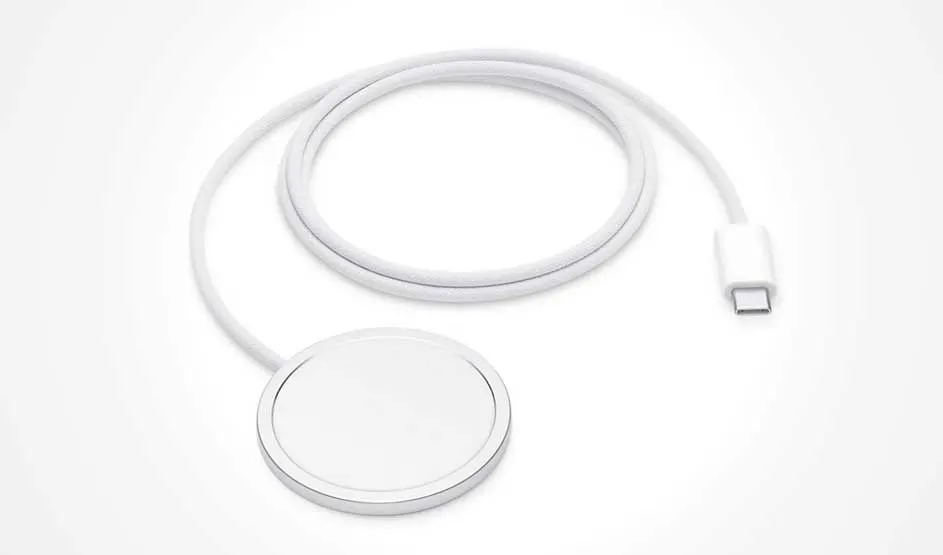
A white braided charging cable with a round magnetic puck and a USB‑C connector, coiled neatly on a clean white background.

Single MagSafe charger

With a single MagSafe charger, you can charge one device at a time:

  • iPhone: hold the MagSafe charger against the back of your iPhone so the magnets snap into place and charging begins.
  • AirPods: place the charging case with the back on the charger so the magnets attach and charging starts.
  • Apple Watch: not possible – charging is only supported with MagSafe Duo or a separate Apple Watch charger.

What is wireless charging?

MagSafe Duo charger

A MagSafe Duo charger has one charging area for your iPhone, AirPods and other iPhone accessories with MagSafe, and a second area for your Apple Watch:

  • iPhone: works the same way as with a single MagSafe charger. Make sure you use the larger MagSafe charging area.
  • AirPods: magnetically attach the charging case to the larger MagSafe charging area. Note: this only works if your AirPods case supports MagSafe.
  • Apple Watch: place the Apple Watch on the dedicated Apple Watch charging area and charging will begin.

Wirelessly charging an iPhone: how do you do it?

All Apple devices that can be charged with MagSafe

Not all Apple products are MagSafe‑compatible. Use these handy tables to quickly check whether your Apple device or accessory works with MagSafe.

iPhone

Compatible with MagSafe

iPhone 11 (or older)

No

iPhone 12 series

Yes

iPhone 13 series

Yes

iPhone 14 series

Yes

iPhone 15 series

Yes

iPhone 16 series

Yes

iPhone 17 series

Yes

AirPods

Property nameCompatible with MagSafeNote
AirPods (1st generation)

No

AirPods 2

No

AirPods 3

Yes*

*Only with a MagSafe case

AirPods 4

Yes*

*Only with a MagSafe case

AirPods Pro (1st generation)

Yes*

*Only with a MagSafe case

AirPods Pro 2

Yes

AirPods Pro 3

Yes

Apple Watch

Does not support MagSafe itself but can be charged via the dedicated wireless Apple Watch charging area on a MagSafe Duo.

Different Apple accessories with MagSafe

MagSafe isn’t just for charging your iPhone. In addition to chargers, there are plenty of MagSafe Apple accessories such as MagSafe power banks, holders and cases to securely attach other MagSafe products to your iPhone. Some of the most popular MagSafe accessories are:

  • MagSafe chargers
  • MagSafe power banks and batteries
  • MagSafe wallets
  • MagSafe cases
  • MagSafe car mounts
  • MagSafe grips

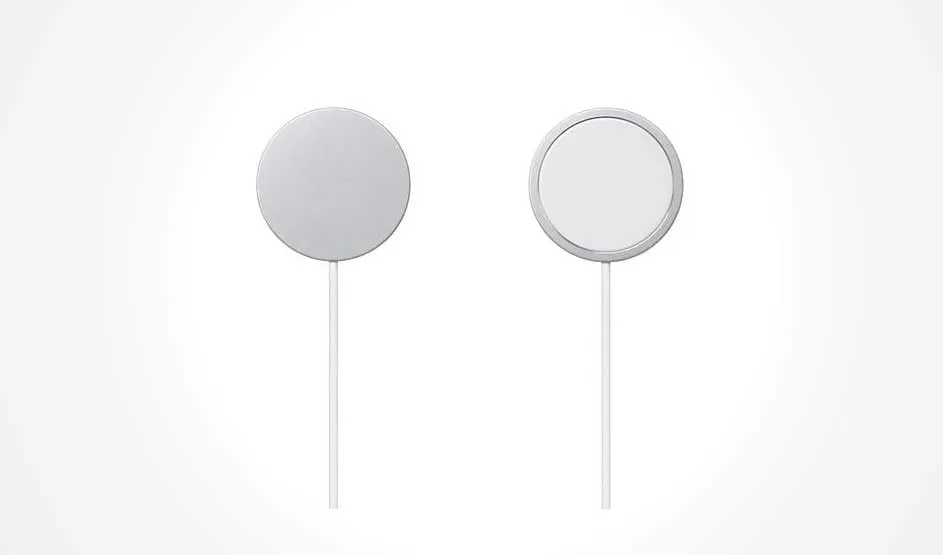
Two round magnetic charging pucks with white cables hang against a plain white background; one is shown from the back, the other from the front.

MagSafe chargers

The magnets in a MagSafe charger line up exactly with the magnets in your iPhone. When you hold the charger against the back of your iPhone, it automatically snaps into place in the correct position.

4 tips if your iPhone battery is draining quickly
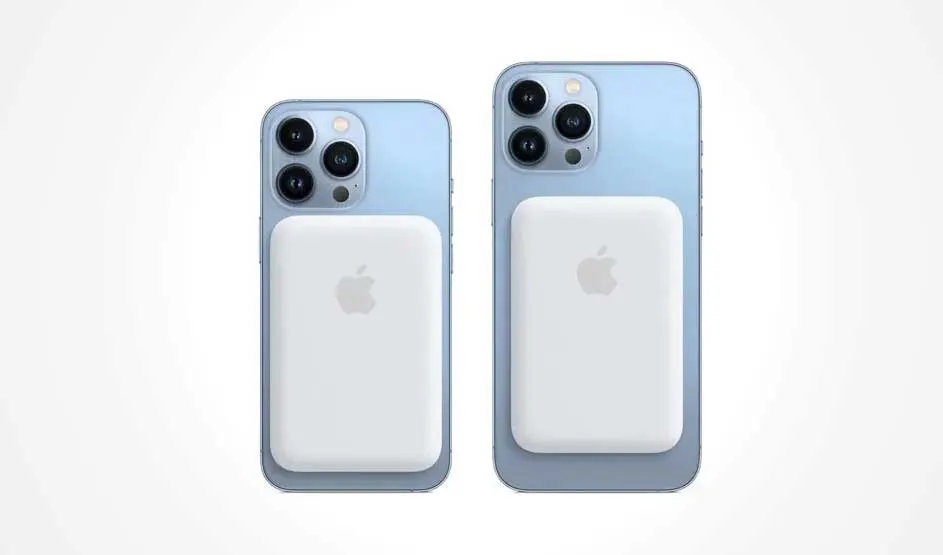
Two blue smartphones are shown from the back, each with a white battery pack attached; triple camera modules sit at the top-left on a white background.

MagSafe power bank

A MagSafe power bank snaps magnetically onto the back of your iPhone and charges it wirelessly. Some models, such as the MagSafe Battery for iPhone Air, sit flush against the iPhone, so you can still hold everything comfortably in one hand.

The best power banks
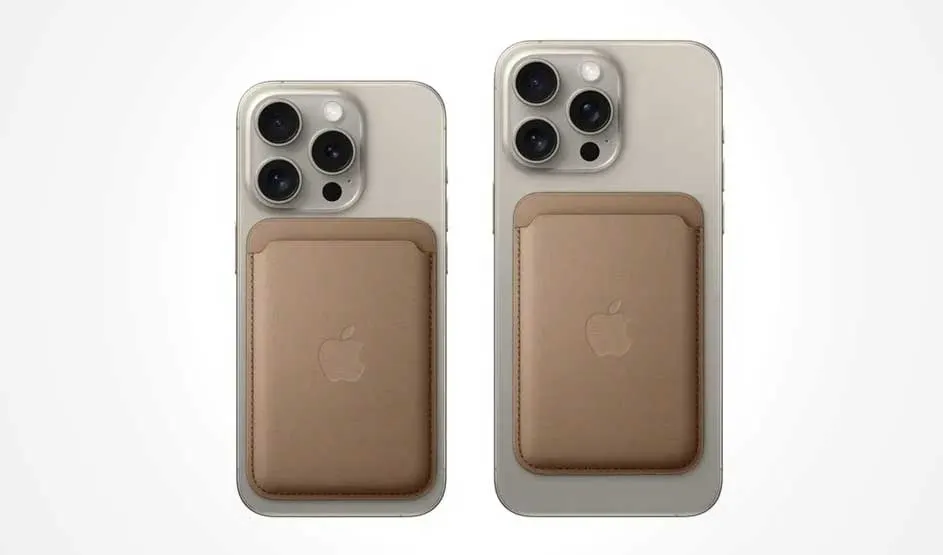
Two silver smartphones are shown from the back with triple cameras; each has a brown leather wallet sleeve attached, set on a clean white background.

MagSafe wallets

With MagSafe wallets, the magnets are used to snap the accessory into place. The card holder attaches securely so you always have your bank cards and other important items to hand without needing to carry a separate wallet.

A mint-green smartphone is shown from the back with two cameras and a clear case featuring a white magnetic ring and alignment bar on a white background.

MagSafe cases

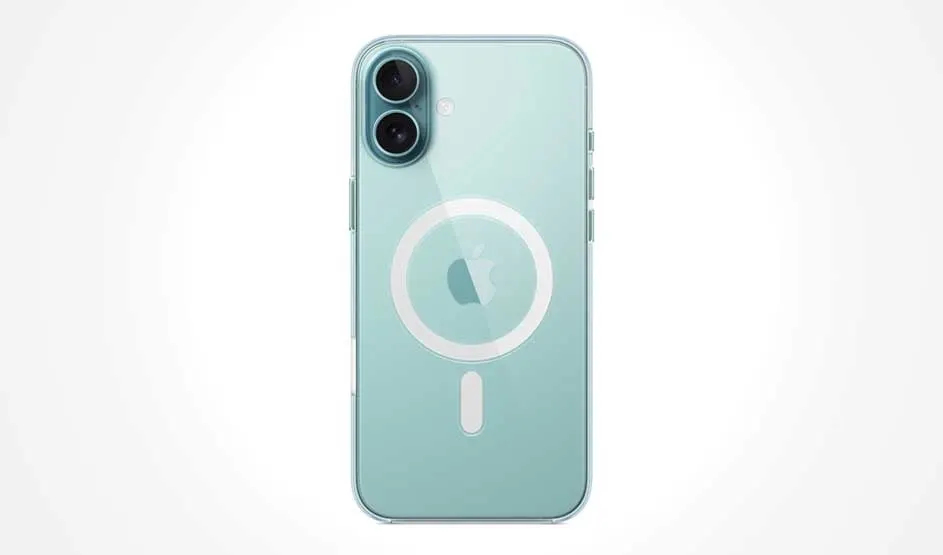
MagSafe cases contain a built‑in magnetic ring that lines up with the MagSafe magnets on the back of your iPhone. These iPhone covers are specially designed so you can use them with MagSafe chargers and accessories.

A mint-green smartphone is shown from the back with two cameras and a clear case featuring a white magnetic ring and alignment bar on a white background.

MagSafe car mount

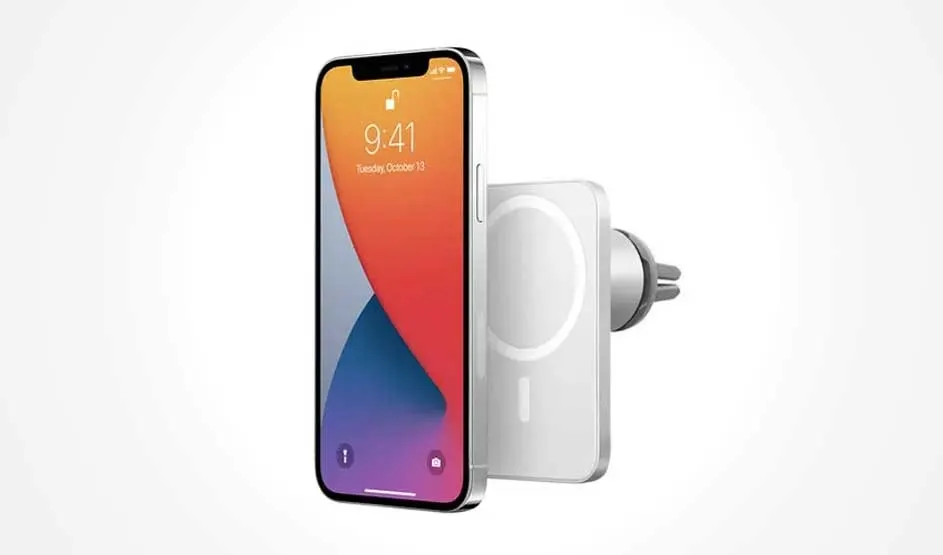
With an in-car phone holder with MagSafe, your iPhone snaps securely into place thanks to the magnets. This lets you switch smoothly to hands‑free calling without having to adjust any clamps.

Is charging with MagSafe bad for the battery?

Hands hold a smartphone while one finger taps the screen; the background is a city street with blurred cars and warm bokeh lights at dusk.

MagSafe charging is designed to protect your iPhone’s battery. While charging, the system automatically takes factors such as heat and charge level into account, so the battery isn’t unnecessarily strained. This means MagSafe doesn’t wear out your battery any faster than other charging methods. However, every lithium battery loses capacity over time, regardless of how you charge it. With frequent and prolonged charging – especially when your device gets warm or is often charged to 100% – that wear can become noticeable more quickly. In practice, it’s all about balance. MagSafe is perfectly fine for everyday use, but alternating between your MagSafe charger and a wired charger can help keep your battery in good condition for longer.

The best iPhones available right now

Our advice on Apple MagSafe

Three smartphones are shown from the back: one with a wallet sleeve, one with a round magnetic charger attached, and one in a clear case with a white ring.

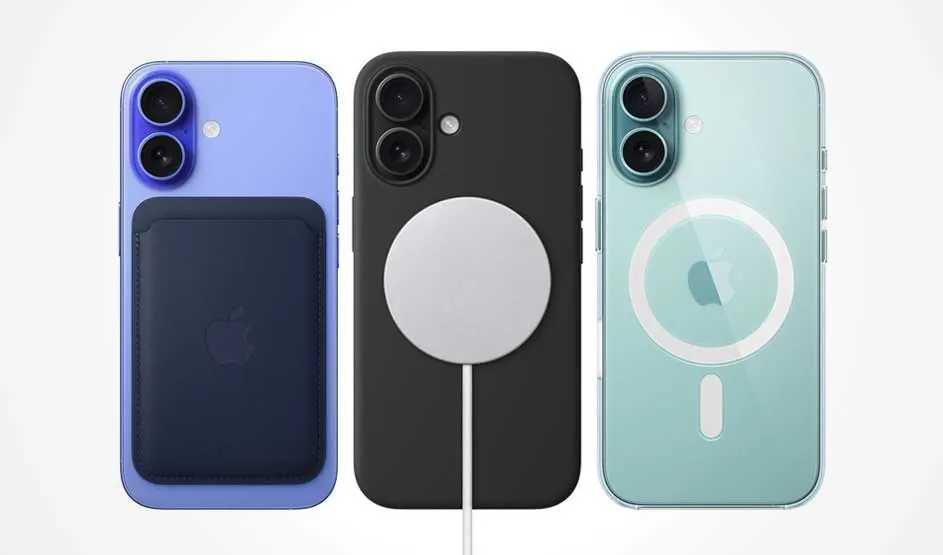
MagSafe is a convenient system for safe wireless charging. There is also a wide range of MagSafe accessories to make your life easier, such as MagSafe wallets and batteries, MagSafe car mounts for hands‑free calling and even MagSafe speakers that attach to your iPhone. MagSafe is suitable for charging your iPhone on a daily basis. Do pay attention to compatibility: MagSafe technology only works on iPhone 12 or newer. MagSafe functionality can also be affected by non‑MagSafe cases that interfere with the magnets.

Extend your iPhone’s battery life

FAQ

These articles may also be interesting for you