MM logo white 1
MM logo red
Image description is not available

What is Samsung Galaxy AI and what can you do with it?

Jasper3 MARCH 2026
A line up van Galaxy smartphones, tablet en opvouwbare modellen staat voor een nachtelijke sterrenhemel, onder de tekst “Galaxy AI is here”.

Galaxy AI is your smart assistant on your Samsung Galaxy device. Whether you’re editing a photo with a text prompt, having a conversation summarised, removing background noise from a video or quickly looking up information, Galaxy AI helps you complete tasks more quickly and easily. Read on to discover exactly what you can do with Galaxy AI.

On which devices is Galaxy AI available?

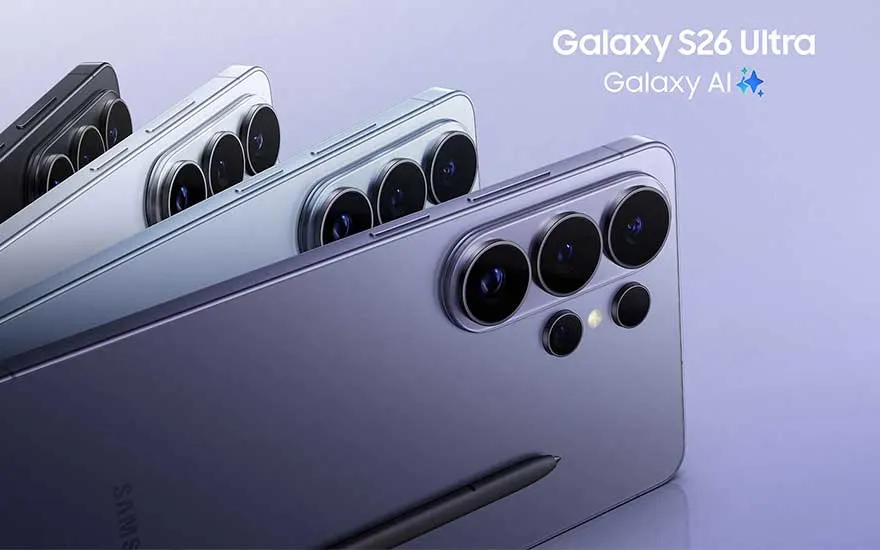
Several Galaxy S26 Ultra phones fan out in soft metallic shades, hun grote cameramodules en de vermelding “Galaxy AI” benadrukken premium kracht.

Galaxy AI is available on various Samsung Galaxy devices, including the Samsung Galaxy S26, S26 Plus, S26 Ultra, S25 FE, Z Flip7, Z Fold7 and the Tab S10 series, bringing a range of innovative possibilities within easy reach. From personalised assistance to intelligent camera features and enhanced performance, Galaxy AI is ready to completely transform your digital experience. Experience the convenience and intelligence of Galaxy AI on your favourite Samsung devices and discover the fascinating world of modern technology. Welcome to the world of Galaxy AI, where the new future begins.
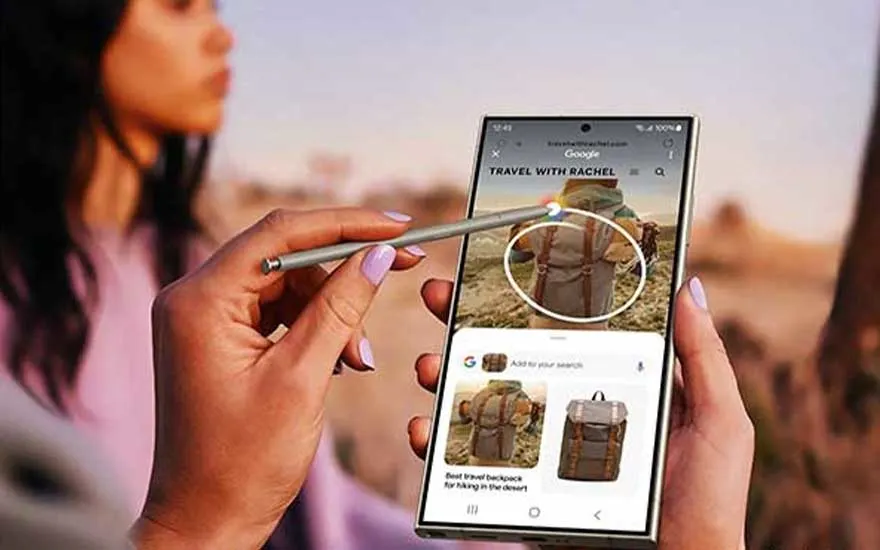

A smartphone displays a Google search for backpacks, circled with a stylus. Images of brown backpacks are shown on screen.

Discover ‘Circle to Search’, an innovative search feature that makes finding information easier. Spotted a stylish T-shirt on one of your followers while scrolling through social media? Circle it, search, and you’ll find it. Looking for the perfect backpack for your upcoming backpacking adventure? Circle the item, start the search, and find exactly what you need.

Photo Assist

A phone displays an island view. Outside the plane window, the same island and ocean stretch.

If your photos don’t quite turn out as you expected, Photo Assist helps you edit them exactly the way you want. You can also easily remove unwanted reflections or background objects with the Object Eraser feature. If you want to go a step further, you can move objects or people using the composition feature or simply fill in a missing background. Expensive and complicated apps are a thing of the past; these features let you get started straight away as soon as your photo is taken.

Chat Assist & Note Assist

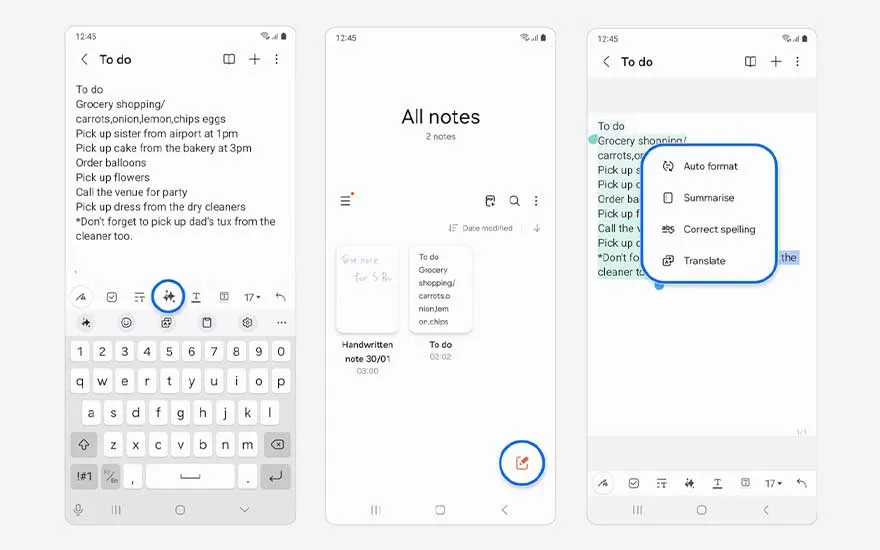
Three Galaxy screens show a notes app with a shopping to do list, an all notes overview and AI tools for auto format, summary, spelling and translation.

Receiving an important call from abroad but only have time to chat? Galaxy AI has the answer. Chat Assist smoothly translates your chat messages via WhatsApp and social media. You can also switch quickly and effortlessly from a formal to an informal tone thanks to the handy Tone Change feature. With Note Assist, you can write down notes and ideas for your holiday or plan your dinner menu in no time. Autoformat helps you keep your notes tidy and turns long texts into concise summaries. This intelligent assistant simplifies both your work and personal life. Galaxy AI simply ensures you’re always one step ahead of everyone.

Live Translation

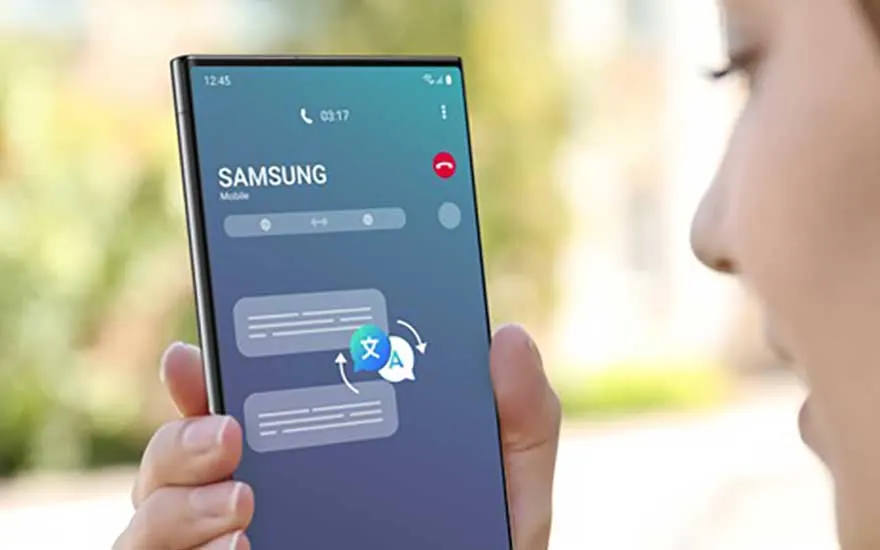
A person holds a Samsung smartphone during a call, with a translation icon on the screen indicating live AI powered language translation.

Want to chat directly with your friends? You can with Live Translate. Live Translate provides an instant translation of your conversation, making it possible to talk with friends who speak other languages anywhere in the world. Live Translation calls now run more smoothly than ever with the Samsung Galaxy Buds, thanks in part to improved voice recognition. Imagine this: while one person is speaking on the phone, the other listens effortlessly via the Galaxy Buds, even in different languages, making communication feel natural and seamless.

Test out Galaxy AI

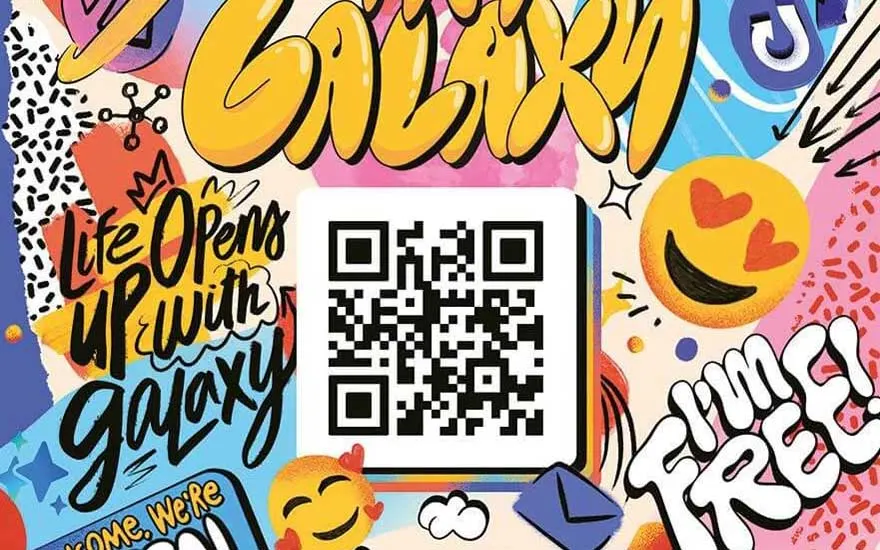
Colorful graphic with cartoon images, text, and a central QR code. Elements include planets, stars, and speech bubbles on a light blue background.

Test Galaxy on your smartphone now and discover everything Galaxy AI can do. Scan the QR code in the image next to this text or click the button below to find out more.

Check it out now