






MM logo white 1
MM logo red

Study or work Monitor

How do i pick a monitor?

Dimension (inch)

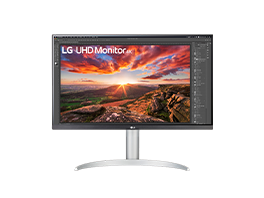
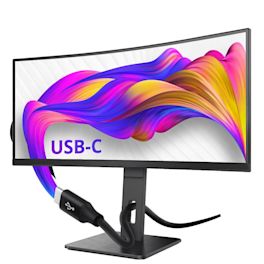
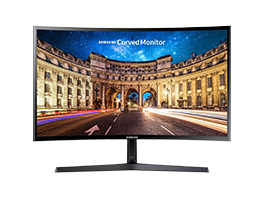
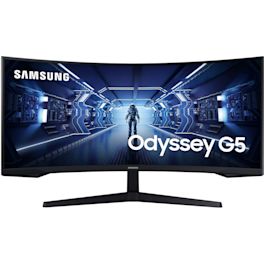
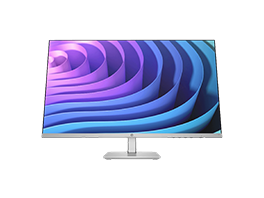
The inch size of a monitor indicates its dimensions. One inch is 2.54 centimetres and refers to the measurement from the bottom left corner to the top right corner. Factors that influence the size you ultimately need include the viewing distance, or how close you sit to your monitor. It’s also important to consider the size of the desk you’re sitting at. To get a good idea of how large a 24-, 27-, or 34-inch monitor is, it’s best to visit your local MediaMarkt store and experience it for yourself.

Resolution

The resolution of a monitor indicates the number of pixels on the screen. More pixels mean a sharper image. This is especially important if you want a clear, crisp display for graphic design or gaming.

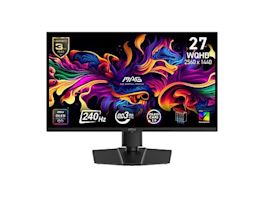
The resolution is represented as the number of horizontal pixels x the number of vertical pixels. The most common resolutions are Full HD (1920 x 1080 pixels), Quad HD (2560 x 1440 pixels), and Ultra HD or 4K (3840 x 2160 pixels).

Entertainment

Welk computerscherm kopen?

Bij je desktop-pc of laptop wil je een nieuw computerscherm voorzien. Maar welke monitor moet je aanschaffen? In dit artikel leggen we je uit waar je op moet letten als je in de markt bent voor een computerscherm. Onder meer de grootte, het type en de extra mogelijkheden zijn belangrijk. Je bent uiteraard ook altijd welkom om advies te vragen in je MediaMarkt-winkel in de buurt of online contact op te nemen via de MediaMarkt-website.

Learn more about Welk computerscherm kopen?