MM logo white 1
MM logo red
Image description is not available

What is macOS Sequoia?

Luca26 AUGUST 2025
Apple iMac en twee MacBooks tonen verschillende apps en games op hun schermen; het Apple-logo is op alle toestellen zichtbaar.

macOS Sequoia (version 15) is the latest version of Apple’s operating system for Mac. Released on 16 September 2024, it’s named after California’s Sequoia National Park and brings improvements like a standalone Passwords app, smarter Finder organisation, better Safari performance, and dynamic wallpapers.

What's new in macOS Sequoia

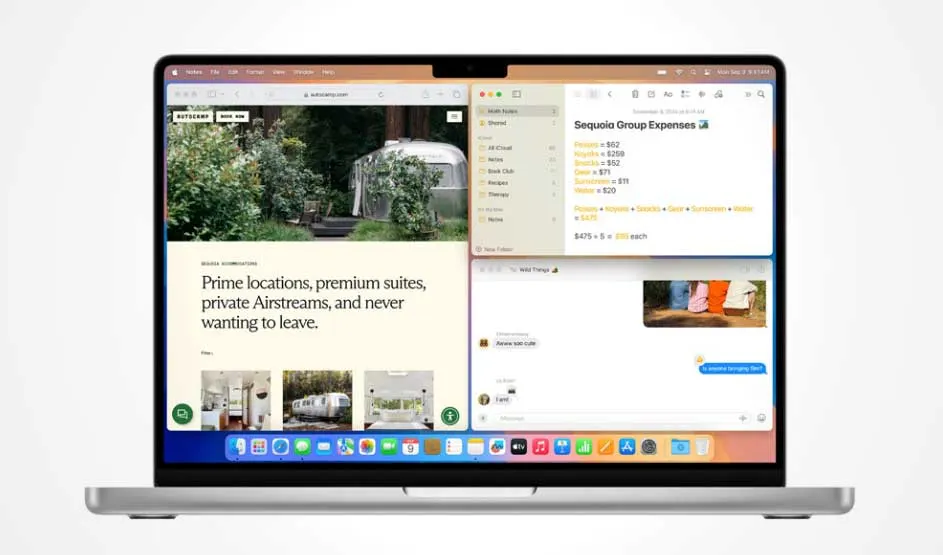
Apple MacBook shows split screen with website, notes and messages; the Apple logo and distinctive interface are visible.

Compared to macOS Sonoma (14), macOS Sequoia introduces several new features:

  • Passwords app: manage all your login credentials in one place.
  • Smarter window layout: group apps more easily and optimise screen space.
  • Faster Safari: enhanced performance and support for powerful extensions.
  • Apple Intelligence: AI-powered text editing and automation tools (Apple Silicon only; not available in Dutch).
  • Dynamic wallpapers: realistic, moving backgrounds inspired by Sequoia National Park.
How to install macOS Sequoia on your Mac

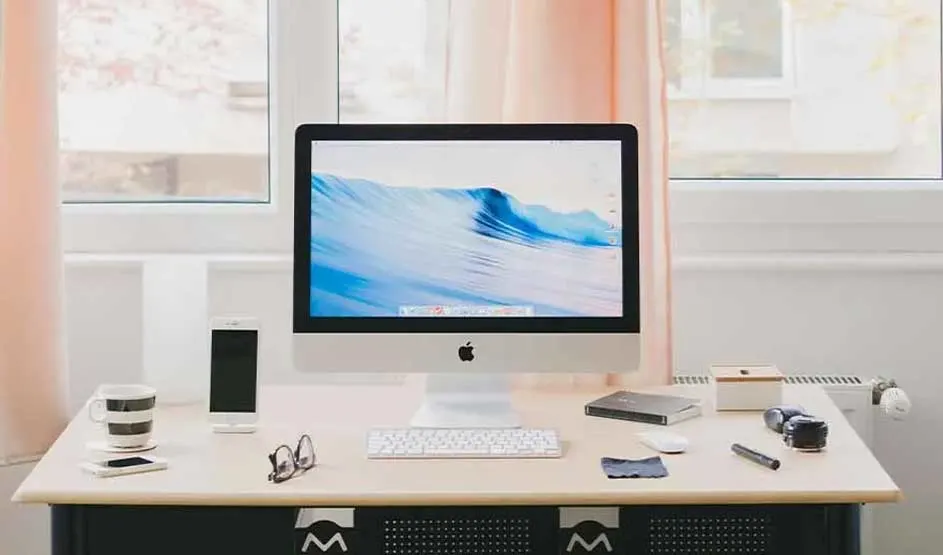
Apple iMac with keyboard on a desk, iPhone and accessories around it; clear Apple logo visible on iMac and iPhone.

To install macOS Sequoia:

  1. Make sure your Mac is compatible.
  2. Back up your device using Time Machine or iCloud.
  3. Go to System Settings > General > Software Update.
  4. Click Download and Install.
  5. Follow the on-screen steps and restart your Mac.

How to reinstall macOS on your Mac device

Which Macs support Sequoia 15?

Mac-modelYear

MacBook Air

2020 and later

MacBook Pro

2018 and later

iMac

2019 and later

Mac Mini

2018 and later

Mac Studio

2022 and later

Mac Pro

2019 and later

When was macOS Sequoia released?

macOS Sequoia became available on 16 September 2024. Since then, it's been free to download via Software Update.

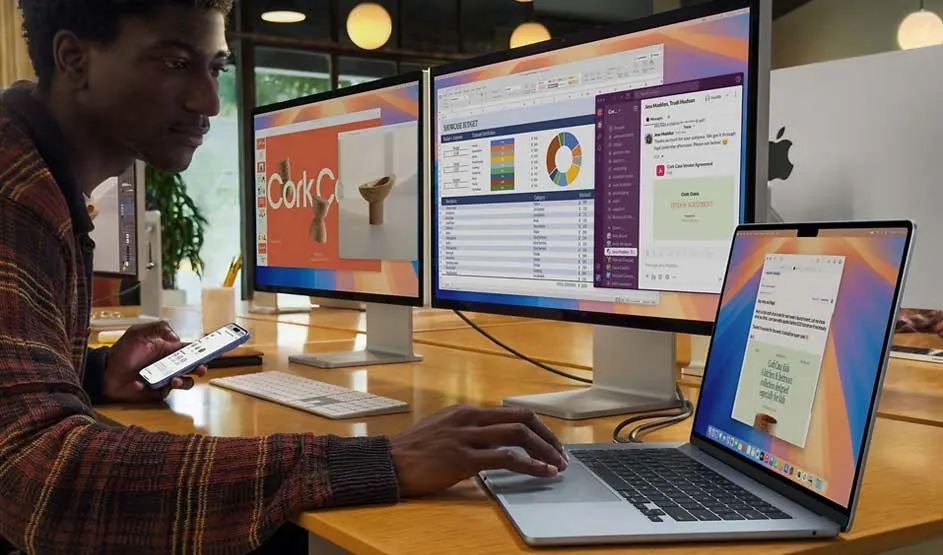
Apple MacBook is connected to two large screens, showing multiple apps; person is also using an iPhone, Apple logo visible.

How long does the update take?

A macOS update can take anywhere from 30 minutes to a few hours depending on:

  • Internet speed.
  • Disk space (at least 20 GB recommended).
  • Your Mac’s model (newer SSD models install faster).

Common issues when downloading Sequoia?

  1. Not enough space: delete large files or apps. We'll help you get started with our article uninstalling apps on your Mac.
  2. Slow internet: try a wired connection.
  3. Compatibility problems: make sure your Mac is supported.
  4. Installation stuck: reset NVRAM (Intel Macs) or try Recovery Mode.

Reset your MacBook

Our advice on macOS Sequoia

macOS Sequoia is a solid upgrade for users with newer Macs. Features like Apple Intelligence and better multitasking tools make it worthwhile. Before updating, back up your data and ensure your Mac meets the system requirements. Having issues? Try Disk Utility or install via Recovery Mode.

These articles might also be of interest to you