MM logo white 1
MM logo red
Image description is not available

What is Samsung Tizen

Bram19 OCTOBER 2025
A living room scene features a TV displaying streaming options, a wooden cabinet, and a table with fruit and magazines.

Windows, iOS, Android and macOS are all operating systems you’ll likely recognise. But did you know Samsung also has its own operating system? It’s called Samsung Tizen and it’s designed for various types of Samsung devices, such as smart TVs, smartwatches and other smart appliances. You can read more about it here.

What can you do with Samsung Tizen?

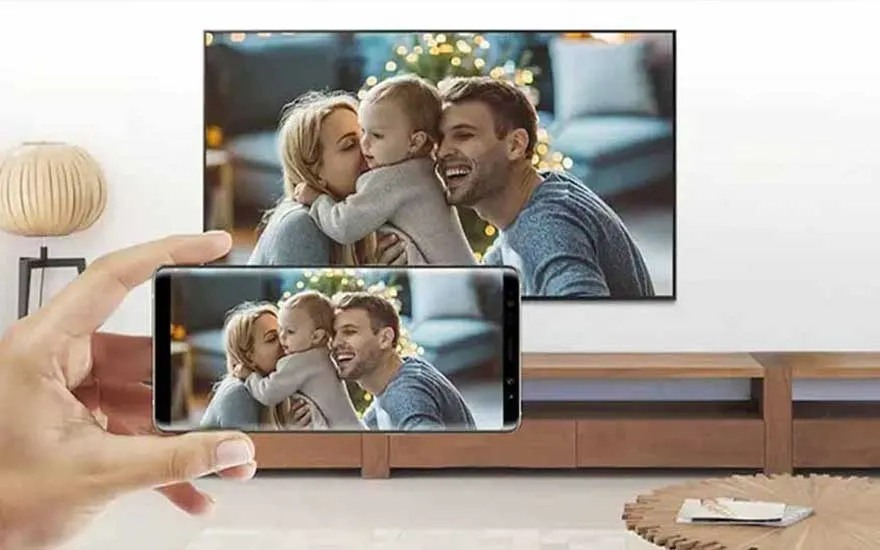
A hand holds a phone displaying a family photo, mirrored on a TV screen. The background features a wooden stand and decor.

Like any other operating system, Samsung Tizen ensures your Samsung device runs smoothly and allows you, as the user, to interact with it. Simply put, Samsung Tizen enables you to use apps, open programmes, stream media content and stay connected with other devices in the Samsung ecosystem. All of this happens via an intuitive user interface on your device. Thanks to Tizen, you enjoy a consistent user experience with Samsung products, whether you have a smartwatch, smart TV or smart fridge from the brand. Speaking of smart devices: why choose them in the first place? A smart home is safe, but a smart home also helps you save energy. Moreover, with SmartThings, Samsung’s smart home platform, you can control all your different smart devices via a central hub. Not only your Samsung devices, but also your smart lighting, plugs and thermostat from other brands.
How do you operate Samsung Tizen?

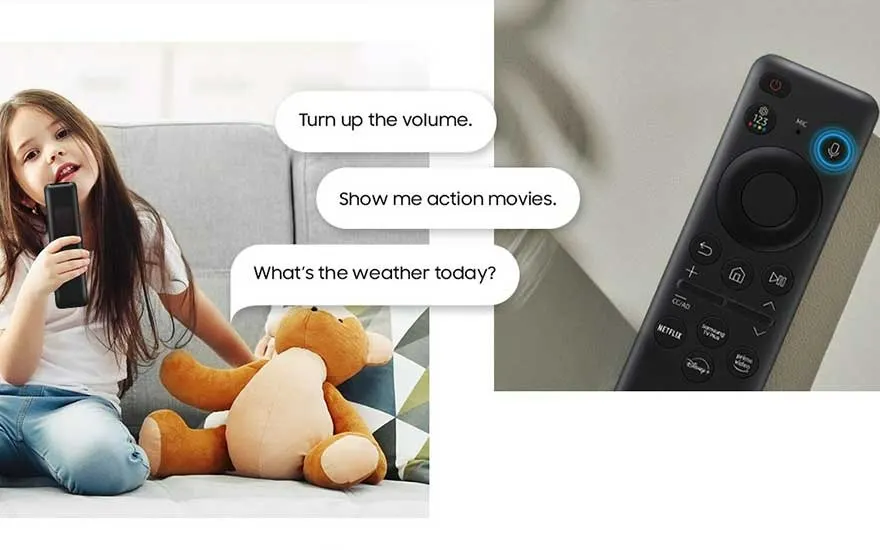
A split image shows a remote control and a couch with a teddy bear. Speech bubbles display voice commands.

How you use Samsung Tizen depends on the device running the operating system. If you have a smart TV with Tizen, you’ll usually control it with a remote control. Do you have a Samsung smartwatch? Then Tizen runs behind the scenes of a touchscreen that lets you navigate through apps directly. That’s also the case for Samsung fridges with a touchscreen. Finally, some Samsung devices with Tizen are equipped with the Bixby voice control system. You then use your voice to operate the device and perform certain actions.

Discover Bixby

What is the Samsung Smart Hub?

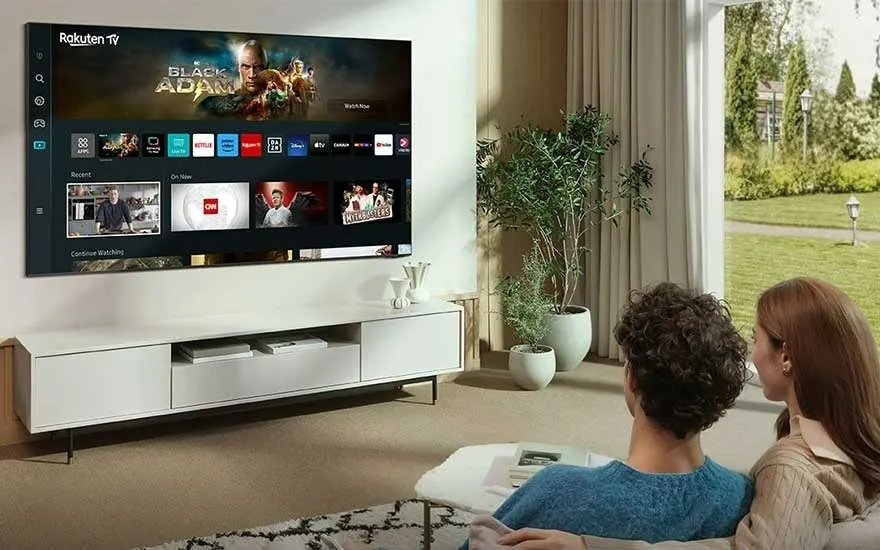
A television displays Rakuten TV above a white media cabinet with plants. A window shows an outdoor lawn.

The Tizen operating system also gives you access to the Samsung Smart Hub. This is the platform you use to control your Samsung smart TV. In the Smart Hub you can see all your apps, media files, TV channels, games and streaming services at a glance. Through this platform you can also easily change general TV settings, such as display and sound settings and network configuration. In addition, you use the Samsung Smart Hub to search for new apps. This is very straightforward because the hub uses your preferences and viewing history to recommend new content. The Samsung Smart Hub is known for its user-friendliness. The most popular apps are grouped together in a prominent place on the screen, and you’ll also always see your most recently watched series, films and games. This way, you can continue watching or playing immediately in just a few clicks. You can also easily adjust the order of the displayed apps to fully personalise the Smart Hub menu.

Everything for your smart home

What is the One Remote?

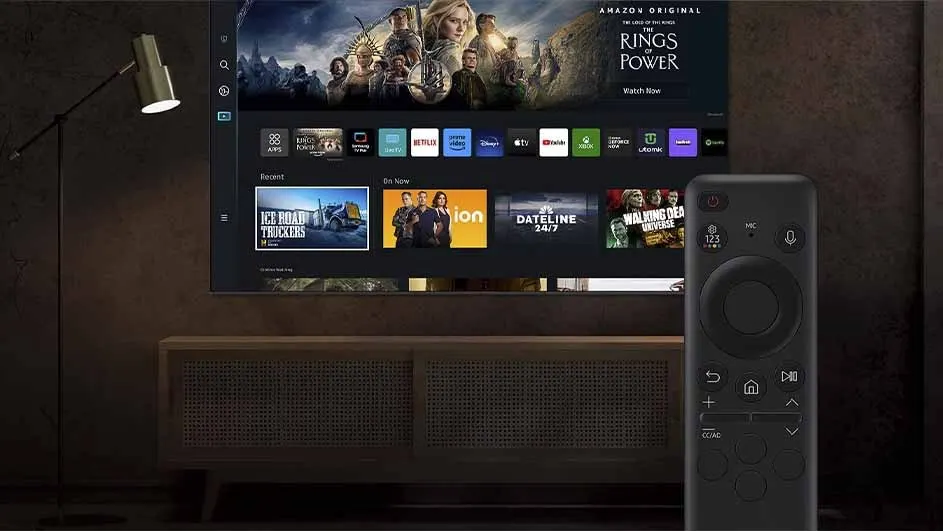
A television displays streaming apps and "Rings of Power". A remote control sits in front of a cabinet, near a lamp.

Just as you control your smart doorbell, Wi‑Fi camera and smart lighting via a single app with Samsung SmartThings, you use Samsung’s One Remote to control your smart TV, Blu-ray player and games consoles with the same remote control. In other words, the One Remote is a universal remote that Samsung developed for its smart TVs. This remote has a minimalist design with a limited number of buttons, making it simple to use for all ages. The One Remote also includes shortcut buttons, for example for Netflix and Amazon Prime. This means you don’t necessarily have to navigate to the Samsung Smart Hub first to watch your favourite series or film.

These articles may also be interesting for you