


Passwords App
A new dedicated app lets you store passwords, passkeys, and verification codes securely. It even alerts you to weak or compromised passwords.


iOS 18 is Apple’s latest mobile operating system for iPhone, officially launched on 16 September 2024. This version brings a range of improvements, including advanced AI tools, new personalisation options, and enhanced security. It aims to make your iPhone more intelligent, secure, and tailored to your needs.
Here are the key new features introduced in iOS 18:
A new dedicated app lets you store passwords, passkeys, and verification codes securely. It even alerts you to weak or compromised passwords.
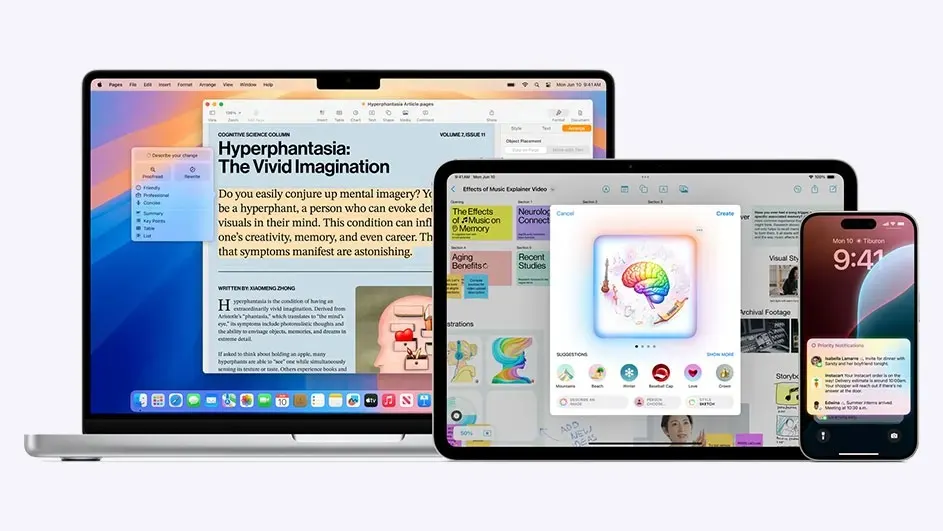
Apple Intelligence is a suite of AI features that includes automatic email composition, image generation, and smart summaries. Siri also gains better context awareness and natural language input. Note: Apple Intelligence is not yet available in Dutch and is limited to newer devices.
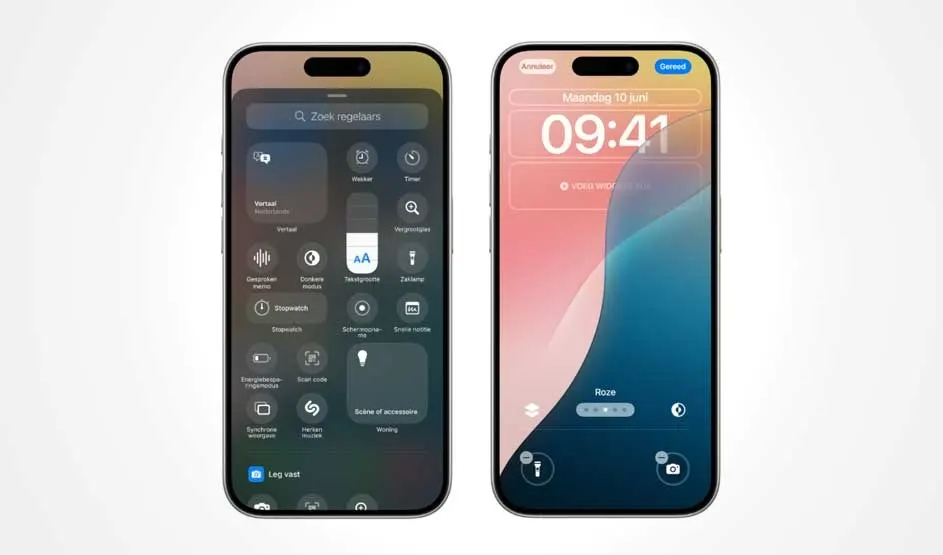
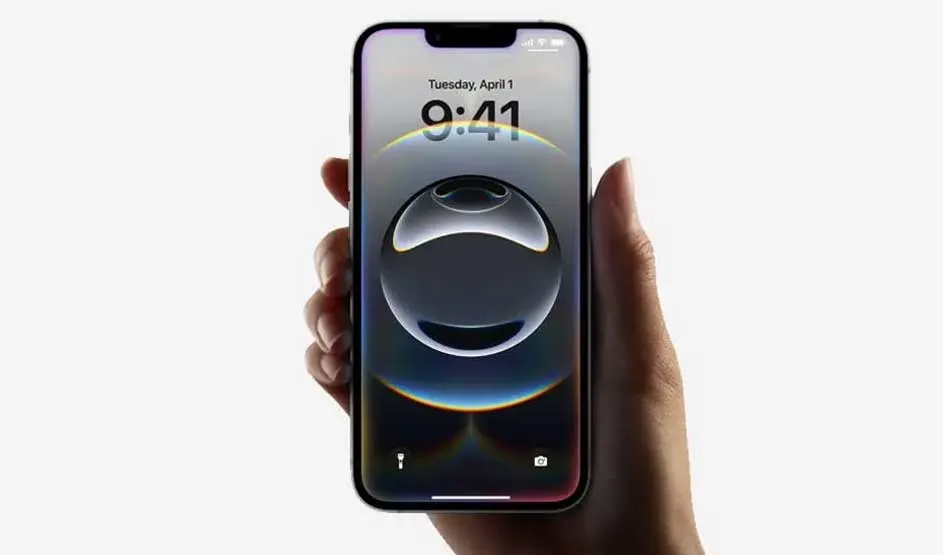
Your iPhone's lock screen is now fully customisable. Replace shortcuts like the flashlight and camera with other functions such as calculator, Wi-Fi settings or personal automations for a more efficient user experience.
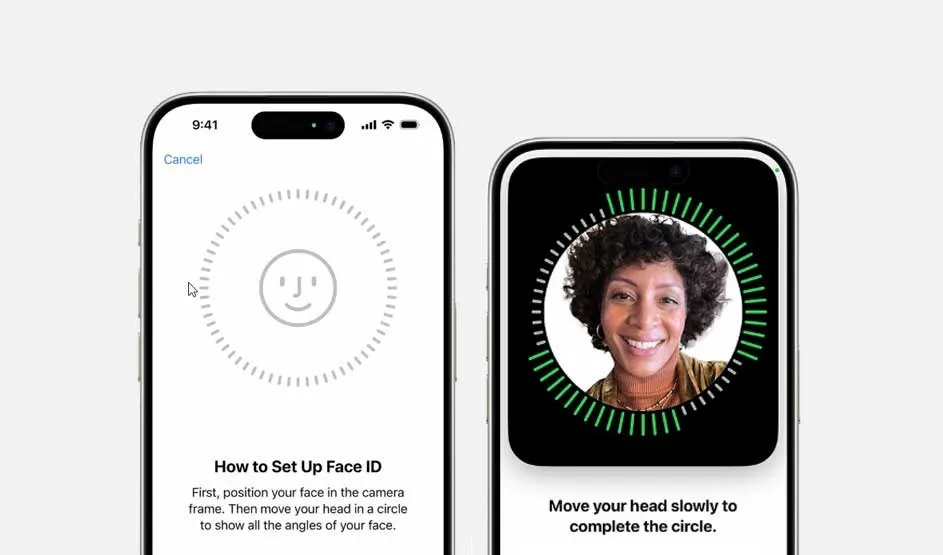
You can now lock apps like Messages, Photos, and Notes individually using Face ID, Touch ID, or a passcode. There are also tighter privacy settings for Bluetooth pairing and app access.
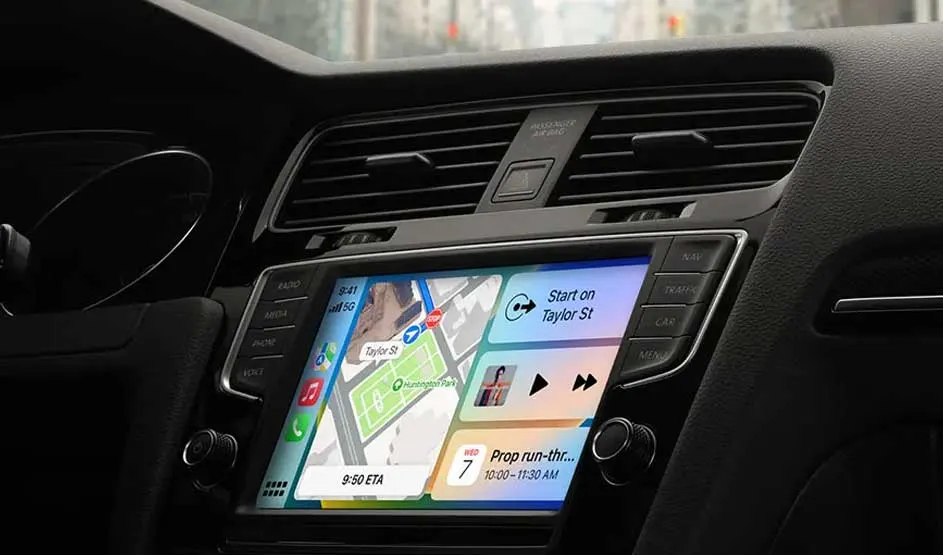
CarPlay now supports more apps on wider displays, with new accessibility features like voice control.
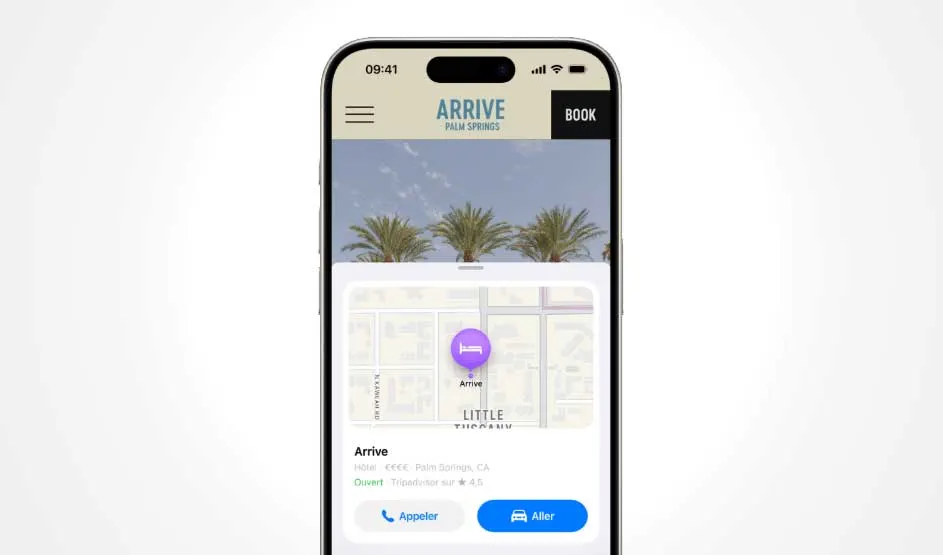
A revamped Reader mode and the new Highlights tool offer quick summaries of web pages, improving readability and efficiency.
New options include eye tracking for menu navigation and music haptics for deaf users making the iPhone even more inclusive.
You can now download walking routes and save favourite spots using the new Places Library.
Control Centre now supports multiple screens that you can customise to suit your routine – from HomeKit buttons to volume and screen brightness.

You can update to iOS 18 in just a few steps:
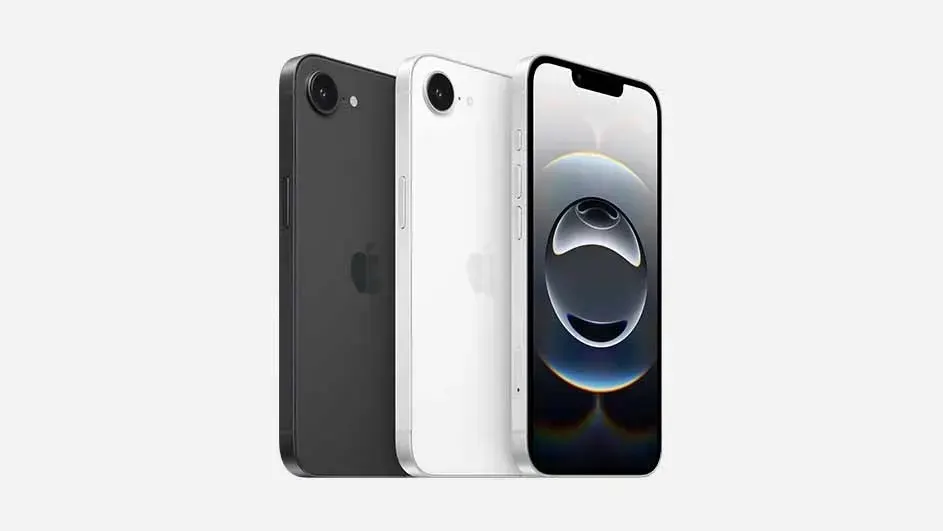
If your iPhone supports iOS 17, you can also upgrade to iOS 18. That includes all models from the iPhone SE (2nd gen) onwards.
However, not all features are available on all models. Apple Intelligence, for example, is only supported on iPhone 15, iPhone 16, iPhone 16e iPhone 16 Pro Max, iPhone 16 Pro , iPhone 16 Plus.
The update was rolled out on 16 September 2024. If you missed the notification, you can update manually or set your iPhone to update automatically:
The update usually takes around 30 minutes. Allow extra time if you’re on a slower connection or using an older iPhone.
Here are some common reasons:
Apple is expected to announce iOS 19 at WWDC in June 2025, with the public release likely in September alongside the next generation of iPhones.
iOS 18 adds useful features for privacy, productivity, and accessibility. Apple Intelligence and the Passwords app are standout upgrades, though some tools are limited to newer models. If your iPhone supports it, this update is well worth installing. To get the full experience, a newer device like the iPhone 15 or 16 is recommended.