MM logo white 1
MM logo red
Image description is not available

Using a projector as a TV screen: the pros and cons

Anouk4 JUNE 2026
A projector shines on a couch with popcorn, pillows and lights.

A TV and a projector each create a different viewing experience. While a TV mainly stands out for its ease of use and picture quality, a projector offers more freedom in screen size and setup. In this article, you'll discover the main differences between the 2 options.

Choose your projector or television for the World Cup

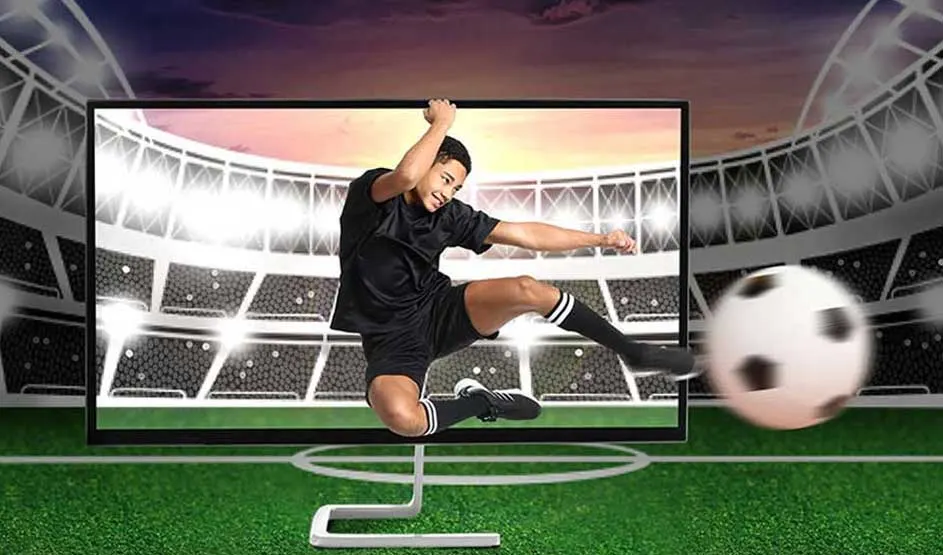
A footballer in black shoots hard at goal in a stadium; the ball flies blurred towards the viewer.

Are you planning to watch the 2026 World Cup? Then the right viewing setup can make all the difference. A TV gives you a bright picture and is ready to use straight away, while a projector can quickly turn your living room into a real fan zone thanks to the adjustable screen size. If you'll mainly be watching during the day, a TV is your best bet. If you'll mostly follow the World Cup in the evening or in a darkened room, a projector is a very practical choice.

Enjoy the World Cup at home to the fullest

TV or projector: a quick guide to the pros and cons

A group of friends cheer enthusiastically at night for a projected football match in a festive setting.

Not sure whether to choose a TV or a projector? Below, you'll find the main differences in a handy overview.

TV:

  • Plug and play: ready to use straight away.
  • Suitable for both bright and dark rooms.
  • Bright image with strong contrast.

Projector:

  • Screen size can be adjusted to suit the available space.
  • Portable: you can watch wherever you like.
  • Often creates a larger image than a TV in the same price range.

The most important features of a projector

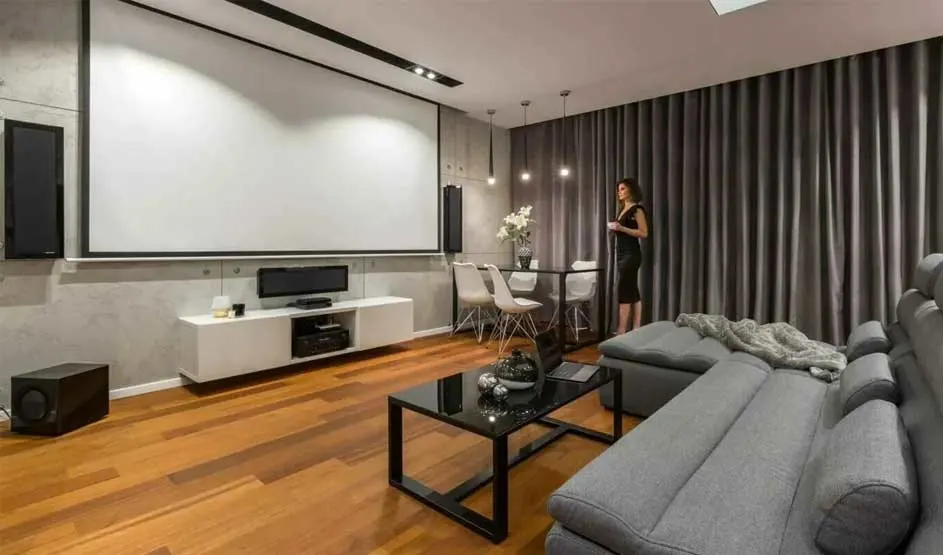
A modern living room features a large projection screen, grey sofa and warm wooden flooring.

A projector projects content onto a wall or projection screen. That makes it easy to adjust the image size to suit your preference. A projector usually needs a bit more preparation than a TV, but it gives you more freedom when it comes to setup. Keep the following differences compared with a TV in mind:

  • It projects images onto a wall or projection screen instead of showing them on a built-in screen.
  • It takes more preparation to set up than a TV.
  • For sound, you may sometimes need a separate soundbar or speaker.
  • You can easily adjust the image size to fit the available space.

What exactly is a projector?

The most important features of a TV

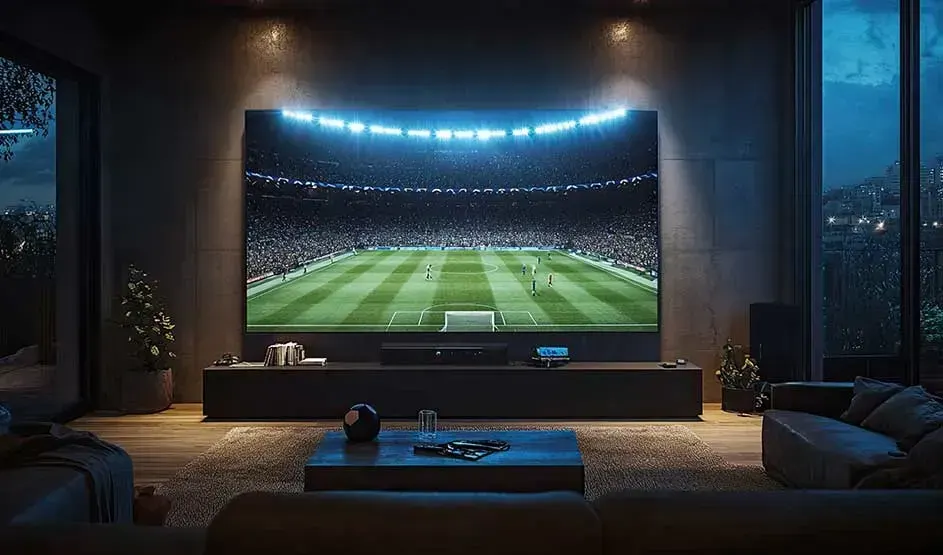
A large television shows a lit football stadium in a dark, stylish living room with an evening view.

TVs have their own screen that produces light, so you can keep watching clearly in a wide range of lighting conditions. A TV is also almost always plug and play: it's easy to set up and you can start using it straight away. The main points to know about a TV are:

  • TVs produce their own light, so the picture stays visible in both bright and dark rooms.
  • TVs are ready to use straight away without an elaborate setup.
  • TVs have built-in speakers, so you get sound immediately.
  • Unlike a projector, a TV has a fixed screen size.

Which TV should you choose?

Installation options for a projector and TV

A TV and a projector differ greatly when it comes to installation. A TV is usually quick to set up, while a projector needs more preparation to achieve the image size you want and the right positioning. That's why it's important to think in advance about the available space and where you want to place the device.

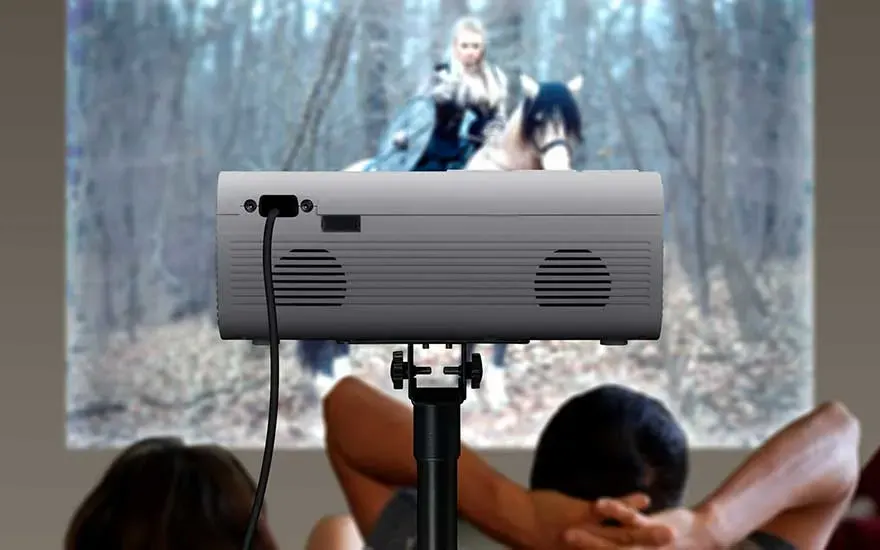
A projector on a stand plays a film while two people watch together in a relaxed mood.

Important when installing a projector:

  • Decide in advance where the projector will stand or be mounted to achieve the image size you want.
  • Depending on where you place the projector, you may need longer cables for connected devices, such as your games console.
  • Also take extra cables into account if you're using external audio equipment. Consider a wireless soundbar or speakers if you'd like to use fewer cables.
  • Choose a projector screen or project directly onto a smooth, light-coloured wall.

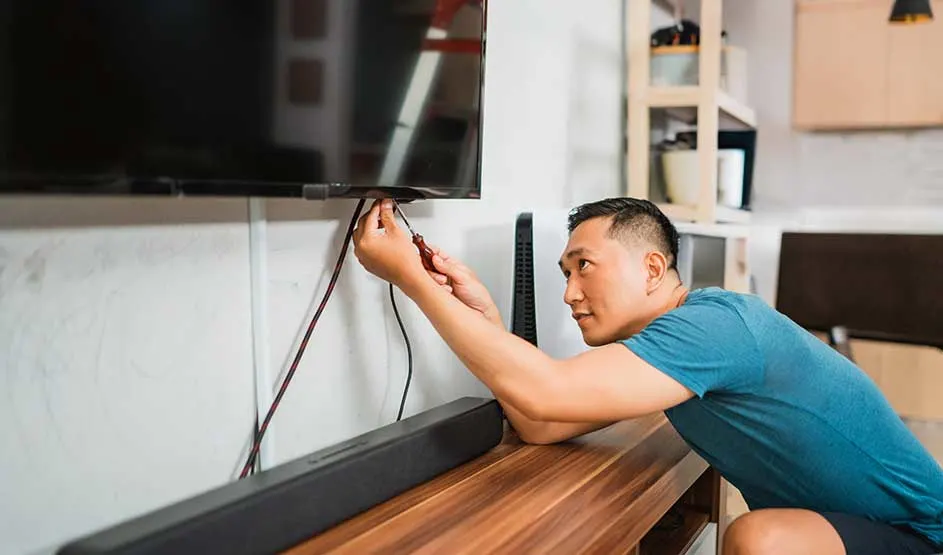
A man connects cables beneath a wall-mounted television in a modern living room with a soundbar.

Important when placing your TV:

  • Decide whether you'll place the TV on a TV unit or mount it on the wall.
  • If mounting it on the wall, use a suitable TV bracket.
  • Connect the TV to the mains and to your source devices.
  • Place devices such as a games console close to the TV to keep cables short.

Everything about TV brackets

The screen size of the projector or TV

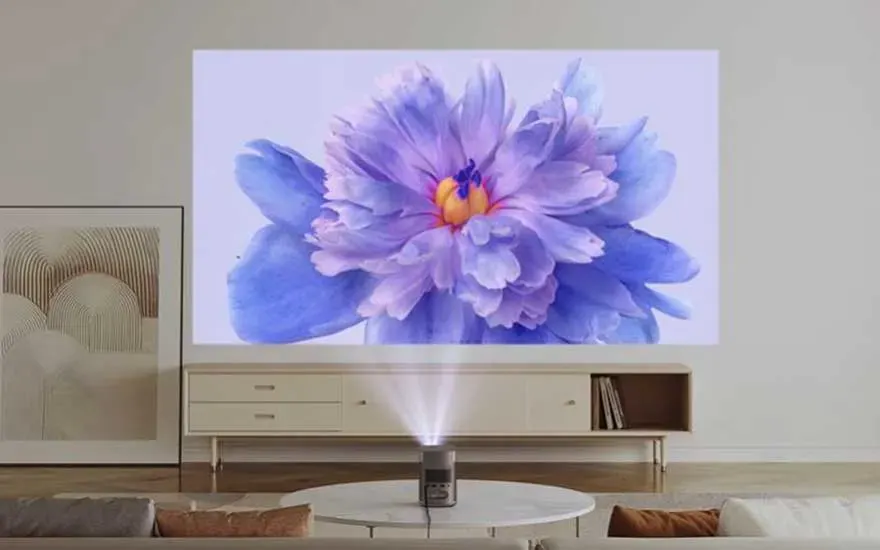
A projector displays a large purple flower on the wall above a sleek, modern sideboard.

One of the biggest differences between a TV and a projector is screen size. With a TV, you choose the screen size in advance, while with a projector you adjust the image to fit the available space. That means you can project as large as you like without placing a large TV in your living room. A projector screen also takes up less space and can often be rolled up. If you enjoy watching films, series or sport on a large image, a projector is often the more budget-friendly choice, because with the same budget you can usually get a bigger picture than with a TV.

Which TV size should you choose?

Viewing conditions for a projector or TV

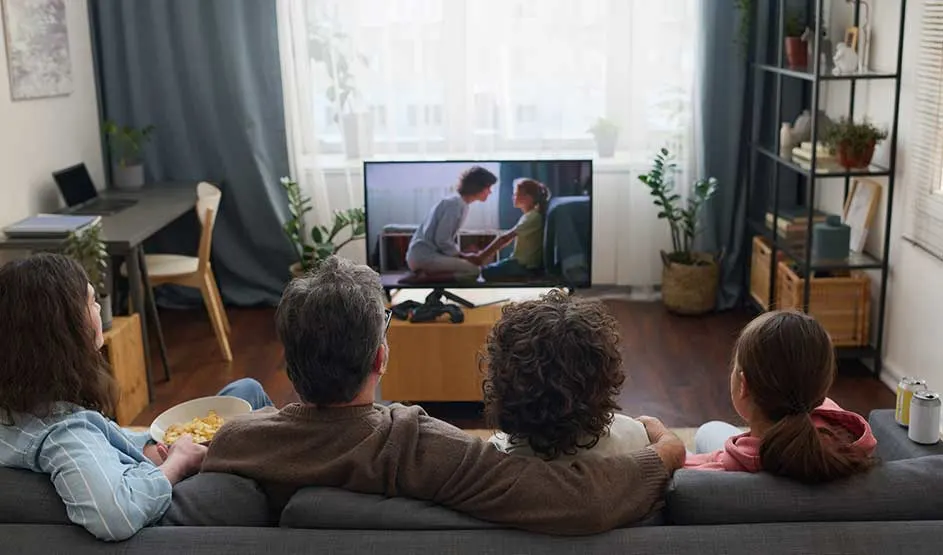
A family watch television together in a bright living room with plants, shelves and large windows.

Viewing conditions play an important role when choosing between a TV and a projector. A TV produces its own light, so you can watch comfortably even in a room with lots of daylight. A projector usually performs best in a darkened room. When choosing a projector, pay attention to its light output, expressed in lumens. The higher the value, the better the image remains visible in a lit room. If you'll mainly be watching during the day, or if it's difficult to darken the room, a TV is usually the better choice.

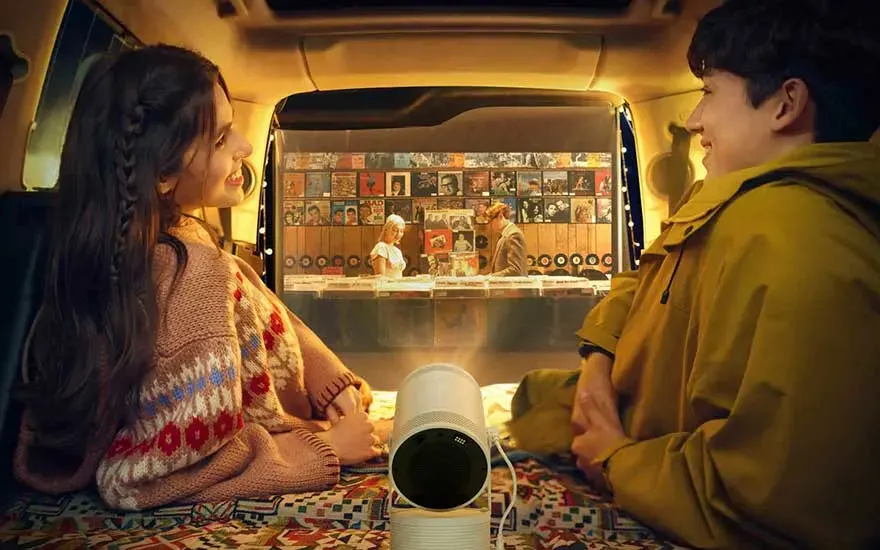
Two people sit cosily opposite each other in a vehicle, watching a projected screen.

Projector placement also matters. The distance between the projector and the projection surface helps determine how large the image will be. So if you have plenty of space available, it's easier to create a larger picture. If that distance is limited, a short-throw projector can be a good solution. With this type of model, you can still enjoy a large image even close to the wall.

Determine the right height for your TV

The difference in picture quality between a projector and TV

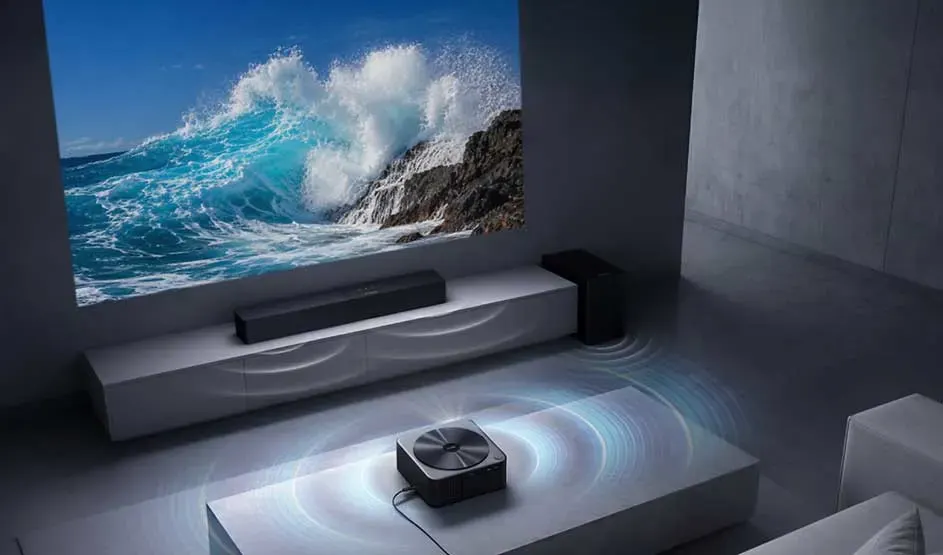
A projector shows a large ocean wave while speakers spread sound waves through a modern room.

A TV and a projector display images in different ways. A TV produces its own light, which makes images look brighter and contrasts appear stronger. That also means HDR content comes into its own more effectively. HDR increases the difference between the bright and dark parts of the image, giving light effects such as explosions and shadows more depth. Both 4K TVs and projectors are available. With 4K resolution, you get a sharper image, even on larger screen sizes. A projector displays that image across a bigger surface, which often makes it look slightly softer than it does on a TV.

Smart features and connectivity for projectors and TVs

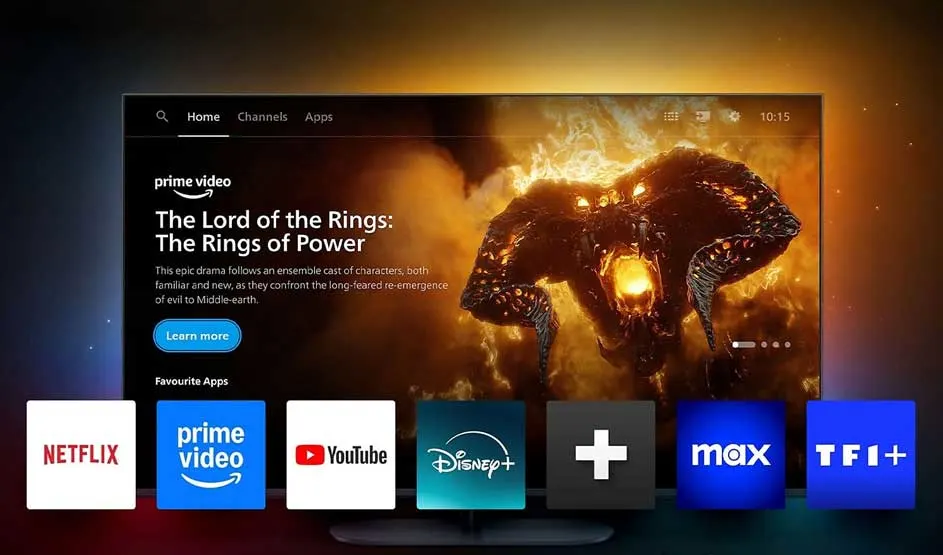
A smart television shows a fantasy series and streaming apps such as Netflix, Prime Video, YouTube and Disney+.

TVs and projectors now offer plenty of ways to play content and connect devices. You can easily stream films, series and other content over Wi-Fi, or connect your projector to your laptop, games console or media player via HDMI. Many modern TVs and smart projectors come with built-in apps for streaming services such as Netflix, YouTube and Disney+, so you don't need an extra device to watch content. On top of that, many models support wireless connections such as Apple AirPlay or Google Cast, allowing you to send content directly from your smartphone, tablet or laptop to the screen. Some TVs and projectors can even be controlled through a smartphone app or with voice commands.

Difference in maintenance between a projector and a TV

Someone wipes a smooth surface with a yellow cloth, with focus on the hand and the motion.

Both a smart TV and a projector require relatively little maintenance, but there are a few differences. With a TV, it's usually enough to dust the screen regularly and carry out software updates when prompted. A projector needs a bit more attention. It's best to clean the lens and any filters from time to time to prevent dust build-up. Some projectors also use a lamp that needs to be replaced over time. If you have a smart projector, software updates may be needed as well.

Clean your TV screen: our tips

TV or projector: all pros and cons

Property nameProjectorTV
Picture qualityOften less sharp than a TV.Clearer image with stronger contrast.
Screen sizeAdjustable to suit the available space.One fixed size.
InstallationRequires more preparation.Quick to set up and ready to use straight away.
Smart featuresDepends on the model but increasingly includes smart features and apps.Smart TVs always come with smart features and apps.
Viewing conditionsPerforms best in a darkened room.Suitable for both bright and dark rooms.
MaintenanceClean the lens and filters, and sometimes replace the lamp.Clean the screen and carry out software updates.

Advice on choosing between a TV and a projector at MediaMarkt

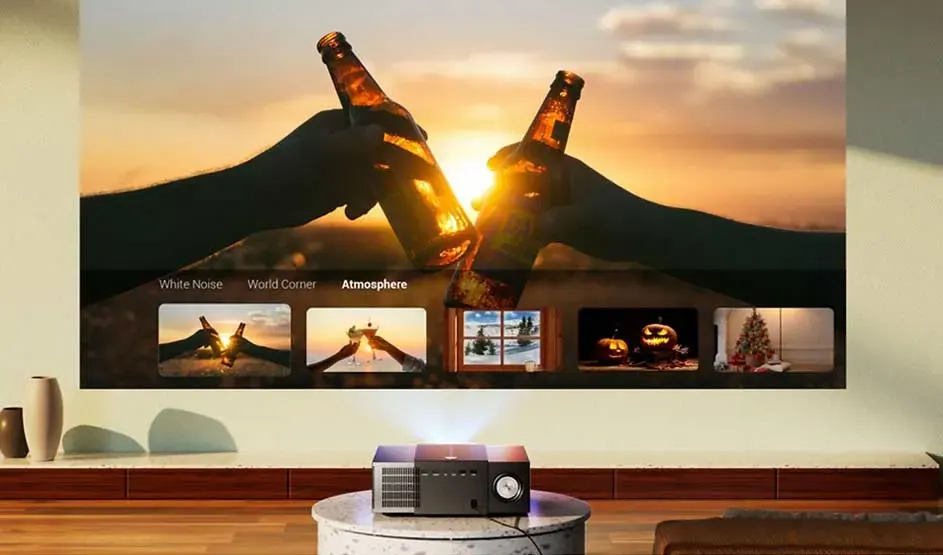
A projector shows two clinking bottles at sunset, with menus and image previews below.

A TV is often a practical choice. It's quick to set up, comfortable to watch in a range of lighting conditions and doesn't require any extra equipment to get started straight away. A projector takes a bit more attention to install, but it gives you more freedom in screen size and where you watch. That means you can easily use it in different rooms and create a large image without placing an extra-large TV in your living room. Depending on the model, you may still need a separate soundbar or speaker for the best sound.

The best TVs of 2026

Frequently asked questions

These articles may also be interesting for you