MM logo white 1
MM logo red
Image description is not available

How can you stream to your TV?

Anouk31 JULY 2025
A remote control points at a television. The screen displays multiple images on a dark gray background.

You’ve got friends coming to hang out and you’d love to show off your holiday photos and videos on a big screen. But how do you get those images from your phone, tablet or laptop onto your television? The answer is simple: stream your content wirelessly to your TV. On this page, we explain how you can easily stream your files or apps straight to your television in no time.

What is streaming to your TV?

Bowl of popcorn in front of a TV showing a classroom scene, with a remote on a wood surface.

Streaming to your TV means sending content from your smartphone, tablet or computer directly to your television. This lets you display websites, media files (like photos and videos), or apps on the TV screen. It’s the ideal solution when you want to enjoy something on a larger display, either on your own or together with family and friends. There are several easy ways to stream to your TV, and you don’t need much to get started – just a good Wi-Fi connection. Below, we’ll show you a few simple methods to connect your phone, laptop or tablet to your TV.

See all televisions
How do you stream to Chromecast?

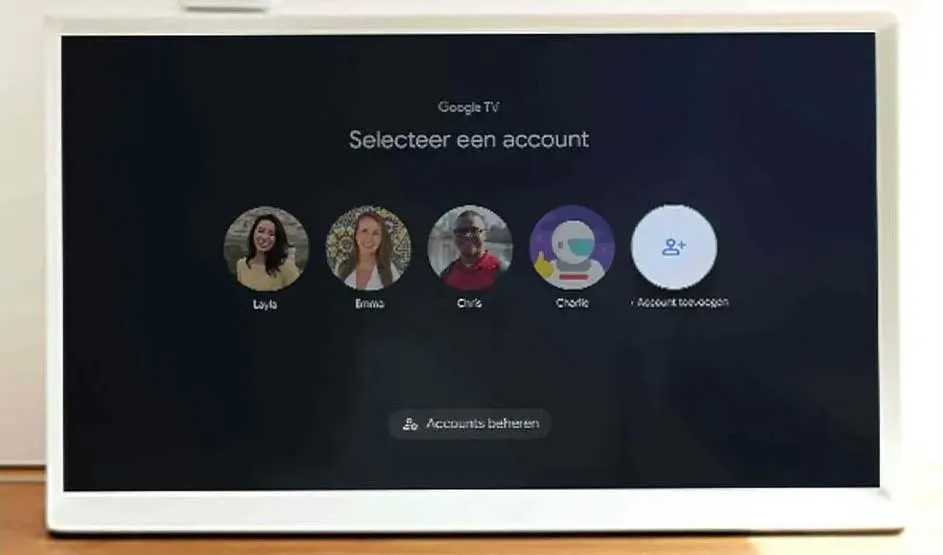
A white-framed screen displays Google TV's 'Selecteer een account' screen with profile icons on a dark background, set on a wooden surface.

A Google Chromecast is a small device that makes it easy to stream content to your TV from your smartphone, tablet or laptop. It doesn’t matter if you have an Android device or an Apple one – Chromecast is compatible with both. To stream to your TV, simply connect the Chromecast to your television via an HDMI cable. Then, open the app or media file on your mobile device and select the option to play it on your TV. Tap the casting icon: the rectangle with a Wi-Fi symbol in the lower left corner.

View all Google Chromecasts

How to stream from your phone to your TV

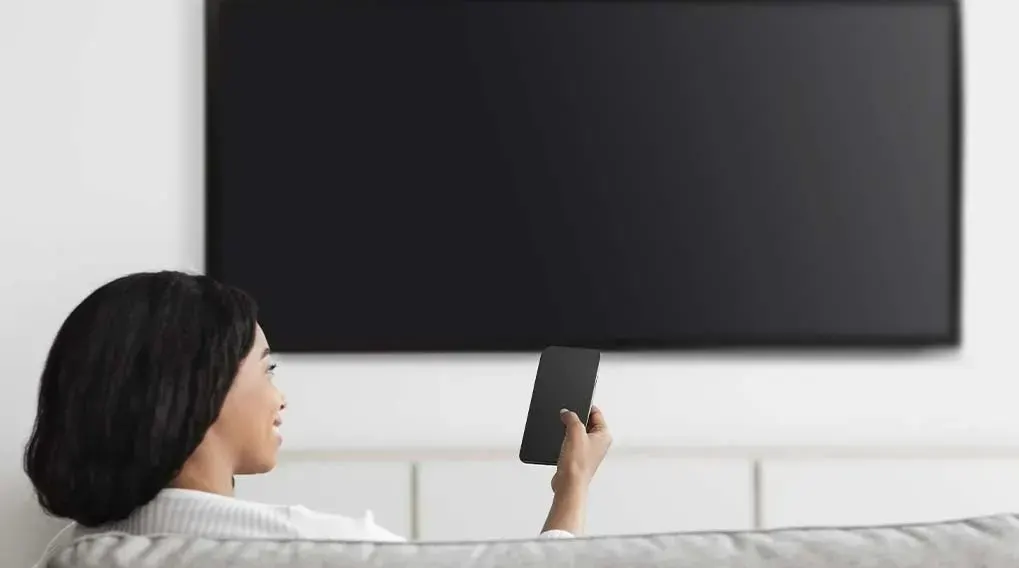
A black TV is mounted on a white wall. A hand holds a black phone. A grey sofa is at the bottom.

If you have a smartphone using Android, it’s very easy to stream content from your phone to your TV. Android phones use Miracast technology, which lets you connect 2 devices over Wi-Fi. Before you start, make sure both devices are on the same Wi-Fi network. Then, go to your phone’s settings and, on the Bluetooth menu, look for options such as Smart View, Cast, Screen Mirroring, or Screen Cast. Select your TV to start streaming.

View all smartphones

Have an iPhone? Here’s how to stream to an Android TV

A person does abs workout on a purple mat in front of a TV. Nearby are headphones, a water bottle, red dumbbells, and a phone.

With an iPhone, you can stream to your Android TV using Apple AirPlay. This technology allows Apple devices to connect to your smart TV or any television with a Chromecast. On your iPhone, open the app or media file you want to display on your TV and select AirPlay from the menu. Your iPhone will now connect automatically to your smart TV.

Dit zijn de beste smart-tv's
View all TVs

Streaming from your laptop or tablet to the TV

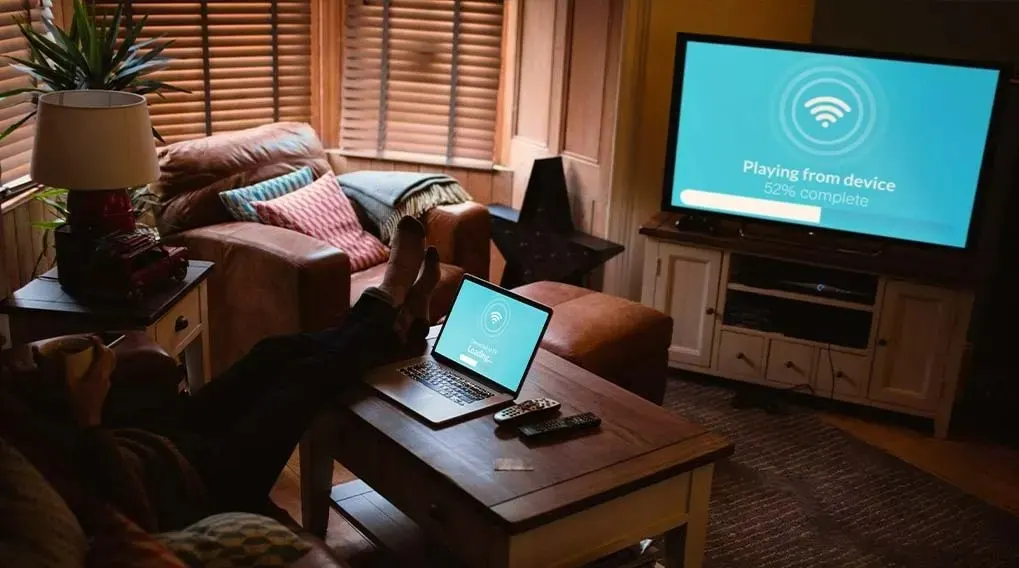
Living room with a laptop on a wood table, a sofa, and a TV playing from device. The screen shows 52% complete.

If you have a laptop or tablet using Android, you can stream wirelessly to your television using Miracast, the technology built into Android devices for connecting over Wi-Fi. So, you usually won’t need any cables. If you can’t connect both devices to the same Wi-Fi network, you can use an HDMI cable instead. If you have an Apple iMac, iPad or MacBook, use AirPlay – Apple’s own streaming technology – to stream media files, apps and other content to your TV and play them on the big screen.

See all laptops
See all tablets

How do you stream to a smart TV?

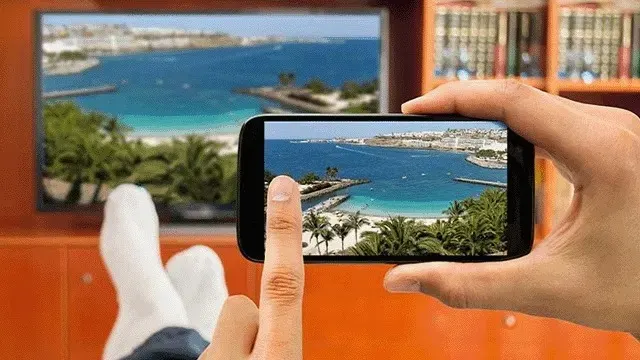
A hand holds a phone displaying a beach scene with blue water, mirroring the scene on a TV in the background.

With a smart TV, you can stream videos, music and other content directly using the built-in apps on your television. Apps like Netflix, YouTube and Disney+ are pre-installed on nearly all smart TVs. All you need is your TV’s remote control and an internet connection to open these apps on your screen. Want to stream photos and videos from your smartphone or another mobile device to your smart TV? Just open the files on your device, tap the cast icon, and select your TV to play your media on the television.

Are there differences when streaming to a Samsung TV?

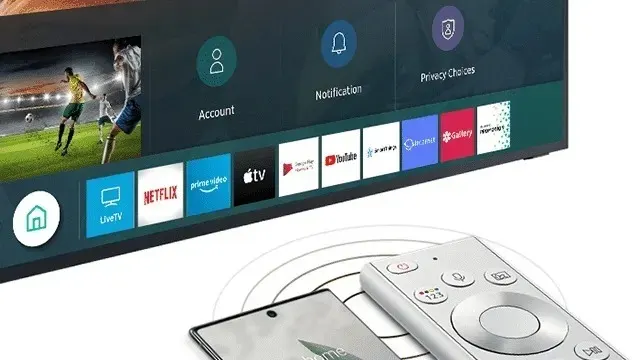
A TV displays app icons like Netflix. A phone and remote sit in front of the TV on a white surface.

Just like with other brands, you can easily share content from your smartphone, tablet, or laptop with a Samsung TV. Samsung smart TVs come with built-in apps (such as Netflix and YouTube), but you can also stream content via Chromecast, Apple AirPlay, or Miracast (for Android devices). Prefer to connect the traditional way? Simply plug your device into your Samsung TV using an HDMI cable.

Compare all Samsung TVs

Als je uit Nederland komt, bekijk dan hoe kun je streamen naar de tv.

These articles may also be interesting for you