MM logo white 1
MM logo red
Image description is not available

Advice on TV mounts

Anouk3 MAY 2026
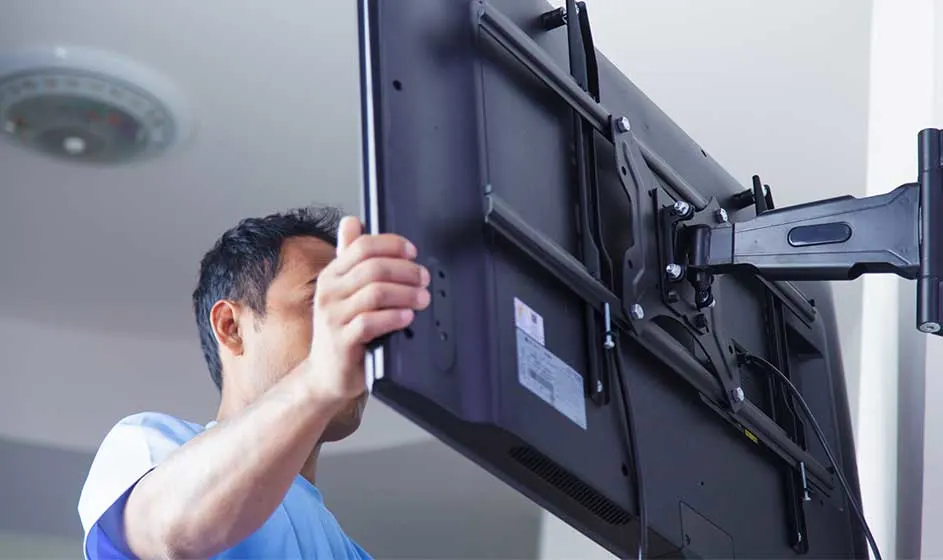
A black TV is mounted on a beige wall with an adjustable metal bracket. Cables are visible.

A TV mount is an elegant and practical option for hanging your TV on the wall. With a TV mount, your television looks extra stylish and saves space. A mounting system also provides added convenience for watching TV. Choosing the right wall mount depends on factors such as the size of your TV and your viewing preferences. This article explores these considerations in more detail.

Why a TV mount?

A TV mount provides a smart and elegant solution to hang your television, whether it’s an OLED or LED TV.

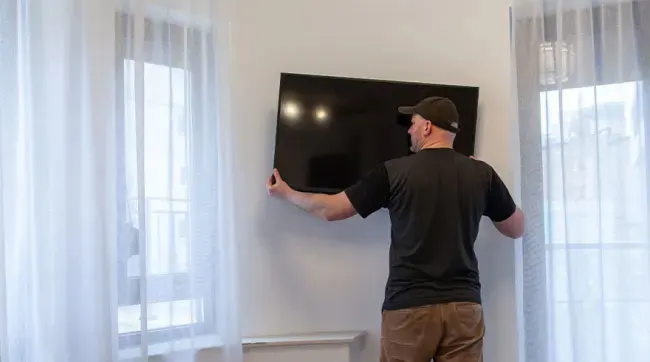
A black TV is mounted on a white wall, between two windows covered with white curtains.

These wall mounts transform your TV into a piece of wall art, immediately giving your living room a more stylish appearance. Thanks to the flat design of modern televisions, they blend seamlessly into your interior. You also save space with a TV mount, an important plus in any living room. Furthermore, TV mounts with built-in cable management systems allow you to neatly hide all cables, contributing to a clean and organised look. What really stands out about a TV mount is the flexibility: you can determine the ideal height to hang your TV, independent of a TV cabinet. This not only improves your viewing experience but also makes your TV setup safer, as your OLED TV cannot fall off a cabinet or stand.
More about the best TVs

How to choose the right TV mount

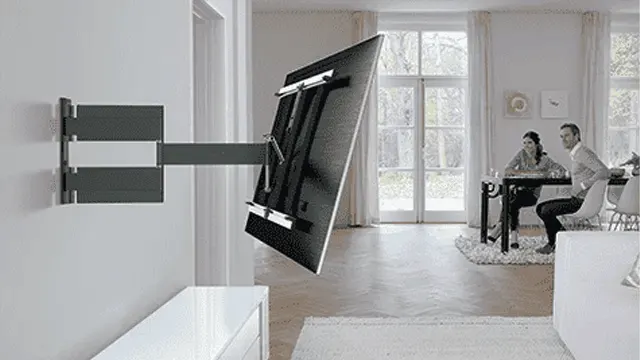
A wall-mounted, adjustable television bracket holds a black screen. In the background is a room with a table and a window.

When choosing a suitable TV mounting system, it’s important to consider the size and weight of your TV, especially for large TVs. Check the VESA size, which indicates how the mounting holes on your television are positioned. This size must match the TV mount. Also think about the desired flexibility. Do you want your TV to tilt or swivel for a better viewing angle? If so, choose a TV mount with these options. Consider the space in which your TV will be hung. For smaller rooms or corners, a swivel or tilt wall mount is a good option.

Installation is another important aspect. Check whether the wall on which you want to attach the mount can support the weight of the smart TV. Finally, consider the design and finish of the mounting system to ensure it fits your interior and creates a sleek look.

What types of TV mounts are there?

When selecting a TV mount for, for example, your 4K or 8K TV, you should consider several points: how often you watch TV with friends or family, where in your home the TV will be placed, and how much space you want to save.

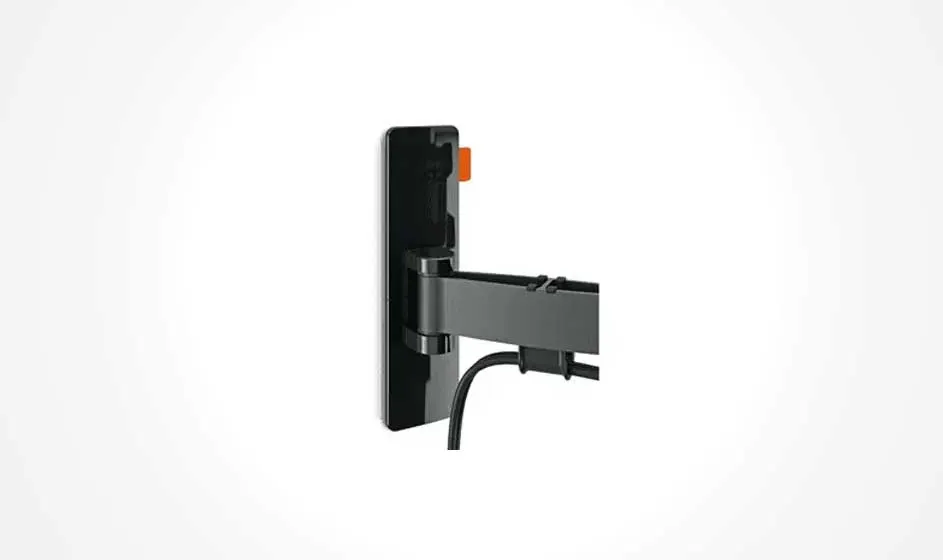
A black TV mount is affixed to a white wall with a cable hanging from it.
  • Swivel mounts: ideal for group viewing sessions. They allow you to rotate the screen, so everyone has an optimal view. When watching alone, simply adjust the angle according to your position.

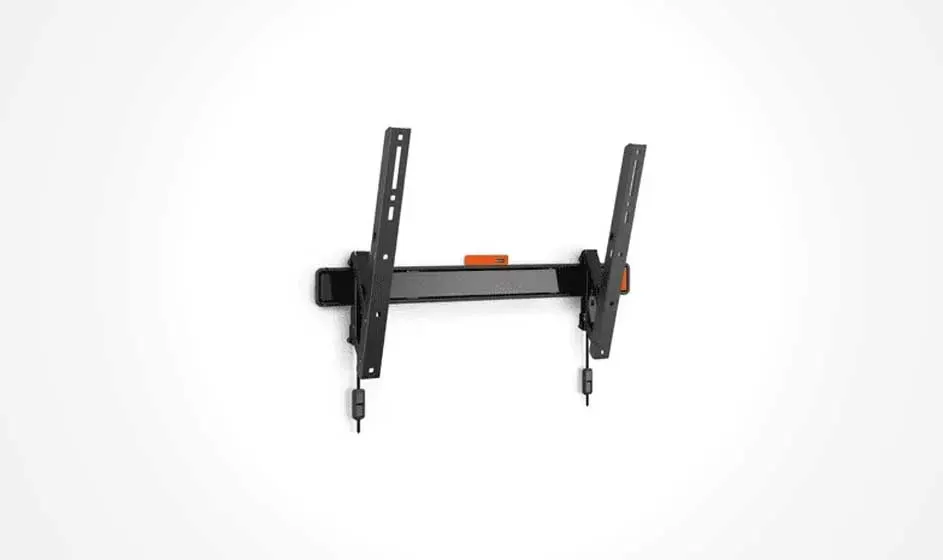
Black TV wall mount with two vertical arms and level. On a white background.
  • Tilt TV mounts: for the bedroom, tilt TV mounts are a great solution. You can tilt the screen forward easily for a comfortable viewing experience from bed. Many mounts combine tilt and swivel functions for even more flexibility.

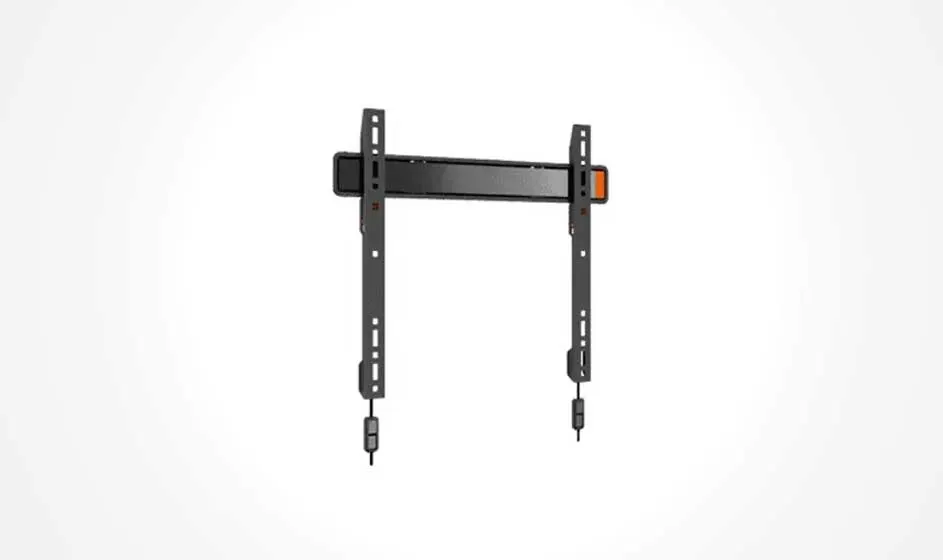
A dark grey television wall mount is centered on a white background. It features two vertical bars connected by a horizontal bar.
  • Fixed TV mounts: do you want to hang your TV as stylishly as possible? Then choose a fixed TV mount. These wall mounts hold your television tightly against the wall, saving space and creating a neat appearance. Keep in mind that connecting and disconnecting cables with these mounts can be slightly more difficult.

Connecting and mounting your TV properly

What is a VESA size?

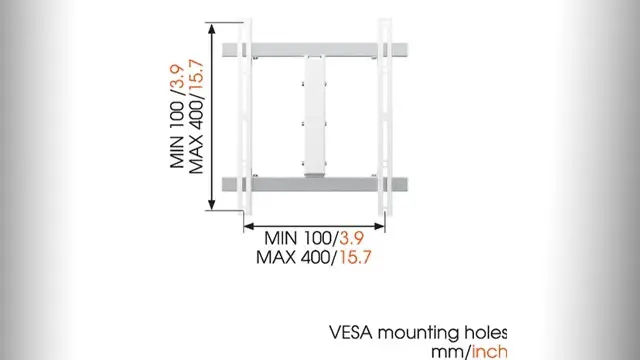
Diagram of a white VESA mount showing dimensions. Minimum 100mm/3.9 inches, maximum 400mm/15.7 inches, on a white background.

The VESA size is an international standard that indicates the distance between the mounting holes on the back of a TV or monitor. When buying a TV mount, the VESA size of both the mount and your TV must match. This measurement, expressed in millimetres, indicates the horizontal and vertical distance between the mounting holes. For example, a VESA size of 100x100 means that the holes are 100 millimetres apart both horizontally and vertically. VESA sizes range from small, such as 75x75, to large, such as 800x400, depending on the size and model of the TV. Always check the VESA size of your smart TV before purchasing a TV mount.

More about which TV to choose

What specifications does a TV mount have?

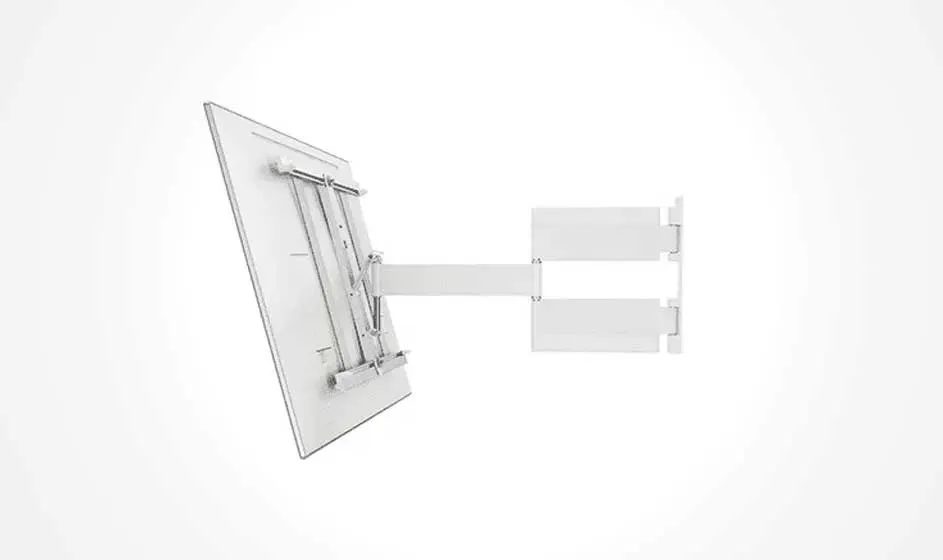
A white TV wall mount is shown. It has a bracket for the TV and a wall plate connected by an arm.

When buying a TV mount, consider some important specifications. Choose a mount that fits the dimensions and size of your TV; every wall mount has a specific minimum and maximum screen size. Also check the weight capacity of the wall mount and compare it with the weight of your TV. Most TV mounts are strong enough to hold a significant weight. Additionally, ensure that the TV mount matches the VESA size of your television. This measurement indicates the distance between the mounting holes and is crucial for correct installation. Want to keep your cables tidy? Some wall mounts have a cable management system. You can also choose an external cable conduit to keep cables organised outside the mount.

More tips for cleaning your TV screen

How to attach the wall mount

To attach a TV mounting system, choose a wall where you can safely drill. Always check first that there are no pipes running through the wall. For this, use a pipe detector, which you can buy at a DIY store. All necessary items for installation, such as wall plugs and screws, are usually included with the TV mount. For mounting on a plaster wall, you will need special plugs, which are also available at any DIY store. Use a spirit level to ensure the mount hangs straight. Some TV mounts come with a built-in spirit level. It’s also helpful to mark the drill holes on the wall with a pencil first. Many TV mounts allow some adjustment after installation. Need help hanging your new TV, or is your TV broken? At MediaMarkt, we are ready to assist you with both installation and repair of your television.

These articles may also be interesting for you