MM logo white 1
MM logo red
Image description is not available

Repairing your TV: do it yourself or have it done?

Anouk5 MAY 2026
A TV on the left is being plugged in, against a white wall.

Devices break from time to time – that’s the hard reality. Even that beautiful new TV can develop a fault. And then you’re suddenly left with a lot of questions. Can it be fixed? Can I do it myself? Is it worth it? We answer those questions here.

First aid for a glitchy picture

Abstract dark background with digital noise. Small squares of white, red, green and blue are scattered across it.

Something’s wrong with your smart TV… Uh-oh, what now? The picture disappears or the colours look wrong. The first steps you absolutely must take yourself are always the same. Turn everything off: your TV and all sources. Then check all the connections. Is the plug properly in the wall socket and in the TV? Are all HDMI cables still firmly connected? To be sure, unplug them all and plug them back in one by one. While you’re doing that, also check whether the cables show any damage. Be careful with the power cable: if it shows any damage, you must replace it immediately. Always having issues with one specific external source? Swap its HDMI cable with that of another source; that way you can determine whether the cable is the cause.
Repairing it yourself

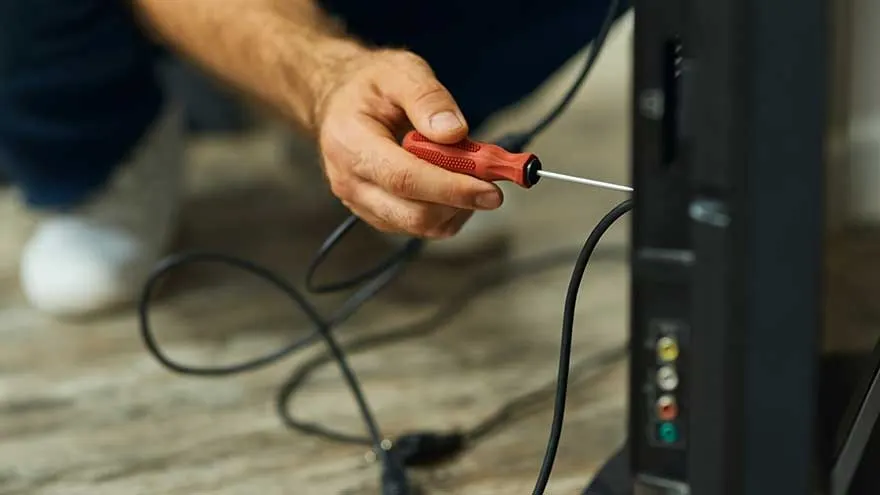
A red screwdriver is used on the back of a black TV, with black cables connected to colored ports. The floor is light brown.

All cables are fine and properly connected. The problem persists. *Sigh*. What now? Luckily, you’re an experienced DIY-er and a wizard with a soldering iron. The idea of tackling your TV’s innards with a Torx T1 screwdriver doesn’t scare you. And of course you can read circuit diagrams with ease. Even so, we don’t recommend starting on it yourself. If the device is still under warranty, use it. As soon as you undo a single screw, your warranty becomes void – so why risk it? Is your warranty already expired? Even then, the chances you can fix something yourself are very small. The number of components in your TV is limited, so repairs often mean replacing a module. Not something for the average consumer.

Under warranty? No problem

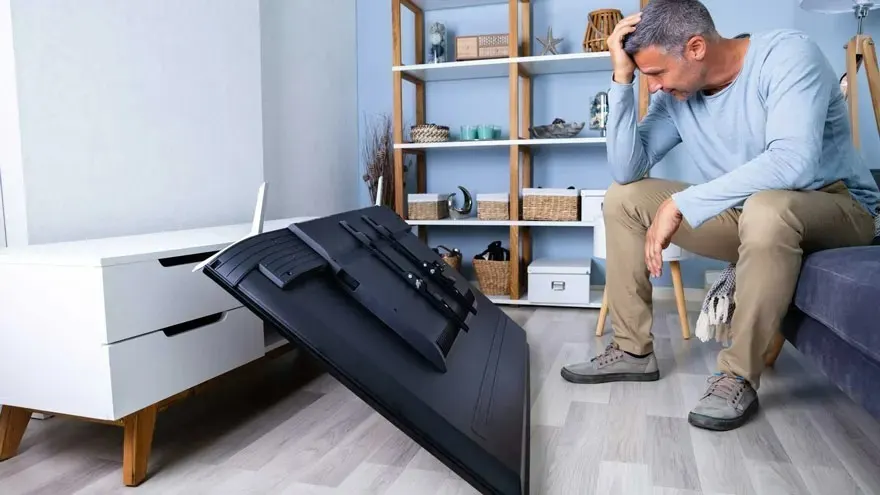
A fallen black television sits on a gray floor next to a white cabinet. A light blue wall is in the background.

To make use of your warranty, keep your receipt – it serves as your proof of warranty. If your purchase at the till is linked to your ID card, the receipt isn’t required. Within 2 years of purchase, repairs are free, as long as it’s a technical defect or manufacturing fault. That tennis-ball-shaped dent in your OLED screen? Hmm, no, that’s not covered by warranty. Is your TV smaller than 40 inches? Take it to the store. Is your TV larger than 40 inches? MediaMarkt will arrange for the device to be repaired at your home. All repairs are carried out by the brand itself or by an authorised repairer.

Warranty+

The image shows the word "GARANTIE+" in bold, black letters with a red plus sign on a gray background.

It may have happened to you already: your TV breaks down just outside the warranty period. If you want to avoid that frustration and a paid repair – add Warranty+ to your next purchase. You pay a small surcharge, and your warranty is extended from 2 years to 5 years (2 years statutory warranty + 3 years extended warranty). During those 3 additional years, the same conditions apply as for the statutory warranty: only technical defects or manufacturing faults are repaired free of charge. You call the dedicated Warranty+ number to open your case. Do not call the manufacturer – they are not aware of your extra warranty and may charge you costs. If your TV can no longer be repaired at an acceptable price, you’ll receive a voucher valid for 1 year. From the third year after the purchase date, you’ll be reimbursed the original purchase value minus 20 percent per year.

Repairs outside warranty

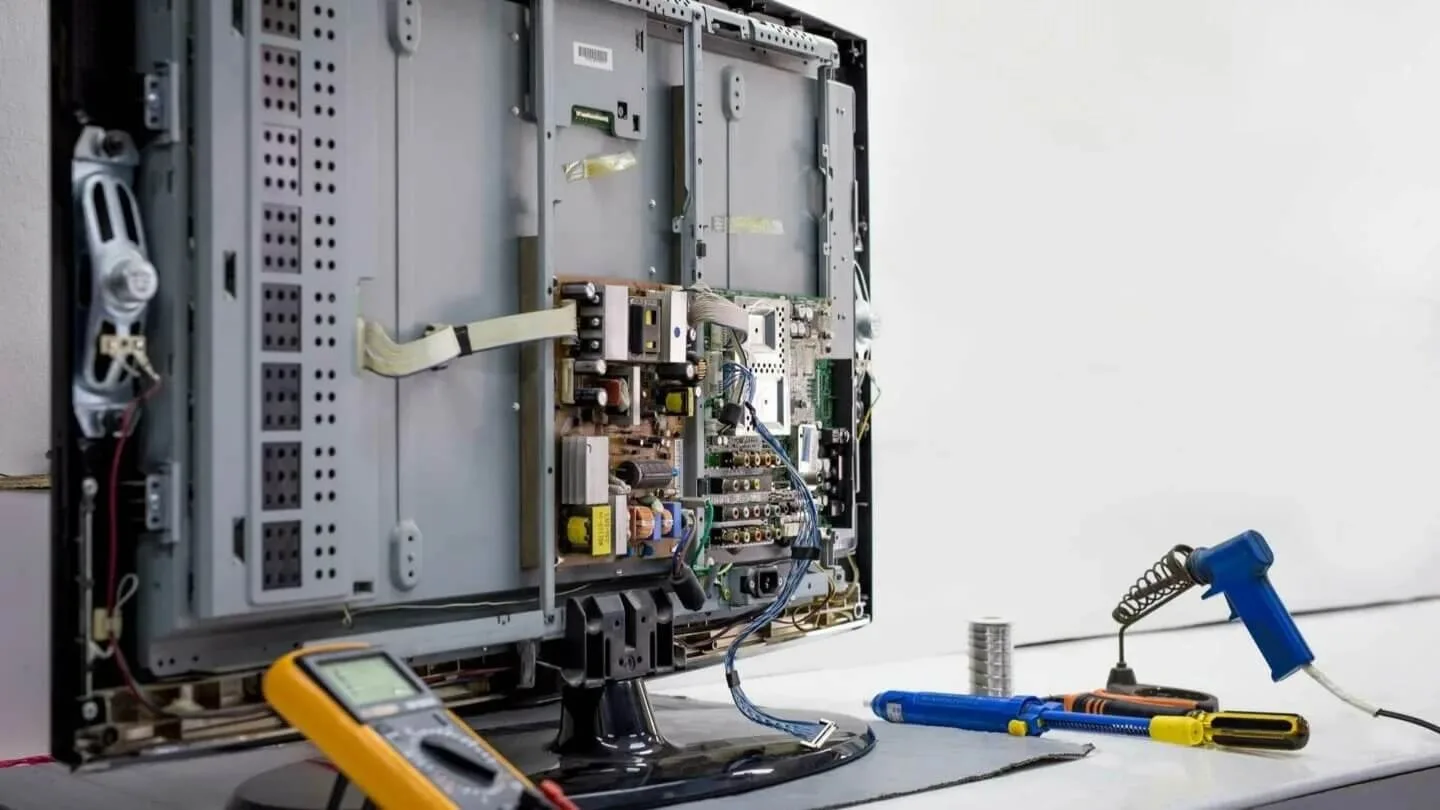
An open television with visible internal electronics, a yellow multimeter, and blue soldering tools on a light surface.

Is it still worth having a repair done outside the warranty? That depends on the original price of your device, the repair cost, and your own judgement. The procedure is the same as within warranty, but bear in mind there will be a minimum charge for transport and preparing the quotation (count on at least € 50). Once you have the quote, there are 3 options:

  • You agree with the price: the device will be repaired.
  • You don’t agree with the price but want the device back.
  • You don’t agree with the price and don’t want the device back (it will be recycled).

Calibration

Two TVs show a soccer ball on green grass. A display stand holds electronics under bright lights.

In the market for a new TV? Then also consider the Screen Calibration Service. With this additional service, a MediaMarkt specialist calibrates the picture for the best result. This ensures every shadow nuance or white detail is visible, colours look vivid and lifelike (not artificial), and every detail is razor-sharp. This service can be carried out in-store or at your home.

These articles may also be interesting for you