

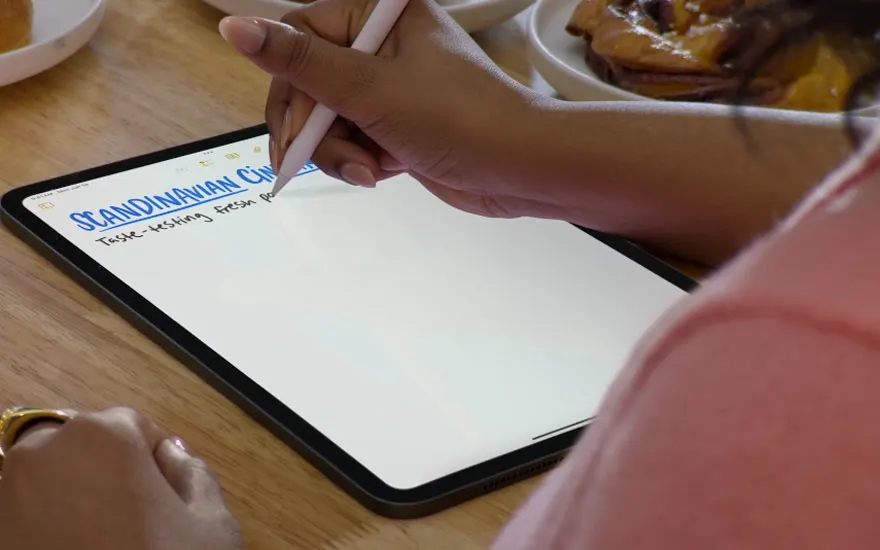
iPadOS 18 brings a wide range of updates that enhance productivity and usability. Here are the highlights:
What is iPadOS?


iPadOS 18 is the most recent version of Apple’s operating system for iPads, released on 16 September 2024. This update introduces powerful new features, enhanced Apple Pencil support, and greater customisation. It's designed to make your iPad more flexible and intuitive whether you use it for work, study, or creative tasks.
iPadOS 18 brings a wide range of updates that enhance productivity and usability. Here are the highlights:
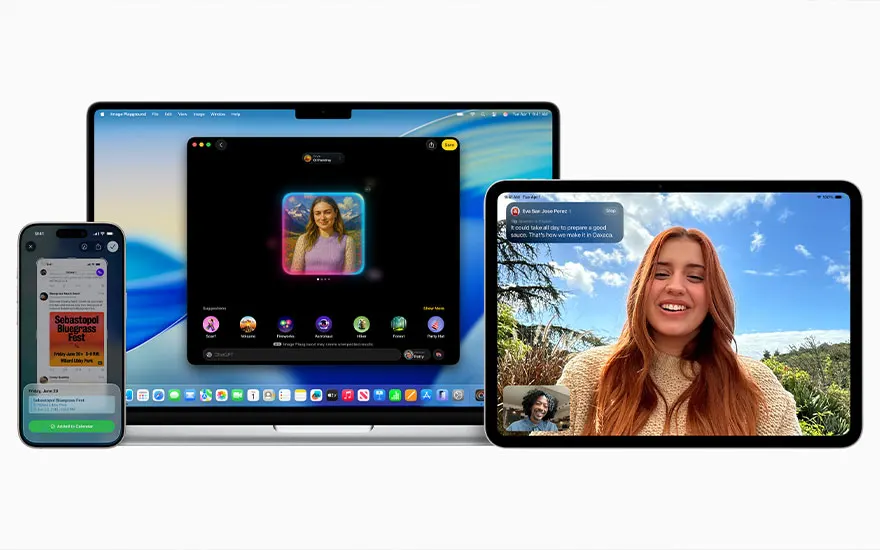
Apple Intelligence is an AI system that helps with daily tasks like summarising messages, searching photos by description, and generating images using Image Playground. Siri also receives an upgrade, offering more natural and context-aware responses. (Note: Apple Intelligence is not yet available in Dutch.)
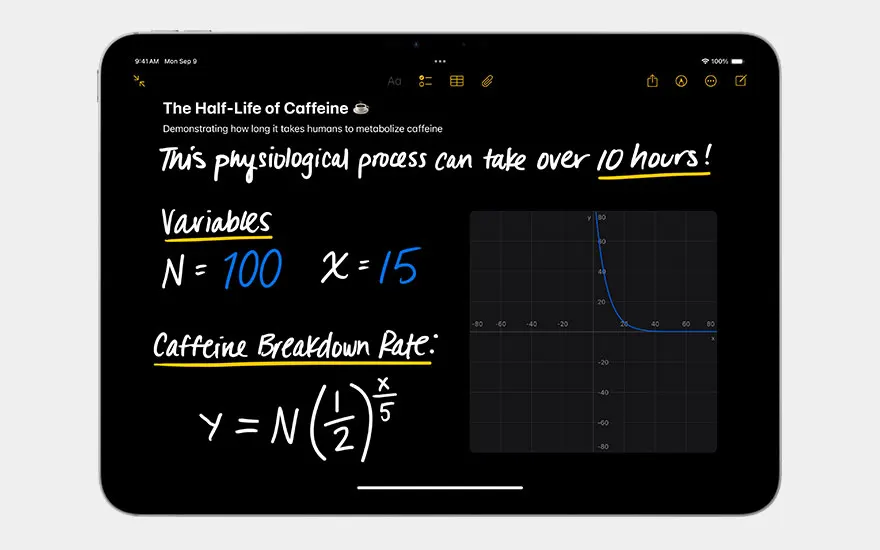
iPad now includes a dedicated calculator app. Math Notes allows you to write with your Apple Pencil or type equations, which are then solved automatically. It’s ideal for students and professionals needing graphing or variable control.
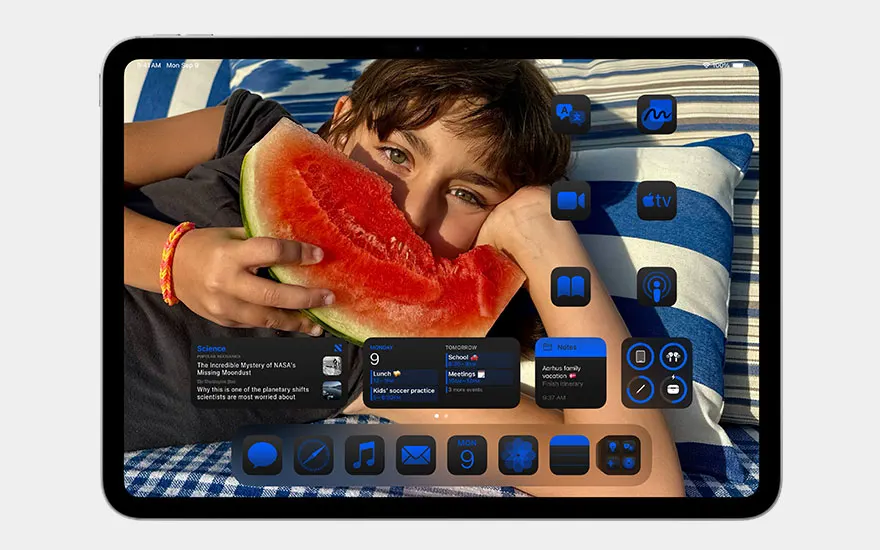
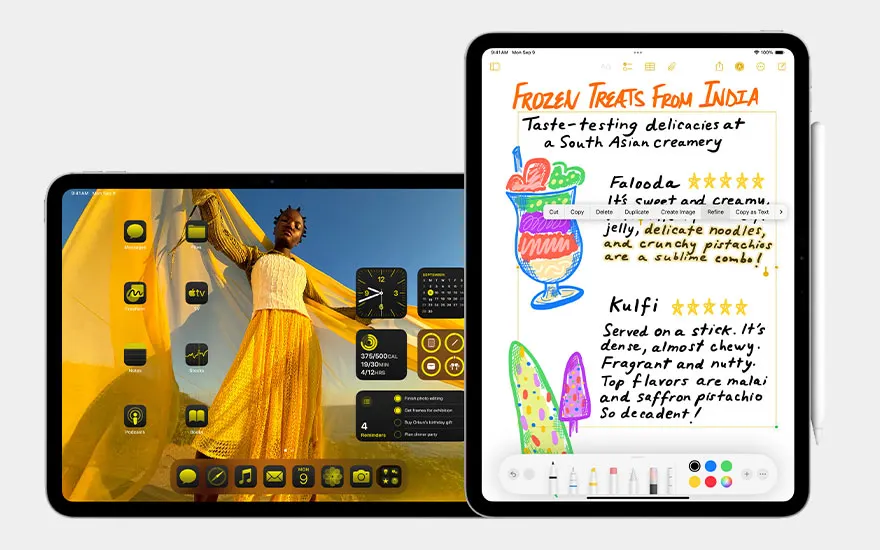
You can freely arrange apps and widgets, adjust their size, apply colour schemes, and even lock or hide certain apps.

A redesigned tab bar makes multitasking smoother. You can drag items from a sidebar to the tab bar for quicker access in apps.
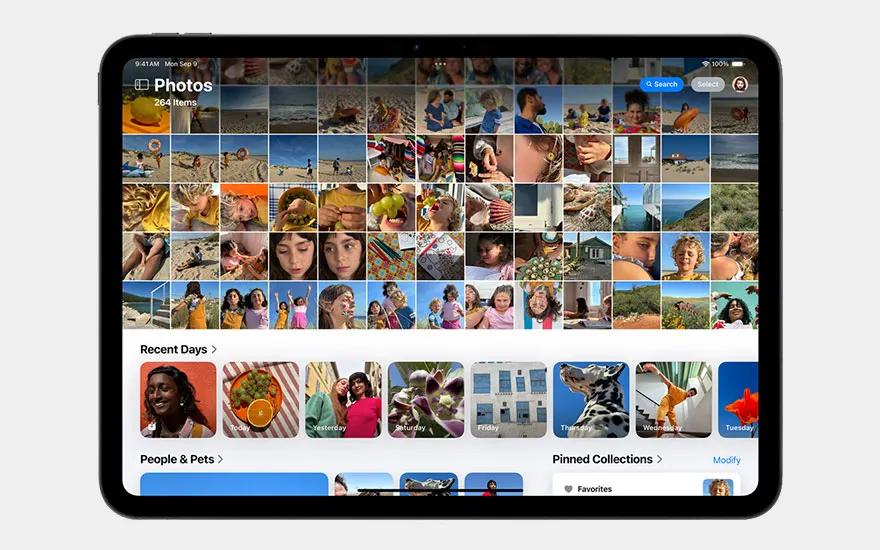
The Photos app has a refreshed layout with improved sorting and smarter filters for easier editing and navigation.
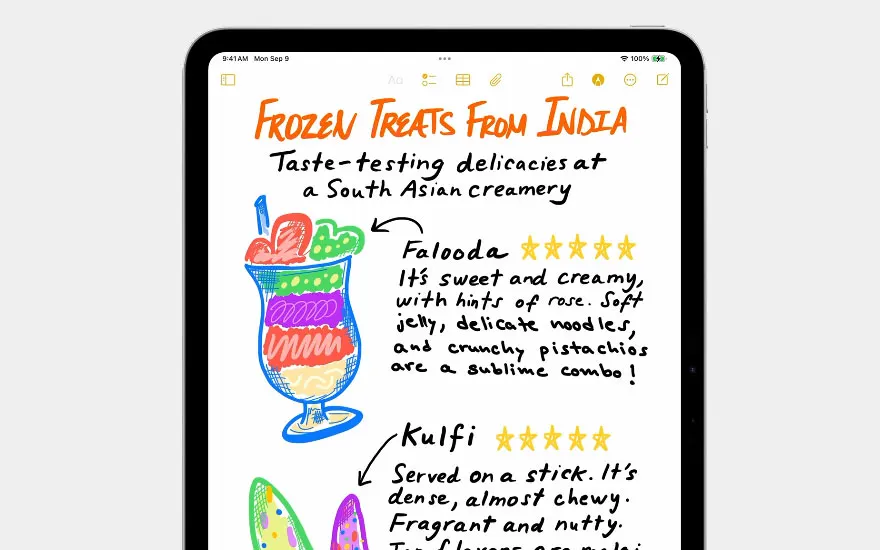
This tool converts your handwriting into editable digital text while keeping your writing style. It also lets you adjust spacing or insert typed content with Apple Pencil.
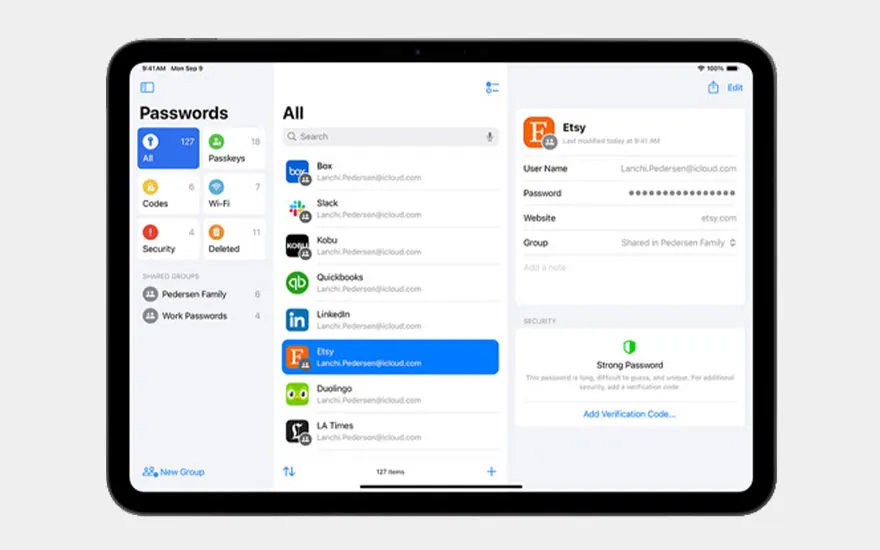
All your logins, passkeys and verification codes are now stored securely in the dedicated Passwords app, which syncs across all your Apple devices.
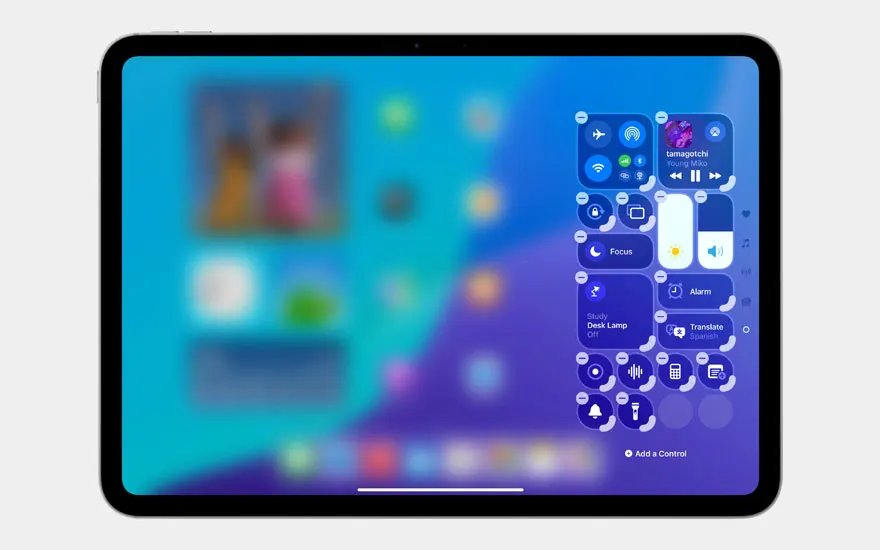
With more layout options, you can now customise quick access to settings like brightness, Wi-Fi, or audio output.
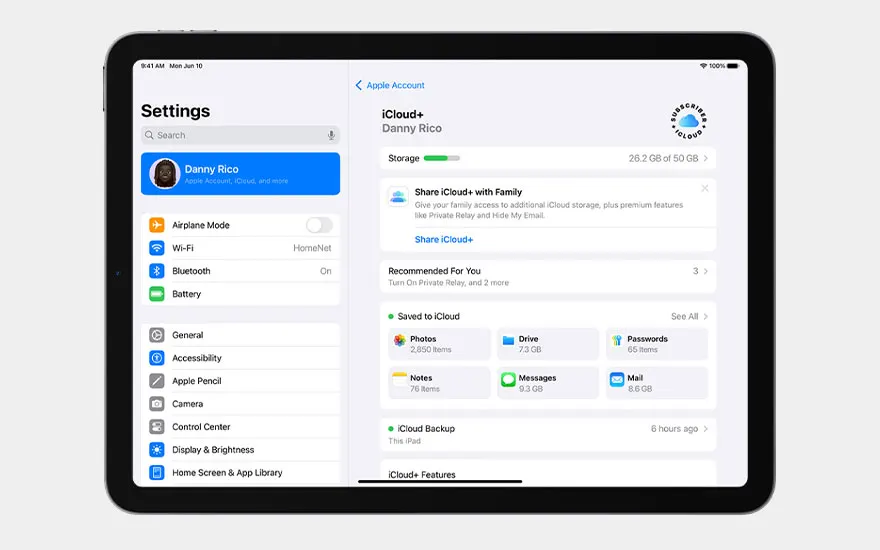
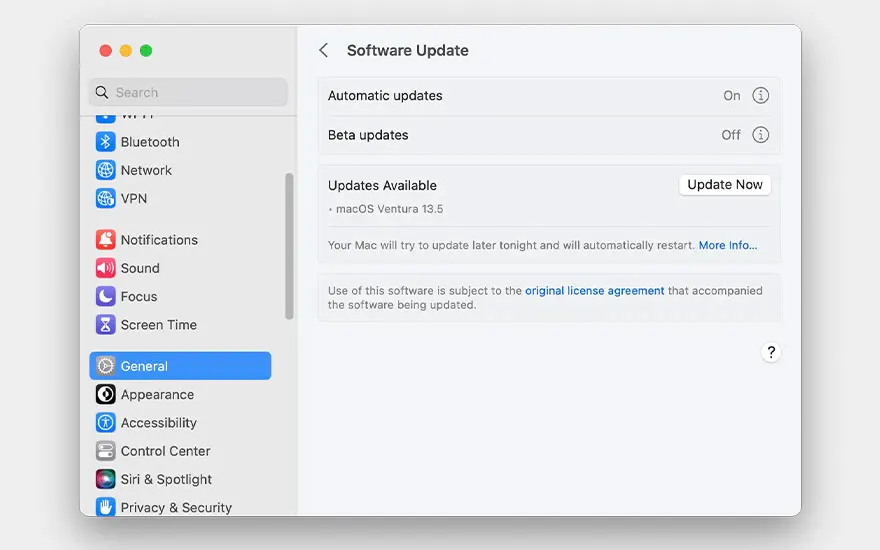
You can install iPadOS 18 in 2 ways: directly or via your computer.
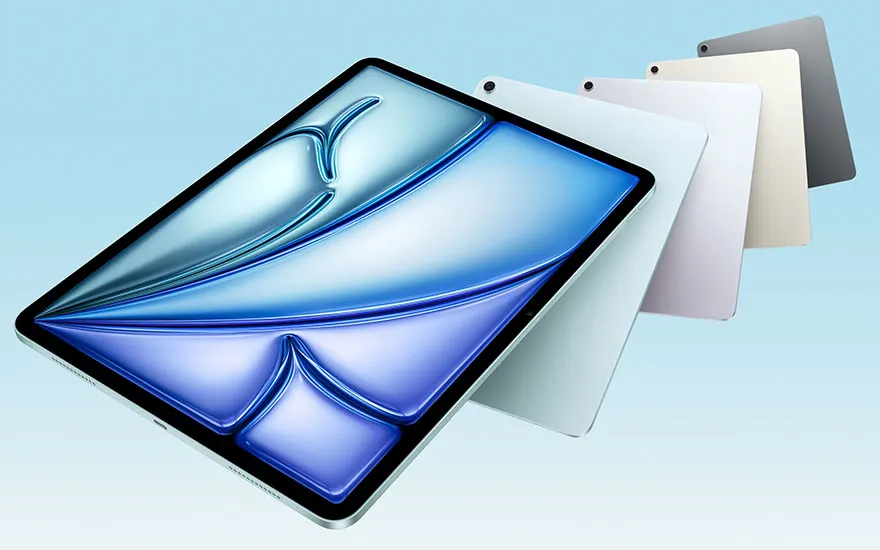
Below is a list of iPads compatible with iPadOS 18, including when support is expected to end:
| Model | Supported until |
|---|---|
| iPad (7th generation, 2019) | September 2025 |
| iPad Mini (5th generation, 2019) | September 2025 |
| iPad Air (3rd generation, 2019) | September 2025 |
| iPad Pro (3rd generation, 2018) | September 2025 |
| iPad (8th generation, 2020) | September 2026 |
| iPad Air (4th generation, 2020) | September 2026 |
| iPad Pro (4th generation, 2020) | September 2026 |
| iPad (9th generation, 2021) | September 2027 |
| iPad Air (5th generation, 2022) | September 2027 |
| iPad Pro (5th generation, 2021) | September 2027 |
| iPad (10th generation, 2022) | September 2028 |
| iPad Mini (6th generation, 2021) | September 2028 |
| iPad Pro (6th generation, 2022) | September 2028 |
| iPad Air (6th generation, 2024) | September 2030 |
| iPad Pro (7th generation, 2024) | September 2030 |
iPadOS 18 was released on 16 September 2024, alongside iOS 18 and macOS Sequoia.
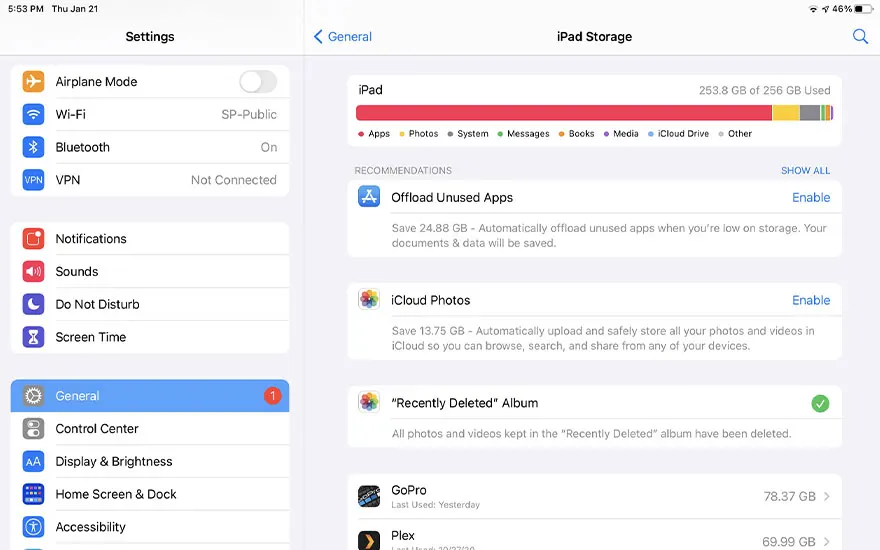
You may run into issues if:

Although Apple hasn’t confirmed a release date, iPadOS 19 is expected around September 2025. Apple typically unveils new versions during WWDC in June, followed by a public release in early autumn.
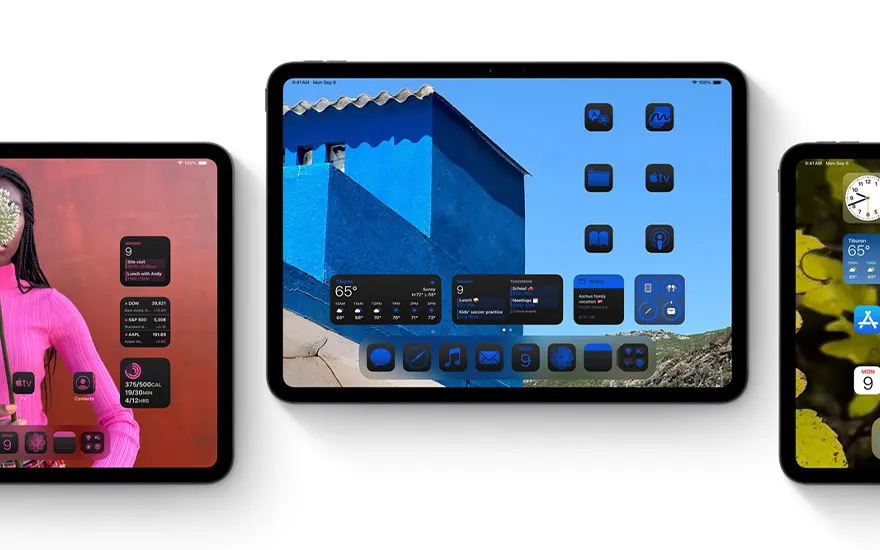
iPadOS 18 significantly upgrades the iPad experience. From AI assistance to deeper customisation and enhanced productivity tools, it’s a smart move for most users. If your iPad supports the update, we recommend installing it. Using an older device? It might be time to upgrade to keep pace with features and security.


